
Have you ever clicked on a website and just waited? The screen sits there, loading, while you start wondering if you should just go somewhere else. That moment of frustration? That’s exactly what Core Web Vitals optimization is trying to eliminate.
Here’s the thing slow websites don’t just annoy visitors. They actively cost you money, rankings, and credibility. Studies show a single second of delay can reduce conversions by up to 7–20%. And in 2026, Google’s algorithm places more weight on page experience signals than ever before.
Core Web Vitals are Google’s official metrics for measuring real-user experience on your site. They cover three things that matter most to people browsing the web: how fast the main content loads, how quickly the page responds to clicks, and whether the layout stays stable while loading.
What Are Core Web Vitals?
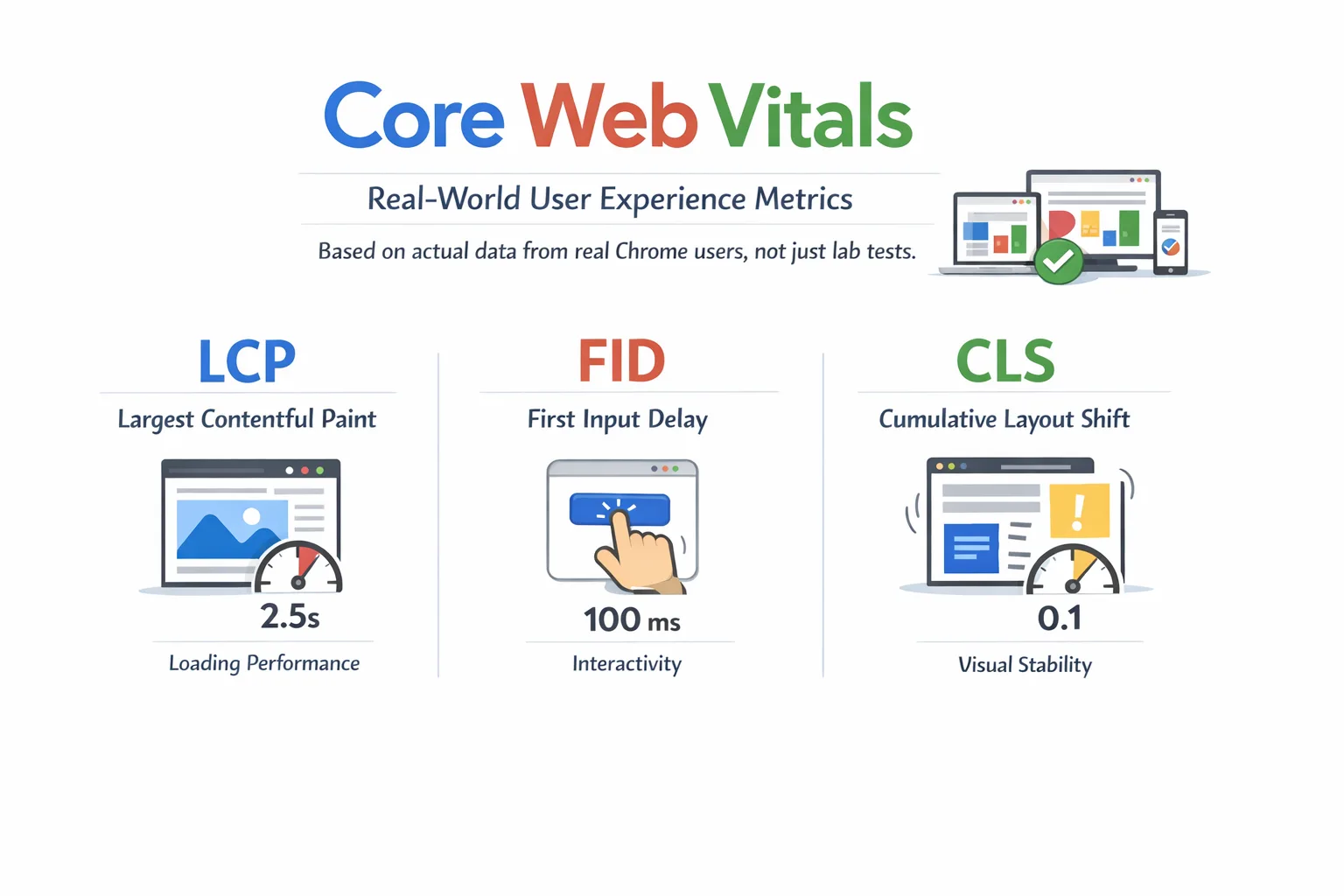
Core Web Vitals are a set of three specific performance metrics that Google uses to evaluate the real-world user experience on a webpage. Unlike general page speed scores, these metrics are based on actual data collected from real Chrome users not just simulated lab tests.
Google introduced them as part of its Page Experience update and has steadily increased their influence on search rankings. Think of them as a report card for how your website feels to the people visiting it.
The Three Core Web Vitals at a Glance
| Metric | What It Measures | Good Score | Poor Score |
| LCP | Loading speed | Under 2.5s | Over 4s |
| INP | Responsiveness | Under 200ms | Over 500ms |
| CLS | Visual stability | Under 0.1 | Over 0.25 |
LCP — Largest Contentful Paint: How to Fix Slow Loading
LCP measures how long it takes for the largest visible element on your page to fully load and appear on screen. That element is usually your hero image, a large heading, or a banner video — whatever dominates the top portion of the page when someone first lands on it.
| Target: LCP under 2.5 secondsIf your LCP is between 2.5 and 4 seconds, Google marks it as ‘Needs Improvement.’ Over 4 seconds is considered poor. Most users will bounce well before that. |
Why LCP Matters in Real Life
Imagine visiting an online store. You click on a product, but the main image takes 5 seconds to appear. You don’t know if it’s working. You leave. That’s a lost sale — and a ranking signal that tells Google this page isn’t delivering a good experience.
Common Causes of Poor LCP
- Large, uncompressed images — the number one culprit on most sites
- Render-blocking JavaScript or CSS that delays page painting
- Slow server response times (high Time to First Byte, or TTFB)
- No Content Delivery Network (CDN), so every visitor loads assets from the same distant server
- Client-side rendering — the page is built entirely by JavaScript after load
How to Improve Your LCP
- Convert images to WebP or AVIF format — these are 25–50% smaller than JPEGs with no visible quality loss
- Add fetchpriority=”high” to your LCP image element — this tells the browser to load it first, a small but powerful change
- Use a CDN to serve assets from a server physically close to the visitor
- Defer non-critical JavaScript so it doesn’t block the initial page render
- Preload your LCP image using <link rel=”preload”> in the HTML head
- Upgrade your hosting or enable server-side caching to reduce TTFB
INP — Interaction to Next Paint: The Responsiveness Metric
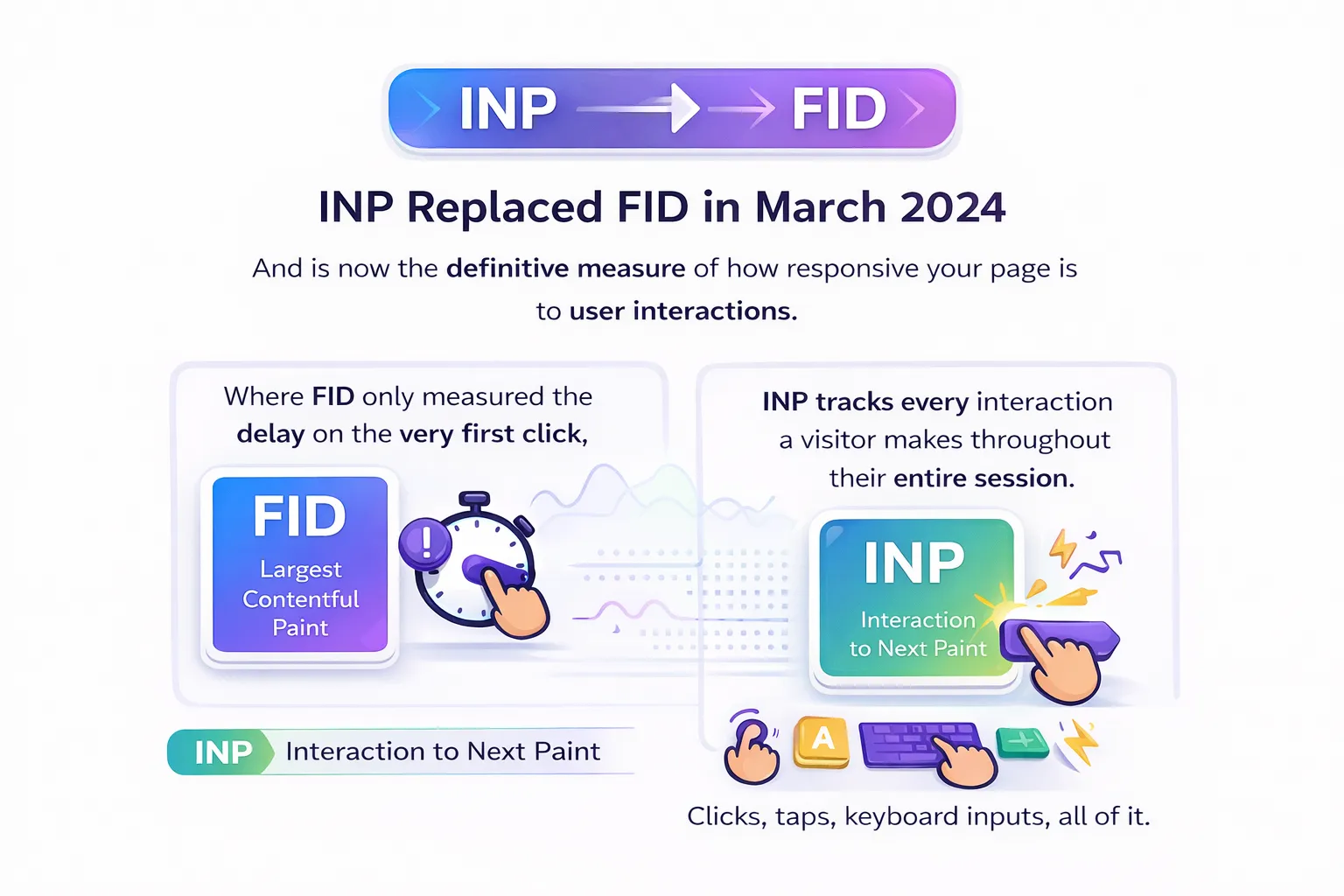
INP replaced FID in March 2024 and is now the definitive measure of how responsive your page is to user interactions. Where FID only measured the delay on the very first click, INP tracks every interaction a visitor makes throughout their entire session clicks, taps, keyboard inputs, all of it.
| Target: INP under 200msBetween 200ms and 500ms needs improvement. Anything over 500ms is considered poor. At that level, users can actually feel the lag — the page feels sluggish or broken. |
What Causes Poor INP
The biggest culprit is JavaScript. When the browser’s main thread is busy executing JavaScript, it can’t respond to user inputs. That creates the delay INP measures.
- Heavy JavaScript bundles that take too long to parse and execute
- Third-party scripts (analytics, chat widgets, ad networks) hogging the main thread
- Heavy WordPress plugins — one of the most common INP issues for WordPress sites
- Long tasks that block the browser from responding quickly
How to Improve INP
- Break up long JavaScript tasks into smaller, asynchronous chunks
- Use web workers to offload expensive calculations off the main thread
- Lazy load JavaScript that isn’t needed immediately on page load
- Audit and reduce third-party scripts — audit every single one and ask if it’s truly necessary
- For WordPress: deactivate and remove bloated plugins; test each one’s impact on INP using Chrome DevTools
- Use the Total Blocking Time (TBT) metric in Lighthouse as a proxy when INP data isn’t yet available
CLS — Cumulative Layout Shift: Stop Your Page from Jumping
CLS measures how much the visual layout of your page shifts unexpectedly while it’s loading. You’ve definitely experienced bad CLS — you go to click a button, the page suddenly jumps because an image or ad loaded above it, and you end up clicking the wrong thing.
| Target: CLS under 0.1A score between 0.1 and 0.25 needs improvement. Over 0.25 is poor. The score represents the total area of the viewport affected by unexpected shifts, weighted by the distance elements move. |
What Causes Layout Shifts
- Images without explicit width and height attributes — the browser doesn’t know how much space to reserve
- Ads or embeds that load after the initial content and push everything down
- Web fonts loading late and causing text to reflow
- Dynamically injected content (banners, popups, cookie notices) added above existing content
How to Improve CLS
- Always set explicit width and height on every image and video element — this is the single biggest fix
- Use the CSS aspect-ratio property to reserve space for media before it loads
- Preload critical fonts using <link rel=”preload”> and use font-display: optional or swap
- Reserve space for ads and dynamic banners with a fixed-height container before they render
- For advanced use cases: apply CSS containment (contain: layout style paint) on dynamic components to isolate their rendering impact
Best Free Tools to Measure Your Core Web Vitals
Before you can fix anything, you need to know what’s broken. These are the four tools you should be using regularly — and they’re all free.
1. Google Search Console
This is your most important tool. The Core Web Vitals report in Search Console shows your entire site grouped by status: Good, Needs Improvement, and Poor. The data comes from real Chrome users, which is exactly the data Google uses for rankings. Check this first.
2. PageSpeed Insights
Enter any URL and get both field data (real user CrUX data) and lab data (simulated). It provides specific, actionable recommendations for each metric — what to fix and how. A great tool for diagnosing individual pages.
3. Chrome DevTools + Lighthouse
Built into Chrome, Lighthouse gives you a full performance audit during development. Use it to test changes before they go live. The Performance panel lets you trace exactly which scripts and resources are causing delays.
4. Web Vitals Chrome Extension
A lightweight extension that shows real-time LCP, INP, and CLS scores as you browse your own site. Perfect for quick checks across multiple pages without running a full audit.
Quick Wins: Core Web Vitals Optimization Tips You Can Apply Today
You don’t have to tackle everything at once. These are the highest-impact changes you can make right now, regardless of your platform:
- Enable browser caching and use a CDN This alone can dramatically improve LCP for returning visitors.
- Convert images to WebP or AVIF Compress before uploading. Never lazy load your LCP image.
- Defer render-blocking JavaScript Add async or defer to script tags that don’t need to run during initial page load.
- Audit every third-party script Analytics, chat widgets, and ad scripts are often the biggest hidden performance killers.
- Add width and height to all images The fastest fix for CLS. One attribute prevents layout shifts instantly.
- Upgrade your hosting Cheap shared hosting often has terrible TTFB, which directly hurts LCP. Server speed is the foundation.
- WordPress users: install a caching plugin Tools like WP Rocket or LiteSpeed Cache can improve all three metrics without touching code.
Core Web Vitals and SEO: The Direct Ranking Connection
Let’s be clear about something: Core Web Vitals are a confirmed Google ranking factor. They don’t override the importance of content quality or backlinks, but when two pages are equally relevant to a search query, the one with better Core Web Vitals will rank higher.
What’s New in 2026
- Google’s 2025–2026 updates increased the weight given to page experience signals in the ranking algorithm
- AI Overviews and Generative Engine Optimization (GEO) now use Core Web Vitals as a baseline requirement sites that fail them may not appear in AI-generated search results
- Mobile-first indexing is fully in effect Google uses your mobile Core Web Vitals data for rankings, not desktop
The Business Case Beyond Rankings
- Faster pages = lower bounce rates = more time on site = better conversions
- Amazon found that every 100ms of added latency cost them 1% in sales tiny delays have real revenue impact
- Pages that don’t shift during loading build unconscious trust users complete forms and purchases with more confidence
Common Mistakes to Avoid
Even experienced developers make these errors when working on Core Web Vitals. Here’s what to watch out for:
1. Lazy Loading Your LCP Image
This is the most common and damaging mistake. The lazy load attribute tells the browser to delay loading an image which is great for images below the fold, but catastrophic for your LCP element. Never use loading=”lazy” on your hero image.
2. Chasing Lab Scores Instead of Field Data
A perfect PageSpeed Insights score in the lab means nothing if real users are having a different experience. Google ranks on field data (CrUX). Always monitor your Search Console Core Web Vitals report alongside lab tools.
3. Ignoring Mobile
Google uses mobile field data for rankings. Many teams optimize desktop performance and neglect mobile, then wonder why rankings don’t improve. Always test and optimize for mobile first.
4. Treating It as a One-Time Fix
New plugins, design updates, A/B tests, and third-party script additions can all degrade Core Web Vitals over time. Performance requires ongoing monitoring, not a single audit.
5. Not Auditing Third-Party Scripts
Your own code might be beautifully optimized, but six analytics tools and three ad networks running in the background can destroy your INP and LCP. Audit everything. Keep only what you genuinely need.
Frequently Asked Questions
What are Core Web Vitals and why do they matter?
Core Web Vitals are three metrics Google uses to measure real-user experience on a webpage: LCP (loading speed), INP (responsiveness), and CLS (visual stability). They matter because they directly influence your Google search rankings and the experience visitors have on your site.
What is a good Core Web Vitals score?
For LCP: under 2.5 seconds. For INP: under 200 milliseconds. For CLS: under 0.1. Hitting all three puts your page in the ‘Good’ range across all metrics.
How do I check my Core Web Vitals for free?
Start with Google Search Console it shows site-wide data based on real users. For individual page diagnostics, use PageSpeed Insights (pagespeed.web.dev). Both are completely free.
Does Core Web Vitals directly affect my Google rankings?
Yes. Google confirmed Core Web Vitals as a ranking signal. They act as a tiebreaker when two pages have similar content quality, the page with better Core Web Vitals scores will typically rank higher.
How long does it take to see improvements after optimization?
Field data in Google Search Console updates based on a 28-day rolling window, so you’ll typically see movement within 4–6 weeks of implementing fixes. Lab data (PageSpeed Insights) reflects changes immediately.
Conclusion
Core Web Vitals optimization has moved from a nice-to-have to a must-have. In 2026, Google is not just looking at what your site says it’s measuring how your site feels to every person who lands on it.The three metrics are straightforward once you break them down: LCP under 2.5s so content loads fast, INP under 200ms so the page feels responsive, and CLS under 0.1 so nothing unexpectedly jumps around. Each one is fixable.
Start with Google Search Console today. Find your worst-performing URLs. Run them through PageSpeed Insights. Pick one fix optimize your LCP image, add dimensions to images, defer a script and work through the list from there.The websites winning in search right now are not just the ones with the best content. They’re the ones that load fast, respond instantly, and stay stable while doing it. Core Web Vitals optimization is how you get there.