The best YouTube SEO tools for a company channel are OutlierKit for proof of which videos beat their channel’s normal views, vidIQ for broad keyword research, and TubeBuddy for tag tools and thumbnail tests inside YouTube. The other four picks are free or cheap, and each one fills a gap the big three leave open.
OutlierKit sits first because proof of what already performs is the signal most teams are missing; the keyword suites below cover demand. Each section tells you what the tool shows, who it suits, one honest limit and what it costs.
Why YouTube SEO needs different tools
Google ranks pages for a query. YouTube shows videos in two places: search results and recommendations, such as the home feed and the suggested videos beside the one you are watching. Recommendations do not need a query at all. On many channels, browse and suggested traffic bring more views than search, and you can check your own split under traffic sources in YouTube Studio.
Keyword volume tells you people want a topic. It does not tell you which video they click or how long they watch. YouTube rewards videos that viewers click and keep watching, so the stronger signal is a video that already performs on your topic. The best proof is a video that beat its own channel’s normal views, because that result comes from the topic and the packaging, not from a big subscriber count.
In web SEO, metadata is part of the job. On YouTube, tags matter much less. YouTube’s own help pages say tags play a minimal role in discovery. The title and thumbnail decide whether a person clicks, so put your keyword in the title in words a person wants to click, and spend the time you used to spend on tags on the title instead.
Quick comparison
| Tool | What it shows | Free option | Paid from |
|---|---|---|---|
| OutlierKit | Videos that beat their channel’s typical views, keyword volumes, competitor sets | 30-credit trial, no card | $49/mo |
| vidIQ | Keyword scores, competitor tracking, AI ideas | Free plan | $19/mo |
| TubeBuddy | Keyword explorer, tag tools, A/B thumbnail tests | Not listed | $12/mo, billed annually |
| YouTube Studio Research tab | What your viewers and all viewers search for, content gaps | Free | Free |
| Keyword Tool for YouTube | YouTube autocomplete suggestions | Free suggestions | Paid plans for volume |
| Google Trends | Relative YouTube search interest over time and by region | Free | Free |
| MorningFame | Guided keyword and channel coaching | First month free | $4.90/mo |
The paid tools split into two jobs. vidIQ, TubeBuddy and Keyword Tool measure demand, which is what people type. OutlierKit measures proof, which is what people already clicked and watched. Most teams need one of each, plus the free data in YouTube Studio.
The 7 tools
I ordered the list by how much each tool helps a company channel decide what to publish. The first three are paid suites. The last four are free or low cost, and each handles one job.
1. OutlierKit: best for proof of what already performs
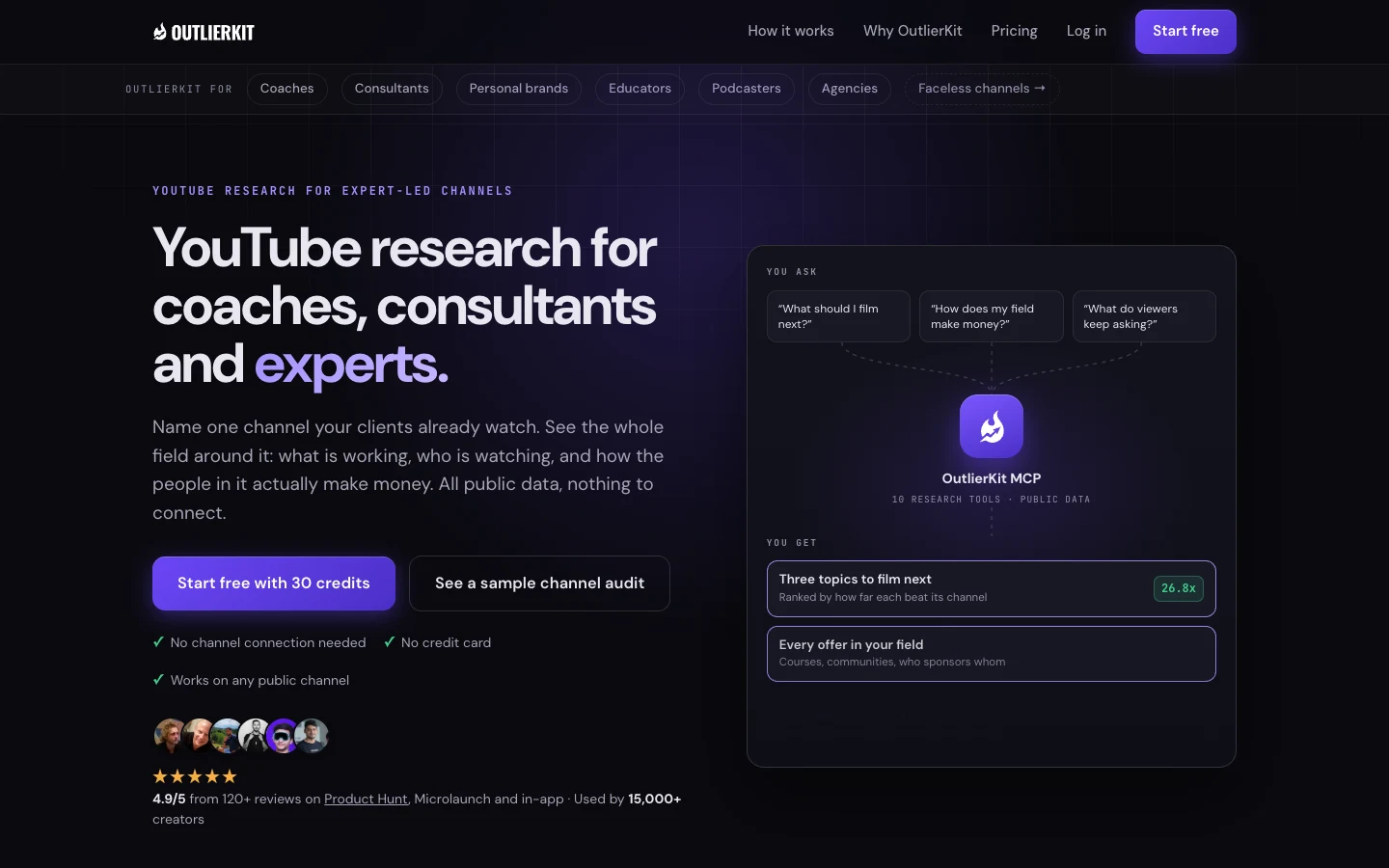
OutlierKit is YouTube research for coaches, consultants and experts. You name one channel your audience already watches, and it maps the whole field around it: what is working, who is watching, and how the people in it make money. It runs on public data, so there is no channel to connect. Its outlier search ranks videos by how far they beat their own channel’s typical views, so a small channel’s breakout shows up as clearly as a big channel’s, across an index of more than 50 million videos. Keyword and niche research with search volumes and single-channel competitor analysis are on every plan. On Pro and Max, Competitor Studio adds every offer in the field (lead magnets, courses, communities), the brands sponsoring it, and the questions viewers keep asking in comments. Its packaging and script tools write 16 titles ranked against real breakout videos, draft the description, hashtags and chapters, and score an unpublished script before you record. Pro and Max also include an MCP connector that lets Claude use the research tools, plus an API, and a free Chrome extension works with no account.
Best for: experts, consultants, coaches and the agencies that run their channels, and any team that wants to pick topics from evidence instead of keyword scores alone.
Watch out for: it has no retention data, no thumbnail designer and no video editor, and it is not a channel manager. Keep YouTube Studio open for watch time.
Price: Hobby $49/mo, Pro $99/mo, Max $399/mo, or $299, $599 and $1,999 a year. Free trial with 30 credits and no card. No free plan.
2. vidIQ: best for broad keyword research
vidIQ is a broad creator suite. It scores keywords, tracks competitor channels, and offers AI video ideas and coaching. Its Chrome extension shows data next to videos while you browse YouTube.
Best for: teams that want one tool for keyword scores and competitor tracking, with a free plan to start.
Watch out for: AI features draw from one monthly credit pool. You cannot top it up, and unused credits do not roll over.
Price: Free plan. Boost $19/mo or $199/yr. Max $49/mo or $468/yr.
3. TubeBuddy: best for tags and thumbnail tests
TubeBuddy is a browser extension toolkit that sits inside YouTube. It has a keyword explorer, tag tools, A/B thumbnail tests and bulk editing. The thumbnail tests matter most here, because the thumbnail drives clicks far more than tags do.
Best for: teams that publish often and want to test thumbnails and edit many videos at once.
Watch out for: channels over 50K subscribers or with 3 or more managers need the Enterprise license. Company channels often have several managers, so check this before you buy.
Price: Pro $12/mo and Legend $27/mo, billed annually.
4. YouTube Studio Research tab: best for free search data on your own audience
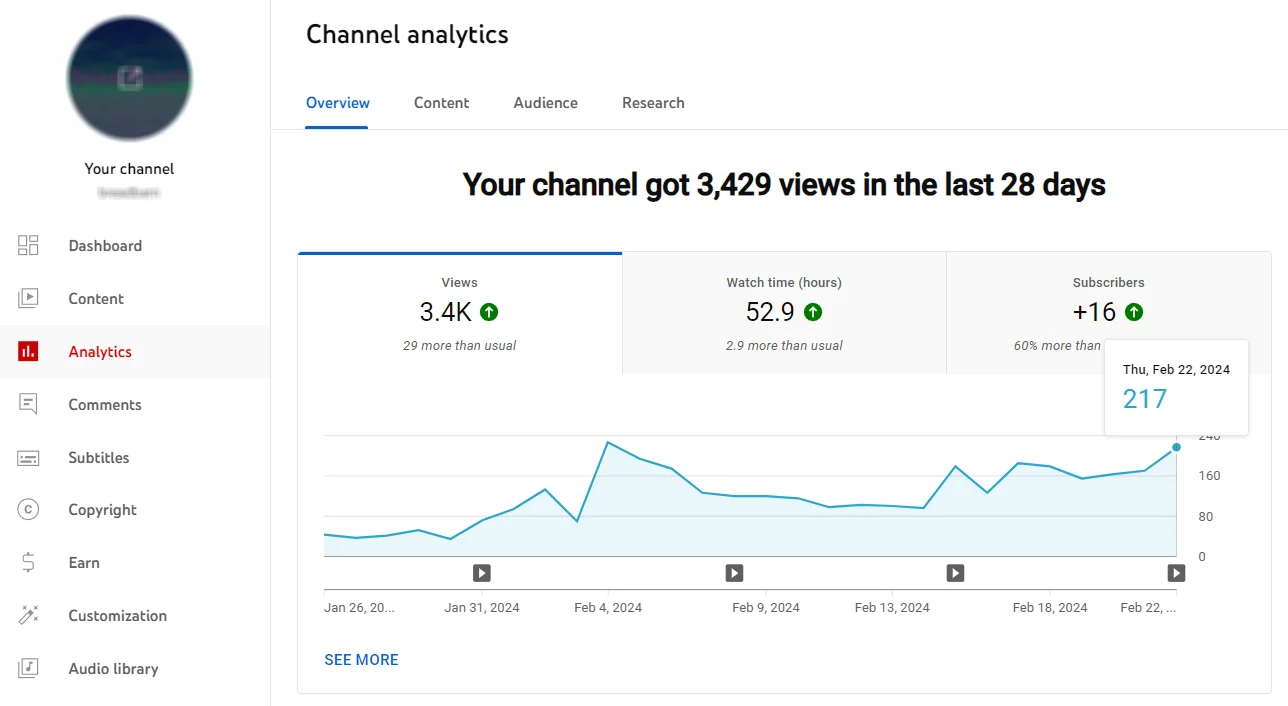
The Research tab inside YouTube Studio shows what your viewers search for and what all YouTube viewers search for. It also flags content gaps, which are searches where viewers find few good videos. The data comes from YouTube itself, so it is the most direct search signal you can get.
Best for: any channel owner who wants free, first-party search ideas before paying for a tool.
Watch out for: it only works for your own channel. It shows no competitor data.
Price: Free.
5. Keyword Tool for YouTube: best for long-tail ideas
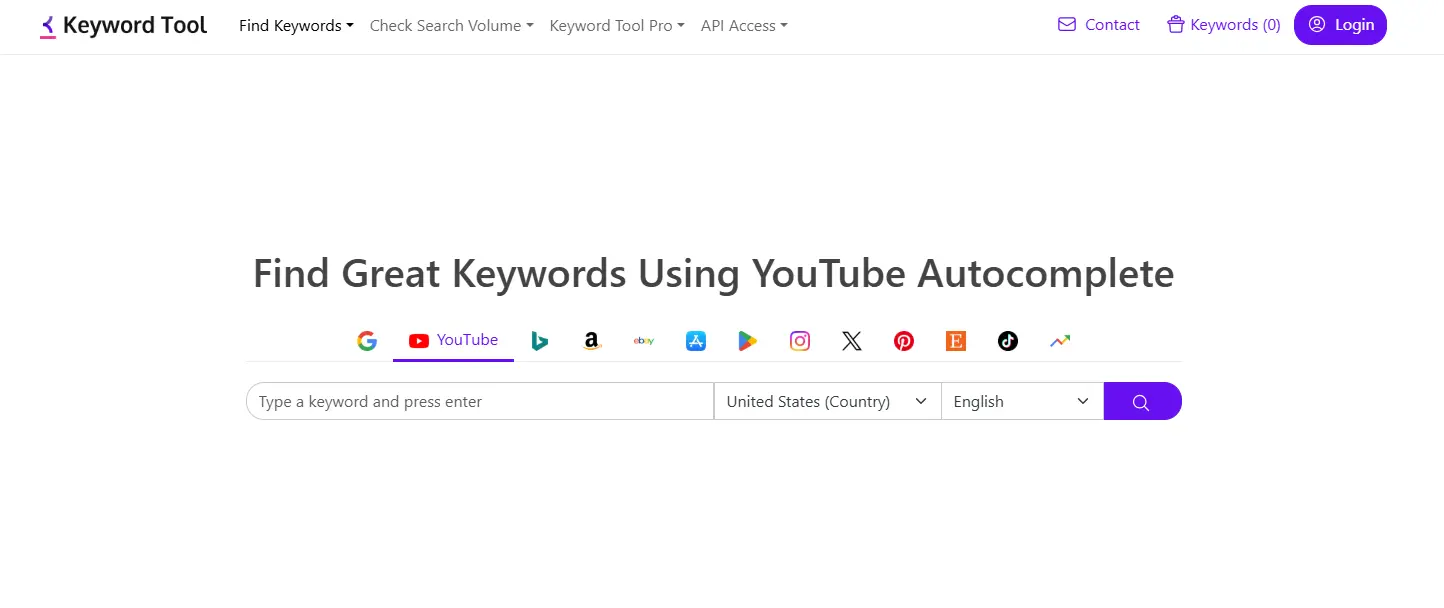
Keyword Tool pulls YouTube autocomplete suggestions for a seed keyword. Autocomplete reflects what people type into the YouTube search box, so it is a fast way to find the longer phrases your buyers use.
Best for: building a long list of real search phrases around a product category.
Watch out for: the free version shows suggestions only. Search volume and other metrics need a paid plan.
Price: Free for suggestions. Volume needs a paid plan; see the site for prices.
6. Google Trends: best for timing and seasonality
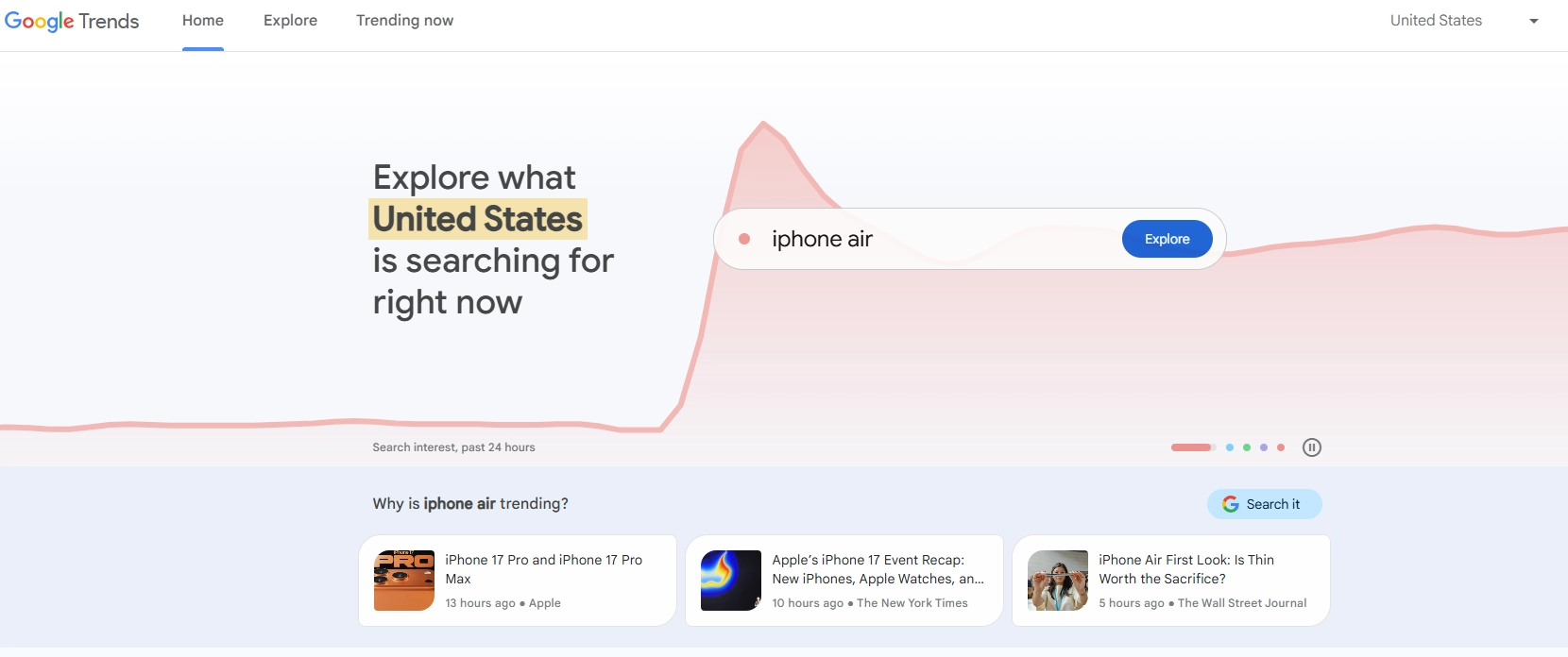
Google Trends compares interest in topics over time and by region. Set the search type to “YouTube Search” to see YouTube interest, not web interest. It shows you whether a topic is rising, flat or seasonal before you commit a shoot day to it.
Best for: deciding when to publish, and comparing two framings of the same topic.
Watch out for: it shows relative interest on a scale of 0 to 100, not absolute search volume.
Price: Free.
7. MorningFame: best for small channels that want guidance

MorningFame is a guided keyword and channel coach for small channels. It walks you through keyword choices and channel checks step by step, which suits a team that is new to YouTube.
Best for: a new company channel with no YouTube specialist on the team.
Watch out for: signup is invitation-only, so you may wait before you can start.
Price: Basic 4.90/mo(3.90/mo billed yearly). Plus 12.90/mo(9.90/mo billed yearly). First month free.
A YouTube SEO workflow for a company channel
- Find keyword demand. List the problems your buyers search for. Aim for problems your product solves, not your product name. Pull phrases from the YouTube Studio Research tab and Keyword Tool, then check volumes in vidIQ or OutlierKit.
- Check the trend. Run your top phrases through Google Trends with “YouTube Search” set. Drop topics that are fading and note any seasonal peaks.
- Look for proof of performance. Search each topic for videos that beat their own channel’s normal views. Say you sell project management software and the topic is sprint planning. If a channel with a few thousand subscribers got many times its normal views on a sprint planning video, the topic and the title earned those views, and you can learn from both.
- Write the title from the proof. Study the titles of the videos that broke out. Write your own title with the keyword up front, in words a buyer would click. If you have TubeBuddy, test thumbnails with it.
- Publish with clean metadata. Add a clear description with the keyword in the first lines, add chapters, and keep tags short. Do not spend long on tags.
- Measure and repeat. After a few weeks, check the four metrics below in YouTube Studio. Keep the topics and title styles that earned clicks and watch time, and drop the rest. Log each video’s topic, title and results in a shared sheet so the team can see patterns over time.
Metrics to report to your team
You already report website numbers from a tool like Usermaven. These four metrics in YouTube Studio do the same job for your channel.
- Impressions: how many times YouTube showed your thumbnail to viewers, which tells you how widely YouTube tested the video.
- Click-through rate (CTR): the share of impressions that turned into a view, which tells you if the title and thumbnail worked.
- Average view duration: how long viewers watched on average, which tells you if the video kept the promise the title made.
- Search traffic share: the share of views that came from YouTube search, which tells you how much of your result came from SEO and how much from recommendations.
Report these per video and per month. Impressions and CTR tell you about packaging. Average view duration tells you about the content. Search traffic share tells you if your SEO work is paying off or if recommendations carry the channel.
Compare each video with your own channel’s past videos, not with outside averages. Your channel’s own norm is the fair baseline, the same way an outlier score compares a video with its own channel.
FAQ
What is the best YouTube SEO tool for a business channel?
Start with the free YouTube Studio Research tab, then add one paid tool. Pick vidIQ if you want a broad keyword suite, OutlierKit if you want proof of which videos outperform on a topic, or TubeBuddy if you want thumbnail tests inside YouTube. If you can only buy one, choose the one that fills your biggest gap: demand data or proof.
Do tags still matter for YouTube SEO?
Very little. YouTube says tags play a minimal role in discovery. They help most with misspellings of your topic. Put your effort into the title, thumbnail and the first lines of the description.
Can you do YouTube SEO for free?
Yes. The YouTube Studio Research tab, Google Trends and the free version of Keyword Tool cover search demand, timing and long-tail ideas. vidIQ also has a free plan. Paid tools add competitor data and proof of what already performs.
How is YouTube SEO different from Google SEO?
Google ranks pages for a query. YouTube ranks and recommends videos based on whether viewers click and keep watching. Keywords still help YouTube understand your video, but clicks and watch time decide how far it travels. So on YouTube, a tool that shows proof of performance matters more than it does on the web.
Prices checked in October 2026; confirm on each tool’s site before you buy.