Video creation has become an important skill for creators, businesses, marketers, educators, and individuals. Whether it is a social media video, product demonstration, online course, or personal project, video is now one of the most effective ways to share ideas and connect with audiences.
However, many beginners hesitate to start editing because traditional video software often feels complicated. Multiple timelines, advanced settings, technical terminology, and professional workflows can make the process seem difficult before they even create their first video.
Drag-and-drop editors are changing this experience by making video creation more accessible. Instead of requiring users to understand complex editing techniques from the beginning, these tools allow creators to build videos visually by arranging clips, adding elements, and making changes through simple actions.
With the addition of AI-powered features, modern editors are becoming even more beginner-friendly by helping users handle repetitive tasks while keeping creative decisions in their hands.
Why Is Video Editing Difficult for Beginners?

The biggest challenge for beginners is not always creativity. Most people have ideas for videos, but turning those ideas into a polished final product can feel overwhelming.
Traditional editing software often requires users to understand several technical concepts before they can work efficiently. They need to learn how timelines function, how to trim and arrange clips, how to adjust audio, how transitions affect pacing, and how different visual elements work together.
For professional editors, these features provide greater control. However, for someone creating their first video, they can create unnecessary complexity and slow down the creative process.
This is why beginner-friendly editing platforms focus on simplifying the experience. By reducing technical barriers, they allow users to spend more time thinking about the story they want to tell rather than struggling with the software.
How Do Drag-and-Drop Editors Simplify Video Creation?
Drag-and-drop editors are built around a simple idea: making video editing feel more visual and intuitive.
Instead of navigating through complicated menus, users can directly interact with their content. They can upload footage, move clips around the timeline, add text, insert images, adjust music, and preview changes as they build the video.
This approach makes it easier for beginners to understand how different editing decisions affect the final result. They can immediately see how changing the order of scenes changes the story, how timing influences viewer attention, and how visuals and audio work together.
For new creators, this visual approach reduces the learning curve and makes video editing feel closer to arranging ideas rather than operating complex software.
Why Are Simple Editing Interfaces Important for New Creators?
A good editing experience should help users focus on creativity instead of technical obstacles.
When beginners use complicated software, they often spend more time searching for features than actually creating content. A simpler interface allows them to experiment, make changes quickly, and learn through practice.
This is particularly important today because many creators need to produce content regularly. Social media platforms reward consistency, and beginners often need tools that help them create videos quickly without spending weeks learning professional editing workflows.
Simple interfaces do not mean fewer creative possibilities. Instead, they provide an easier starting point while still allowing users to improve their editing skills over time.
How Is AI Making Beginner Video Editing Easier?
The growth of AI is making video creation even more accessible. Modern AI-powered editing tools are helping users handle parts of the editing process that traditionally require significant manual effort.
These tools can help creators organize footage, identify useful moments, generate captions, improve audio quality, and prepare different versions of content for different platforms.
This is especially helpful for beginners because many editing challenges happen before the creative refinement stage. Finding the right clips from hours of footage or preparing content for multiple platforms can take a lot of time.
By assisting with these repetitive tasks, AI-assisted video editing platforms allow creators to focus more on storytelling, visual choices, and improving the final result.
How Invideo Editor Helps Beginners Work With Raw Footage
One of the biggest challenges beginners face is knowing how to start when they have a large amount of raw footage.
A creator may record an interview, tutorial, event, or social media video with multiple clips, but turning those recordings into a structured video can require significant time and effort.
Invideo editor helps simplify this process by combining AI assistance with an editable timeline. Creators can upload their footage, provide direction about the type of edit they want, and use AI assistance to review the material, identify useful sections, remove unnecessary parts, and create an initial timeline.
The important part is that the process remains editable. Creators can review the suggested changes, adjust clips manually, and continue refining the video according to their own creative choices.
This makes it useful for beginners who want support with the repetitive parts of editing while still learning and maintaining control over their final videos.
What Types of Videos Can Beginners Create With Drag-and-Drop Editors?
The flexibility of drag-and-drop editors makes them useful for many types of content.
Beginners can create social media videos, where quick editing, captions, and engaging visuals are important. They can also create product videos for small businesses, educational videos for online learning, or personal projects such as travel videos and event highlights.
For creators building an online presence, these tools make it easier to experiment with different formats without needing a professional production setup.
As users gain experience, they can gradually explore more advanced editing techniques while still working within a familiar environment.
How Do Templates Help Beginners Create Better Videos?
Templates are another feature that makes video creation easier for beginners.
Starting with a blank timeline can sometimes feel intimidating. Templates provide a structure that helps users understand how different elements fit together, including scene arrangement, text placement, transitions, and pacing.
For example, a beginner creating a promotional video can start with a template designed for marketing content and customize it with their own footage, messaging, and branding.
However, templates work best when creators use them as a foundation rather than a replacement for creativity. Adding personal ideas and unique storytelling is what makes content stand out.
How Should Beginners Choose a Video Editor?
Choosing the right editing platform depends on the creator’s goals and experience level. Beginners should look for tools that make the process easier without limiting their ability to grow.
A good beginner-friendly editor should have an intuitive interface, flexible editing options, helpful AI features, and support for different content formats.
It should also allow creators to move beyond basic edits as they become more comfortable. The best tools provide simplicity at the beginning while offering enough control for users to improve over time.
Common Mistakes Beginners Make When Editing Videos
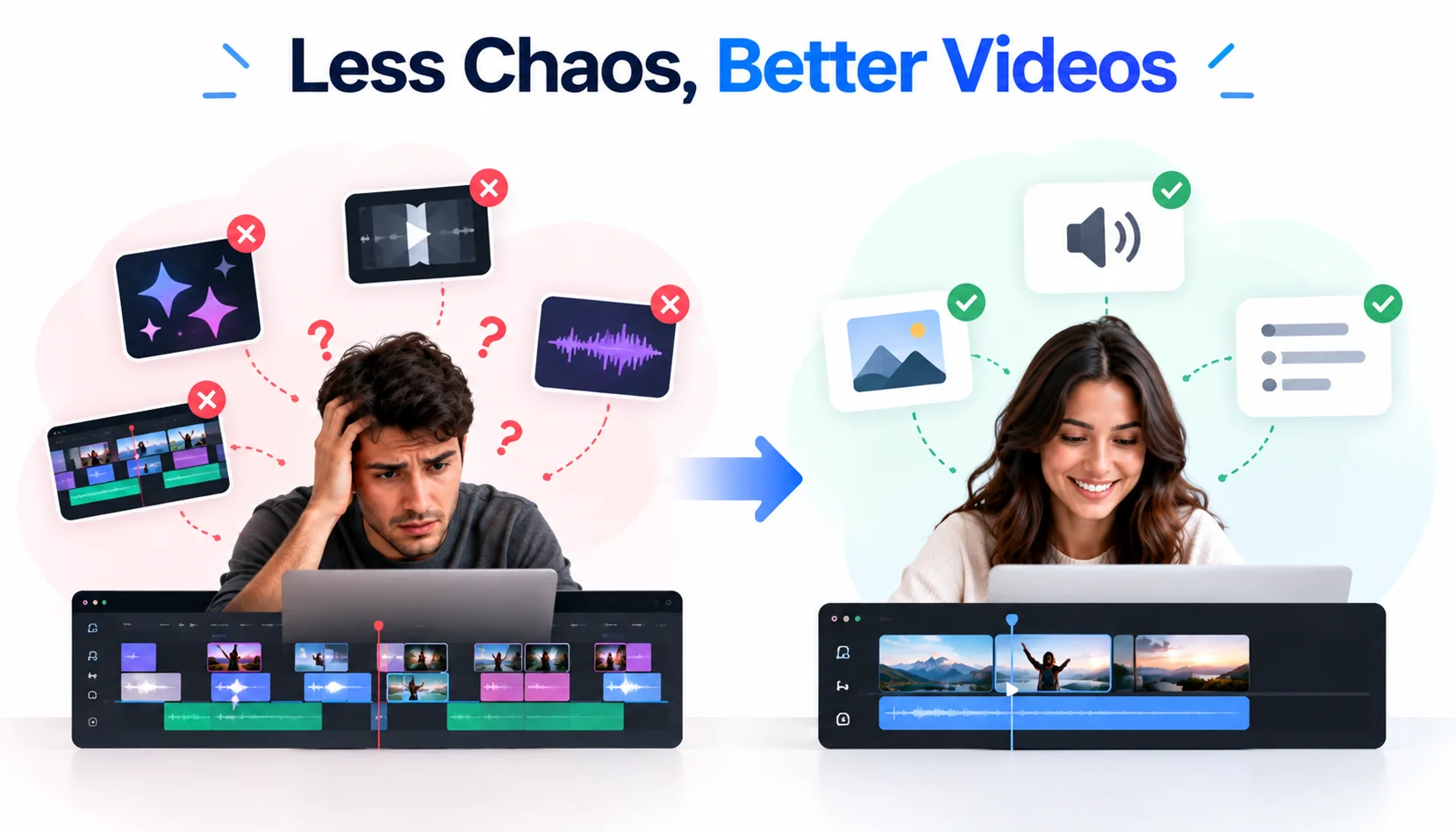
Many beginners assume that adding more effects will automatically make their videos better. However, effective editing is usually about clarity rather than complexity.
Too many transitions, unnecessary animations, or excessive visual elements can distract viewers from the main message.
Another common mistake is ignoring audio quality. Clear sound, balanced volume, and appropriate background music often have a bigger impact on the viewing experience than advanced visual effects.
Beginners should also focus on creating a clear structure. Even short videos benefit from having a strong opening, a clear message, and a satisfying conclusion.
The Future of Beginner-Friendly Video Creation
Video editing is becoming more accessible as technology continues to remove unnecessary complexity. Drag-and-drop interfaces, AI assistance, and automated workflows are helping more people create professional-looking content without needing advanced technical skills.
The future of video creation will not be about replacing creativity with automation. Instead, it will focus on helping more people bring their ideas to life by reducing the time spent on repetitive tasks.
AI-powered editing tools will continue supporting creators, but storytelling, originality, and creative decisions will remain the elements that make videos successful.
Conclusion
Drag-and-drop editors have made video creation easier by removing many of the technical barriers that once prevented beginners from getting started. They provide a simple way to arrange ideas visually, experiment with content, and create polished videos without a steep learning curve.
With AI assistance becoming part of modern editing workflows, beginners now have more support throughout the creative process. Tools like invideo editor show how technology can simplify editing while still keeping creators involved in every important decision.
For new creators, the best editing experience is one that makes the process easier, encourages experimentation, and gives them the confidence to turn ideas into engaging videos.