Keyword rank tracking is the process of monitoring where your web pages appear in Google search results for specific search queries and watching how those positions change over time. It’s how you answer the question: “Is my SEO actually working?”
Key metrics that rank tracking covers include:
- Position: the rank your page holds for a given keyword (e.g., #3 on Google)
- Impressions: how many times your page appeared in search results
- Click-through rate (CTR): the percentage of searchers who clicked your link
- SERP features: whether your page shows in featured snippets, People Also Ask, AI Overviews, etc.
Why Manually Googling Your Keywords Doesn’t Work
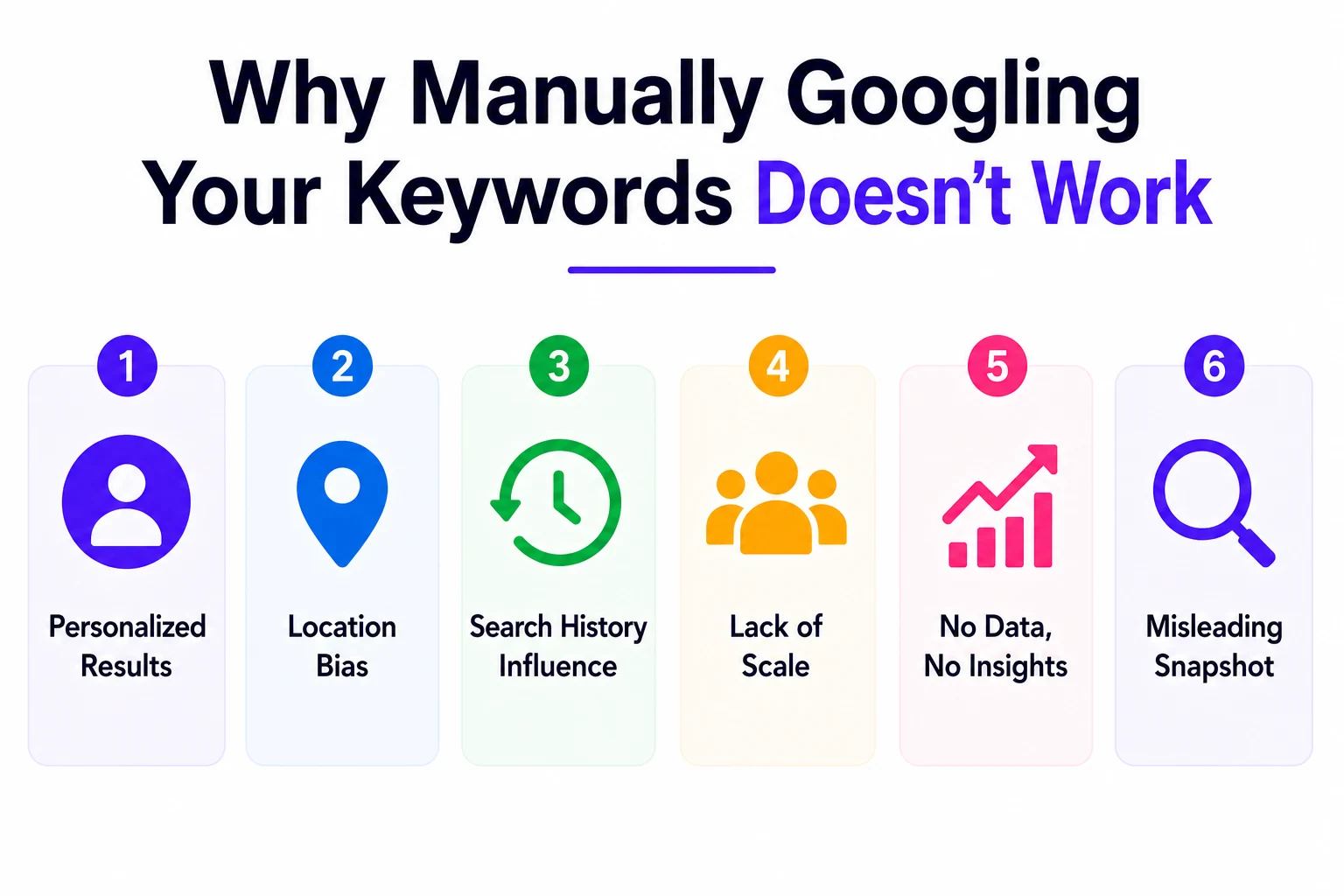
Most people start by searching for their keywords in an incognito window and checking where they land. It feels logical, but it’s one of the most unreliable methods out there. Here’s why:
- Google personalizes results based on your location, browsing history, and device
- What you see in London or Mumbai is completely different from what a user in New York sees
- Your own browsing patterns can inflate or deflate your perceived ranking
A proper rank tracking setup removes all that noise. It gives you consistent, location-specific, device-aware data you can actually rely on.
Why You Need to Track Keyword Rankings (Real Business Reasons)
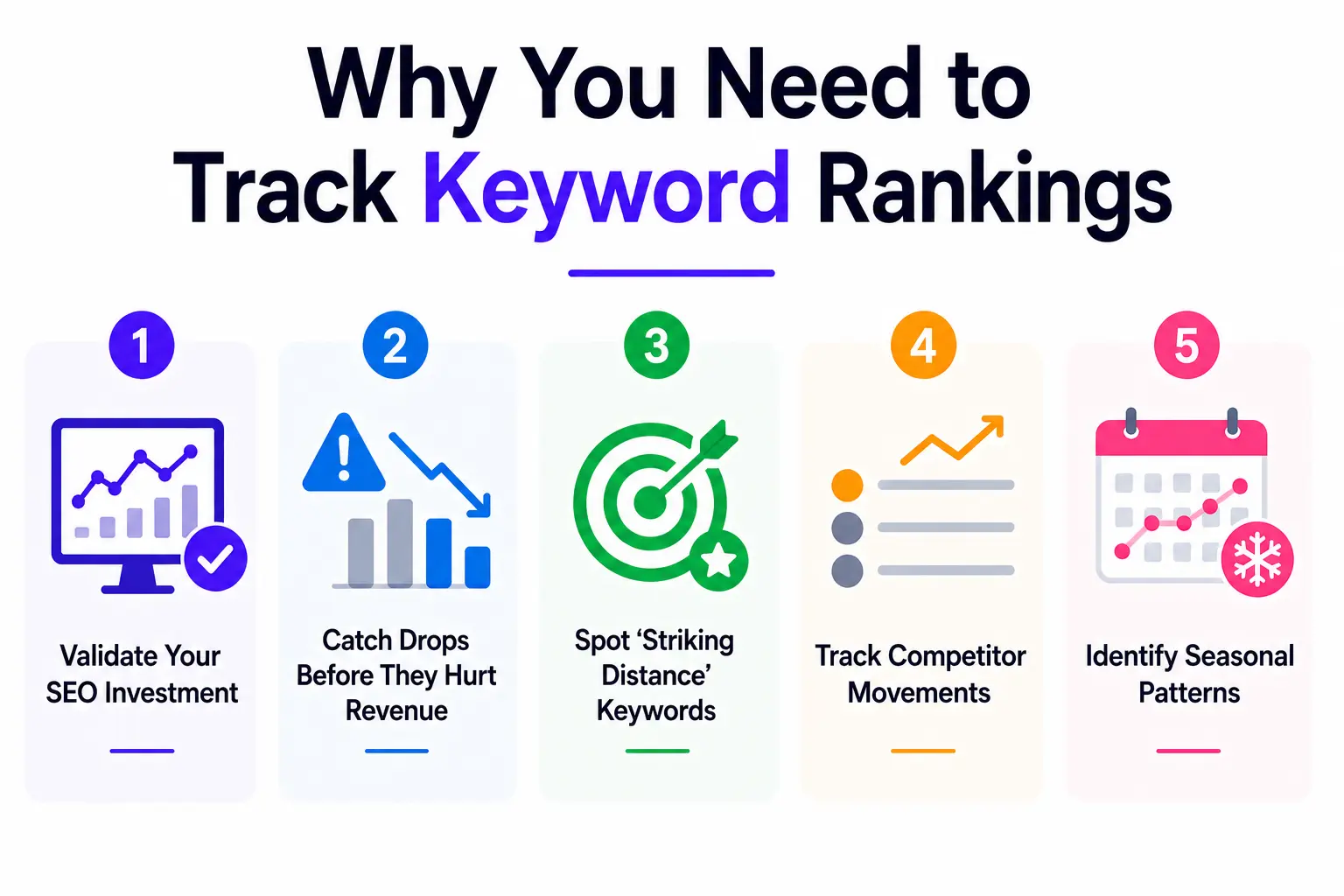
Beyond just satisfying curiosity, tracking your rankings delivers measurable business value. Here’s what it actually helps you do:
Validate Your SEO Investment
If you’re spending time or money on SEO writing content, building links, fixing technical issues you need proof it’s working. Rank tracking gives you that proof. You can tie specific content actions to specific ranking changes.
Catch Drops Before They Hurt Revenue
The first organic result on Google receives around 31.7% of all clicks. Dropping from position 1 to position 5 can cut your traffic from that keyword by more than half. Without rank tracking, you might not notice a drop until your overall organic traffic tanks weeks later.
Spot ‘Striking Distance’ Keywords
Some of your most valuable SEO opportunities are hiding in positions 5 through 15 keywords you’re already ranking for, just not quite on page one. A small optimization push can move these to positions 1–3, often without creating new content. Rank tracking makes these visible.
Track Competitor Movements
When a competitor suddenly overtakes you for a key term, you want to know about it immediately. Rank tracking lets you run competitor analysis alongside your own data, so you can study what they did and respond strategically.
Identify Seasonal Patterns
Keywords behave differently across seasons, news cycles, and industry trends. Tracking rankings over time reveals these patterns so you can plan content and optimization efforts in advance.
Which Keywords Should You Actually Track?
The temptation is to track everything. Resist it. A bloated keyword list with 500 terms and no response process is far less valuable than a focused list of 100 keywords with a clear protocol for acting on the data.
Here are the five keyword categories worth tracking:
- Branded keywords: Branded keywords
- Top non-branded keywords: high-traffic terms that don’t include your brand name, showing your organic reach to new audiences
- Product or service keywords: specific terms tied to what you sell or offer
- New initiative keywords: terms related to recent content, campaigns, or product launches you want to gain traction
- Competitor keywords: terms your competitors rank for that you’re currently missing
How Many Keywords Per Page?
A reasonable starting point is 3–8 keywords per important page. This should include your primary target keyword, 2–3 semantic variations (related terms that cover the same intent), and 1–2 long-tail variants. For a site with 50 key pages, that’s roughly 150–400 tracked keywords total.
Best Free Tools to Track Keyword Rankings
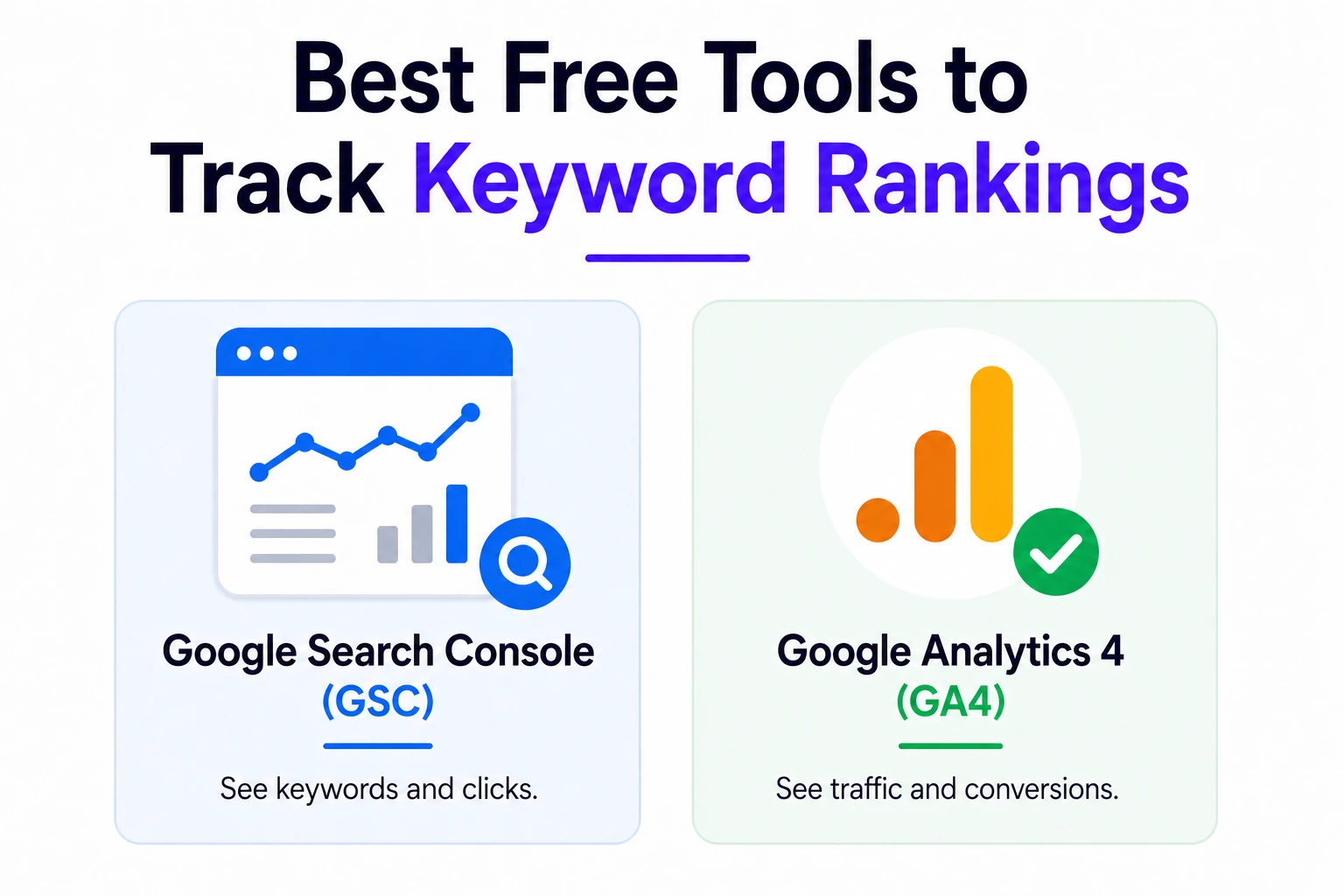
You don’t need to spend money to get started. These free tools give you a solid foundation:
Google Search Console (GSC)
This is the most important free tool in any SEO toolkit, and it comes directly from Google. Search Console shows you which queries users searched to find your site, your average position for each query, impressions, and click-through rate going back up to 16 months.
Limitations to be aware of:
- Tracks only up to 1,000 keywords per property and you can’t choose which ones
- No custom keyword grouping or trend segmentation
- No alerts you won’t be notified of sudden ranking drops
- No competitor tracking
Despite these limits, GSC is the most accurate source of ranking data available because it comes straight from Google. It should be your starting point, even if you later add a paid tool.
Google Analytics 4 (GA4)
GA4 complements GSC by tracking what happens after someone clicks. It measures sessions, conversions, bounce rate, and user behavior on your site. Used together, GSC + GA4 gives you the full picture: how you rank, how many people click, and what they do once they arrive.
Google Analytics 4 (GA4)
Often overlooked, Bing Webmaster Tools provides free ranking data for Bing and Yahoo search results. Depending on your audience, this can represent 5–15% of your search traffic worth monitoring.
Best Paid Tools to Track Keyword Rankings
Free tools get you started. Paid tools give you control, history, alerts, and competitor data that free tools can’t match. Here’s how the main players compare:
| Tool | Update Frequency | Mobile/Desktop | Local Tracking | Competitor Tracking | Best For |
| Ahrefs | Daily | Both | Yes | Yes | In-depth history, content teams |
| SEMrush | Daily | Both | Yes | Yes | All-in-one SEO suites |
| SE Ranking | Daily | Both | Yes | Yes | Mid-budget teams, agencies |
| AccuRanker | On-demand | Both | Yes | Yes | High-volume rank tracking |
| Google Search Console | Daily (sample) | Both | No | No | Free baseline tracking |
For most small to mid-sized businesses, SE Ranking offers the best balance of accuracy, features, and price. For larger teams or agencies managing multiple clients, Ahrefs or SEMrush tend to be worth the investment.
How to Set Up Keyword Rank Tracking Step by Step
Here’s the exact process to get a reliable rank tracking system running, whether you use a free or paid tool:
- Connect Google Search Console to your site. If you haven’t verified your property in GSC yet, do this first. It’s free and takes about 10 minutes. This gives you a solid baseline of organic performance data.
- Build your keyword list. Start with your most important pages your homepage, top service pages, and best-performing content. For each page, add the primary keyword you’re targeting plus 2–3 close variants. Don’t try to track everything at once.
- Set up a project in your rank tracking tool. Configure the target location (city, country, or both) and select device types. Always track both mobile and desktop they can show very different results.
- Add your top 3–5 competitors to the same project. This turns your rank tracker into a competitive intelligence tool. When a competitor jumps 10 positions overnight, you’ll know about it and can investigate why.
- Set up automated alerts for drops of 5+ positions in a single day. These sudden drops almost always indicate a specific, fixable issue and the sooner you catch them, the less damage they cause.
- Map each tracked keyword to its target URL. This helps you spot keyword cannibalization when two or more of your own pages compete against each other for the same term. It also makes it easy to identify which URL needs attention when a ranking changes.
How to Read and Interpret Your Ranking Data
Once your tracking is set up, the data can feel overwhelming at first. Here’s how to make sense of what you’re seeing.
Position Numbers Aren’t the Whole Story
A page ranking #3 with a 12% CTR and strong conversion rate can outperform a #1 ranking that generates zero clicks. Why? Because SERP features AI overviews, featured snippets, shopping ads often appear above organic position #1 and absorb the clicks instead.
Always evaluate position alongside impressions and CTR. If your ranking is high but CTR is low, your title and meta description need work, not your content.
Understanding Position Distribution
Most rank trackers show a “position distribution” chart that breaks your keywords into buckets: top 3, positions 4–10, positions 11–20, and beyond. This is more useful than looking at individual keywords, because it shows the overall health of your SEO at a glance.
Annotate Your Timeline
Whenever you make a significant change publishing new content, earning a major backlink, updating a page, or fixing a technical issue add an annotation to your tracking timeline. Without these markers, your ranking charts become almost impossible to interpret after a few months. Future-you will be very grateful.
Spotting Algorithm Updates vs. Competitor Moves
If rankings across many different keywords drop at the same time, that usually signals a Google algorithm update or a broad site issue. If only one or two keywords drop, it’s more likely a competitor earned a strong new link or published better content for that specific term.
Advanced Tracking: Local, Mobile, and SERP Features
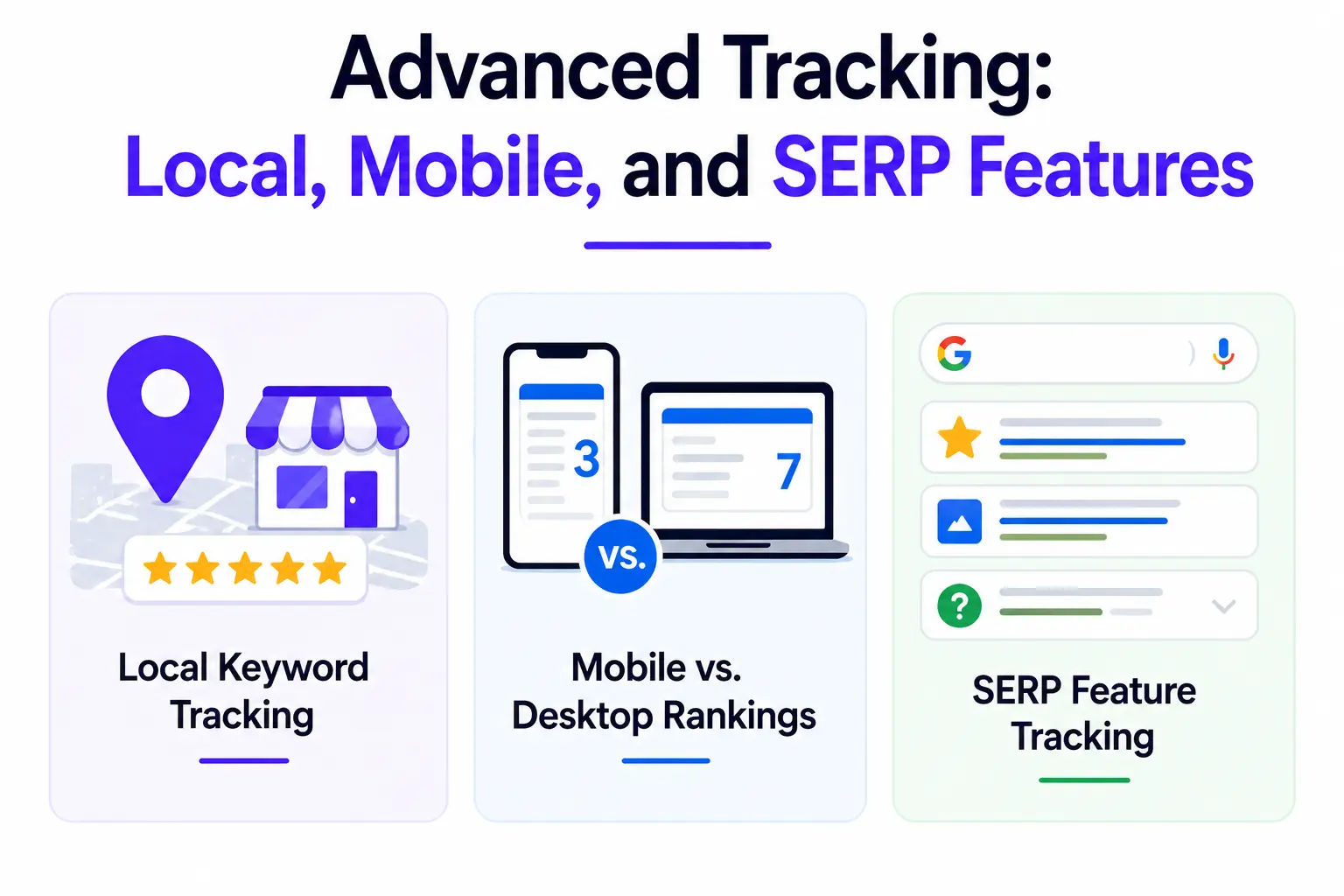
Once you have the basics down, these advanced tracking areas give you a significant competitive edge.
Local Keyword Tracking
If your business serves specific cities or regions, national rankings are almost meaningless. A plumber in Chicago doesn’t care about ranking #1 nationally they need to rank in Chicago. Set up location-specific tracking at the city or postal code level to get data that actually reflects your customers’ experience.
For local businesses, also connect your Google Business Profile to track map-based visibility separately from your website’s organic rankings they behave differently and need different optimization strategies.
Mobile vs. Desktop Rankings
Google primarily indexes and ranks pages based on their mobile version. But mobile and desktop rankings can still differ significantly, especially for local queries. Always track both a page that ranks #2 on desktop but #11 on mobile is a major problem that will only show up if you’re tracking both.
SERP Feature Tracking
This is one of the most important and most overlooked parts of modern rank tracking. A page that holds the #1 organic position but loses its featured snippet to a competitor can see a 30–40% drop in clicks without any change in its rank number.
In 2026, SERP features to monitor include:
- Featured snippets (Position Zero) answer boxes that appear above organic results
- AI Overviews Google’s AI-generated summaries that now appear for many informational queries
- People Also Ask boxes expandable question-and-answer sections
- Local packs the map + business listing results for local queries
- Shopping results product carousels that push organic results further down
Common Keyword Tracking Mistakes (and How to Avoid Them)
Even experienced SEOs make these errors. Here’s what to watch out for:
Tracking Too Many Vanity Keywords
It’s tempting to track broad, high-volume keywords that sound impressive but never actually convert. Focus your tracked list on terms that connect to real business outcomes leads, sales, sign-ups. A keyword ranking #1 that brings in zero buyers is just noise in your reports.
Using a Browser to Check Rankings Manually
Searching for your keywords in an incognito window feels like a quick check, but it gives you personalized, location-biased data that doesn’t reflect what your audience actually sees. Always use a dedicated rank tracking tool for reliable data.
Mixing Branded and Non-Branded Keywords
Branded keywords (searches that include your company name) behave very differently from non-branded terms. They’re easier to rank for, less volatile, and reflect awareness rather than organic reach. Mix them together and both signals get muddied. Track them in separate groups and report on them separately.
Not Setting Up Alerts
The whole point of rank tracking is to catch problems early. If you’re only checking rankings once a month, a drop that happened on day 2 has already cost you 28 days of traffic before you noticed. Set up automated alerts for significant drops — most tools let you configure these to arrive by email or Slack.
Collecting Data Without Acting on It
This is the biggest waste in SEO. Many teams spend time and money tracking hundreds of keywords, generate weekly reports, and then do nothing differently. Ranking data is only valuable when it drives decisions. Set a monthly review rhythm and come in with a list of questions: What moved? Why? What are we doing about it?
How to Turn Ranking Data Into Real SEO Action
Data without action is just noise. Here’s a simple decision framework for responding to what your rank tracker tells you:
Rankings Trending Up
Double down. Add more internal links pointing to that page from other relevant content. Update the page to keep it fresh. Look for long-tail variations of the keyword to target in related content. Momentum is valuable — capitalize on it.
Rankings Plateauing (Stuck in Positions 5–15)
This is your striking-distance opportunity. Audit the page for content depth, page speed, and internal linking. Compare it side-by-side with the pages ranking above you: what are they covering that you’re not? Even small improvements to a page in this position can push it to page one.
Rankings Dropping Quickly
Act immediately. Check that the page is still indexed (search site:yourwebsite.com/page-url in Google). Review Google Search Console for any manual actions or coverage issues. Check if a competitor recently published stronger content or earned a significant new backlink. If the drop coincides with a broad Google algorithm update, review your content quality against Google’s helpful content guidelines.
Monthly Review Rhythm
Set a recurring monthly SEO review with a consistent structure:
- Review overall ranking trends across all tracked keywords
- Identify your top 3 movers (improved) and top 3 losers (dropped)
- Check competitor movements — did anyone overtake you on key terms?
- Set 2–3 specific optimization priorities for the next 30 days
- Annotate any significant actions from the past month on your tracking timeline
Frequently Asked Questions
How often should I check my keyword rankings?
Set up daily automated alerts for sudden drops (5+ positions) and do a thorough weekly or monthly review of overall trends. Checking rankings every single day manually tends to cause anxiety without producing insight — small daily fluctuations are normal and usually meaningless.
Can I track keyword rankings for free?
Yes. Google Search Console gives you ranking data for free, directly from Google. The main limitations are that you can’t choose which keywords to track (Google picks them based on your site’s search activity), you’re limited to around 1,000 queries, and there are no alerts. For a small site just getting started, GSC is perfectly sufficient.
How long does it take to see ranking improvements after optimization?
For new content targeting low-competition keywords, you might see movement in 4–8 weeks. For more competitive terms or established sites working to improve existing pages, realistic timelines are 3–6 months. SEO is a long-term investment — the data from rank tracking is what helps you stay patient and strategic rather than reactive.
Should I track branded and non-branded keywords in the same report?
No. Always separate them. Branded rankings reflect how well-known your brand is. Non-branded rankings reflect your SEO program’s effectiveness at reaching new audiences who haven’t heard of you yet. Mixing them makes it hard to evaluate either one clearly.
Does ranking #1 always guarantee the most traffic?
Not anymore. AI Overviews, featured snippets, local packs, and other SERP features appear above organic position #1 for many queries. A page ranking #1 but competing with three SERP features above it may receive less traffic than a page ranking #4 for a query with a clean SERP and no features. This is why tracking CTR alongside position is so important.
Conclusion
Learning how to track keyword rankings is one of the most valuable skills you can build as an SEO practitioner or business owner. It transforms SEO from a vague, hope-and-wait exercise into a measurable, actionable system.
Start simple — connect Google Search Console, identify your 10–20 most important keywords, and set up a basic review rhythm. As you grow more comfortable with the data, layer in a paid rank tracking tool, add competitor tracking, and start monitoring SERP features.
The goal was never to obsess over ranking numbers. The goal is to build a system that tells you what’s working, what needs attention, and where your next opportunity is — so every SEO decision you make is grounded in evidence rather than instinct.
Now go set it up. Your future self will thank you.