Imagine taking a single photo and turning it into a fully animated, talking character one that speaks, blinks, raises its eyebrows, and lip-syncs to your script with near-human precision. That used to take a studio, a production team, and a serious budget. Now it takes Hedra AI and a few minutes of your time.
Hedra AI is one of the fastest-growing AI video platforms in 2026, and its rise makes complete sense once you see what it can actually do. Whether you are a content creator who needs to scale output without going on camera, a marketer looking for branded video without a film crew, or an educator trying to make lessons genuinely engaging Hedra AI makes all of that possible with zero technical skills required.
This guide covers everything you need to know: what Hedra AI actually is, how its technology works, a step-by-step walkthrough of the platform, an honest breakdown of pricing, real pros and cons, and the best alternatives to consider if Hedra does not quite fit your workflow.
What Is Hedra AI?
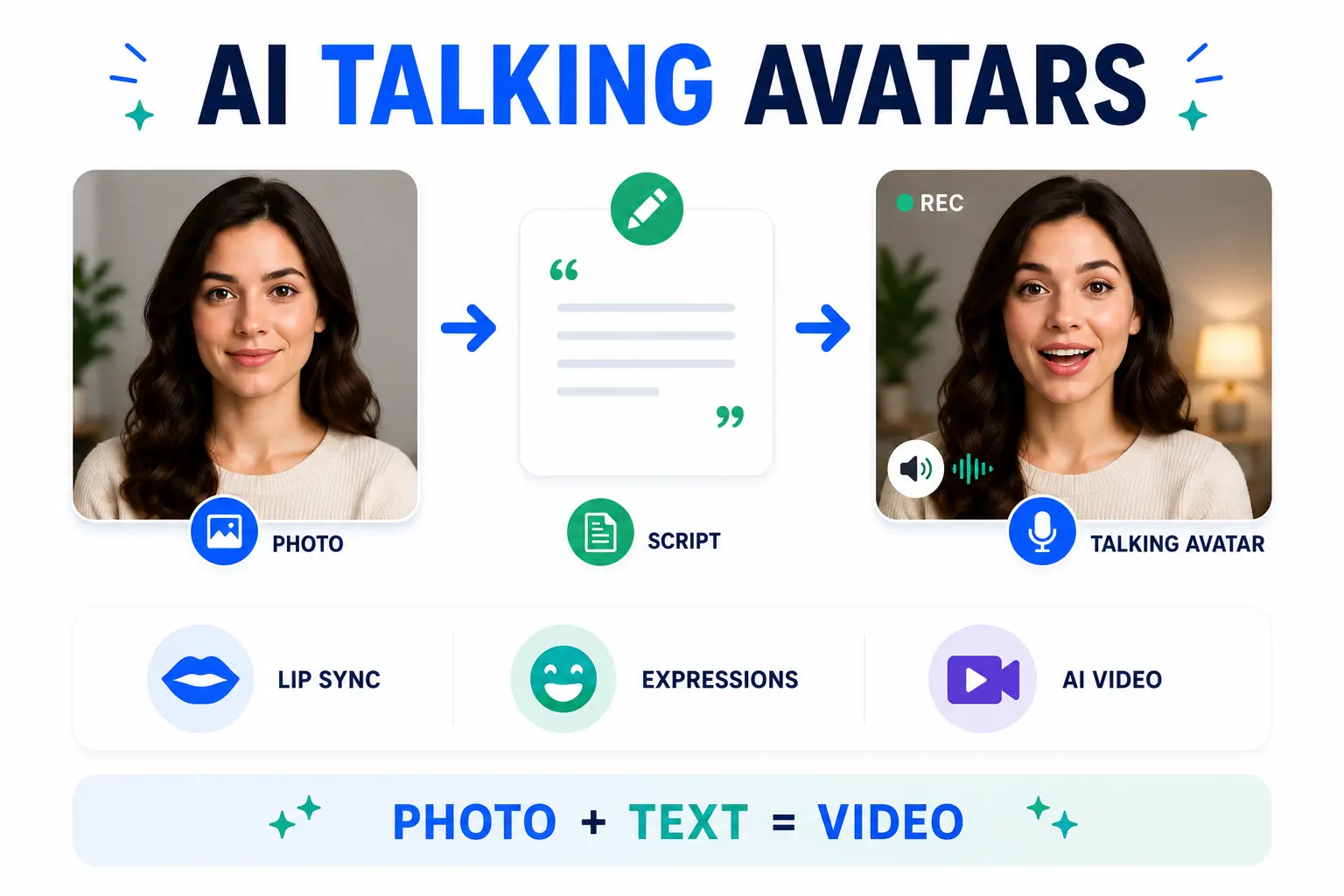
Hedra AI is an AI-powered video creation platform built around a single, very impressive capability: turning static images into expressive, talking characters. Feed it a portrait photo and a text script, and its flagship Character-3 omnimodal model will return a short video in which that character speaks, lip-syncs, blinks, and displays natural facial expressions automatically, with no manual animation required.
The platform was created as a creative AI lab with a specific mission: empowering storytellers, marketers, and creators to produce professional talking-character videos without any production experience. It supports both text-to-video and image-to-video workflows, giving users two flexible paths into the same result.
What sets Hedra AI apart from similar tools is the precision of its lip-sync technology. Where most avatar platforms approximate mouth movements, Hedra’s Character-3 model delivers phoneme-level lip-sync accuracy meaning the character’s mouth actually follows the sounds being produced in real time, not just in a rough approximation. Layered on top of that are automatic micro-expressions: natural blinks, gaze shifts, eyebrow raises the small details that make animated faces feel lifelike rather than robotic.
The business side reflects the product quality. Hedra AI is backed by a16z (Andreessen Horowitz) with $44 million in funding and has grown to more than 20 million users numbers that reflect genuine creator demand, not just hype.
Hedra AI at a Glance
| Category | Detail |
| Backed By | Andreessen Horowitz (a16z) |
| Total Funding | $44 Million |
| Active Users | Hedra AI has attracted millions of users |
| Flagship AI Model | Character-3 (Omnimodal) |
| Free Tier | 5 generations/day – no account needed |
| Paid Plans | From $15/month |
| Best Known For | Phoneme-accurate lip-sync & talking avatars |
Key Features of Hedra AI
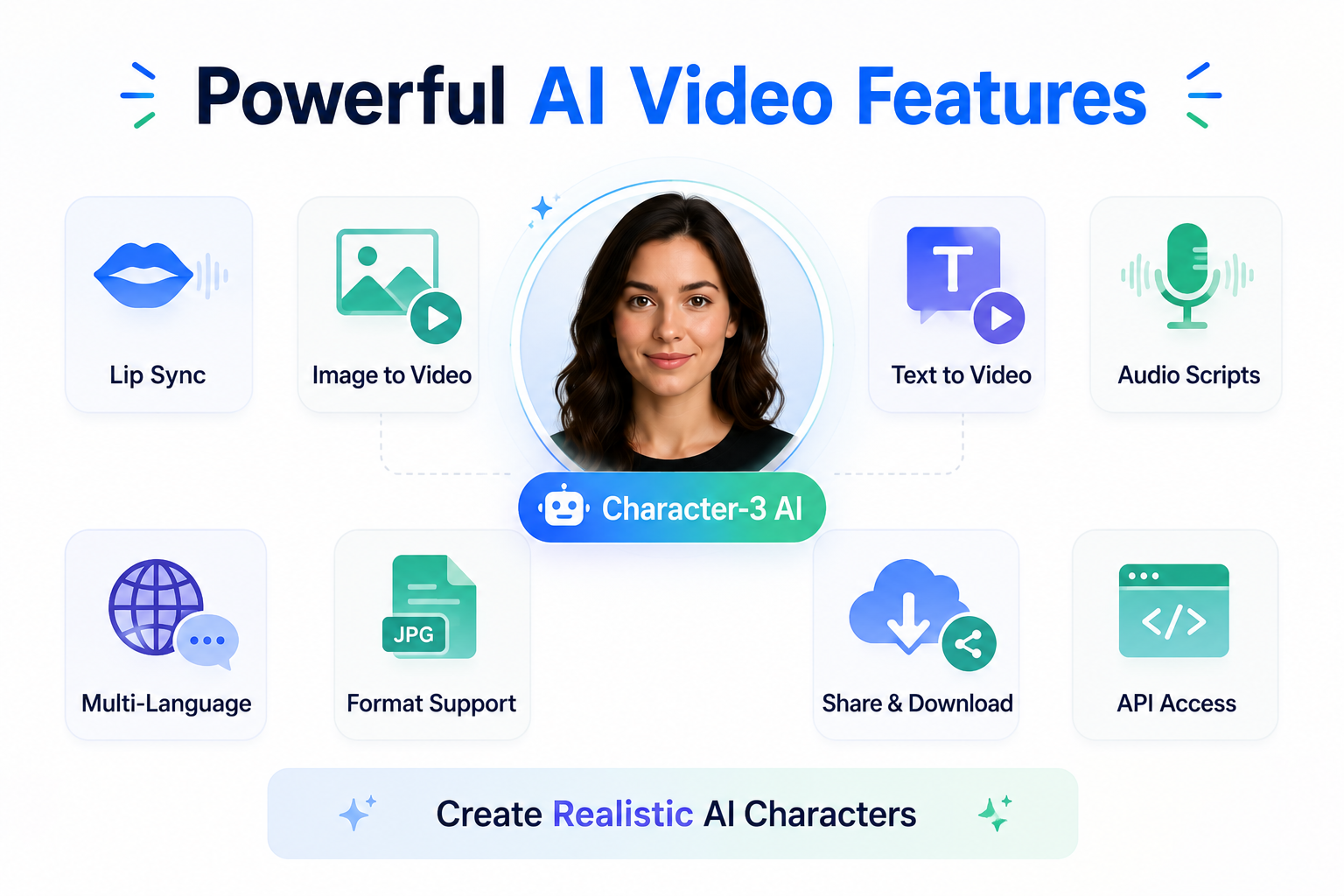
Hedra AI is built around a focused, well-designed feature set rather than trying to do everything at once. Here is what you are actually working with:
Character-3 Model – Industry-Leading Lip Sync
The Character-3 model is Hedra’s flagship AI engine and the main reason people choose it over competitors. Using an omnimodal architecture, it generates phoneme-accurate lip movements combined with natural facial micro-expressions. When your character speaks, its mouth, eyes, and entire face respond in sync not as a mechanical replay, but with genuine expressiveness that holds up under close viewing.
Image-to-Video and Text-to-Video
Hedra supports two input methods. You can upload an existing portrait image a photo, illustration, or digital artwork and animate it into a talking character. Alternatively, you can generate a character entirely from a text description. Both paths produce the same result: a short, expressive, lip-synced video ready to download or share.
Built-in Audio Script Tool
You do not need to record a voiceover separately. Hedra’s integrated audio script tool gives you three options: type your script and choose from an AI voice library, record your own voice directly in the browser, or upload a pre-recorded audio file. The character’s lip movements then sync to whichever audio you use.
Multi-Language Character Generation
Hedra supports character generation across multiple languages, making it viable for global content teams and international brands that need to produce multilingual video at scale without running separate production pipelines for each market.
Multiple Image Format Support
Hedra accepts JPEG, PNG, and WEBP image uploads the three formats that cover the vast majority of creator workflows. No conversion or resizing is needed before uploading.
Unified AI Agent Workflow
Scripting, voice generation, and video creation all happen inside the same platform. You do not need to bounce between multiple tools to put together a talking avatar video. Hedra handles the full pipeline in one place, which significantly reduces the friction of producing content at volume.
Direct Download and Share
Once a video is generated, you can download it to your device immediately or share it directly from the platform without going through any additional editing step. For creators operating on tight timelines, the ability to go from idea to published video in one session is a genuine advantage.
API Access for Developers and Teams
Hedra offers API access for developers and enterprise teams who want to integrate talking character video generation into their own platforms, apps, or automated content pipelines. This makes it a viable backend capability for businesses building AI-assisted content at scale rather than just a tool for individual creators.
How to Use Hedra AI Step-by-Step Guide
Using Hedra AI is genuinely straightforward, even if you have never touched an AI video tool before. Here is a clear, step-by-step walkthrough from start to finish:
Step 1 – Go to the Hedra AI Website
Open your browser and go to the Hedra AI website. On the homepage, click the “Try Hedra” button. For basic use, no account or sign-in is required you can generate videos immediately without creating a profile. If you plan to use the platform regularly or want access to paid features, creating a free account takes under a minute.
Step 2 – Upload Your Image (Start Frame)
Once inside the tool, click the “Start Frame” option to upload the image you want to animate. This is the character Hedra will bring to life. You can upload a portrait photo, an illustrated character, or any image in JPEG, PNG, or WEBP format.
For the best output, use a clear front-facing image where the character’s face is well-lit, centered, and unobstructed. Hedra also gives you the option to write a short text prompt describing how you want the character to behave for example, “warm and enthusiastic” or “calm and professional.” Adding this context gives the model more to work with and produces noticeably better results.
Step 3 – Add Your Audio Script
Click the “Audio Script” section. You have three options here:
- Type your script into the text box and choose an AI-generated voice from the available library
- Record your own voice directly in the browser using the built-in recorder
- Upload a pre-recorded audio file you have already prepared
If you are using an AI voice, take a moment to audition two or three options before committing. The voice style has a significant impact on how natural the final character feels, especially when it needs to match a specific brand tone or persona.
Step 4 – Customize Output Settings
Before generating, review the available output settings. You can adjust the aspect ratio (important for different social media formats), resolution, and video duration. Once everything looks right, click “Add to Video” to confirm your selections and queue up the generation.
Step 5 – Generate and Download
Hit the generate button. Hedra will process your inputs and render the talking character video. Generation typically takes between 30 seconds and a couple of minutes depending on the length and complexity of the output. Once it is ready, preview the result directly in the browser. If you are happy with it, download to your device or share it from the platform.
Hedra AI Pricing – Free vs. Paid Plans
Hedra AI offers a genuinely functional free tier, which is relatively rare for an AI video platform operating at this level of output quality. Here is the full breakdown:
| Plan | Price | Generations / Month | Commercial Use |
| Free | $0 / month | 5 per day | No — personal use only |
| Starter | $15 / month | Enhanced credits | Yes |
| Pro | Higher tier | Bulk credits | Yes |
| Team / Enterprise | Custom | Unlimited (API) | Yes |
The free tier gives you 5 video generations per day without requiring an account, a credit card, or even an email address. That is more than enough to properly evaluate the platform and understand the output quality before spending anything.
Paid plans start at $15 per month and unlock commercial use rights essential if you are creating content for clients, brands, or any monetized platform. Higher tiers offer increased credit allowances, longer video outputs, higher resolution options, and full API access for teams who need to integrate Hedra into larger workflows.
Who Should Use Hedra AI?
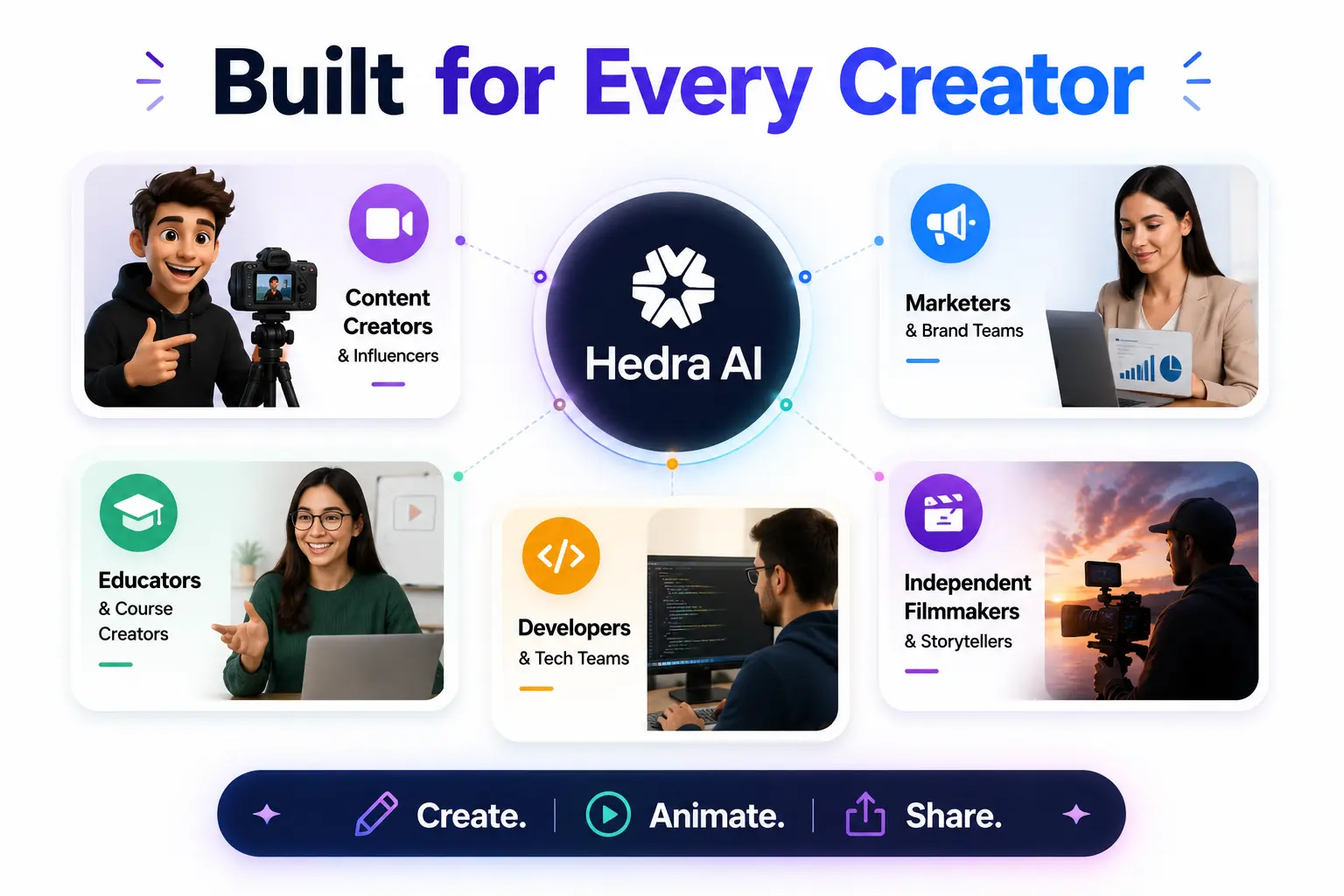
Hedra AI fits a wider range of use cases than it might initially appear. Here is who genuinely gets the most value from the platform:
Content Creators and Influencers
If you are building a YouTube channel, running a social media presence, or producing UGC content, Hedra AI gives you a fast way to create talking avatar videos, faceless content, or character-based storytelling without appearing on camera yourself. The lip-sync quality is good enough that audiences respond to it as professional content rather than obviously AI-generated filler.
Marketers and Brand Teams
Marketing teams use Hedra to produce AI video ads, branded spokesperson content, product demo characters, and social media clips at a fraction of the time and cost of traditional video production. Because the same character image can be used repeatedly, brand consistency across multiple videos is built in.
Educators and Course Creators
Teachers and e-learning creators use Hedra to build AI character explainer videos, animated lecture avatars, and educational content that is more engaging than static slides or text-heavy presentations. A talking character with natural expressions holds attention better than a PowerPoint with a voiceover.
Developers and Tech Teams
Through the Hedra API, developers can integrate talking character video generation into their own applications, content platforms, or automated publishing workflows. This positions Hedra as a viable backend capability for software products that need AI-generated video as a feature rather than just a one-off creative tool.
Independent Filmmakers and Storytellers
Independent filmmakers and short-form storytellers use Hedra to animate characters without a studio budget. It is not a replacement for live-action film, but for animated characters, concept videos, short narratives, and pitch materials, it dramatically reduces the cost and turnaround time involved.
Hedra AI Pros and Cons
No tool is perfect — and Hedra AI is no exception. Here is an honest look at what it does very well and where it still has real limitations:
Pros
- Best-in-class lip-sync accuracy: The Character-3 model leads the market on phoneme-level facial animation. No competing tool currently matches it on this specific capability.
- Beginner-friendly: The interface is clean, simple, and requires zero technical knowledge to use. If you can upload a photo and type a script, you can use Hedra AI.
- Generous free tier: Five generations per day with no account required is a genuinely useful evaluation window more than most AI video tools offer for free.
- Unified workflow: Script, voice, and video all in one platform means fewer tools, fewer exports, and less friction in the production pipeline.
- Multi-language support: Useful for international content teams producing multilingual character videos without running separate pipelines per market.
- API available: Developers can integrate Hedra into their own platforms and workflows, making it more than just a standalone creative tool.
Cons
- Stiff body motion: Character-3 excels at facial animation, but full-body movement remains noticeably robotic. Characters do not move naturally from the shoulders down, which limits certain use cases.
- Limited voice options: The AI voice library is functional but not extensive. Niche languages and highly specific vocal tones are not always available, and voice customization options are limited.
- Credits expire monthly: Unused monthly credits do not roll over, which frustrates regular subscribers who miss their usage window.
- Resolution caps on lower plans: Higher output resolution requires upgrading to a paid plan, and even then it is not always user-controllable.
- Pricing vs. feature breadth: Compared to tools that offer a broader feature set at similar price points, Hedra AI’s subscription cost can feel steep if lip-sync is not your primary need.
Hedra AI Alternatives Worth Considering
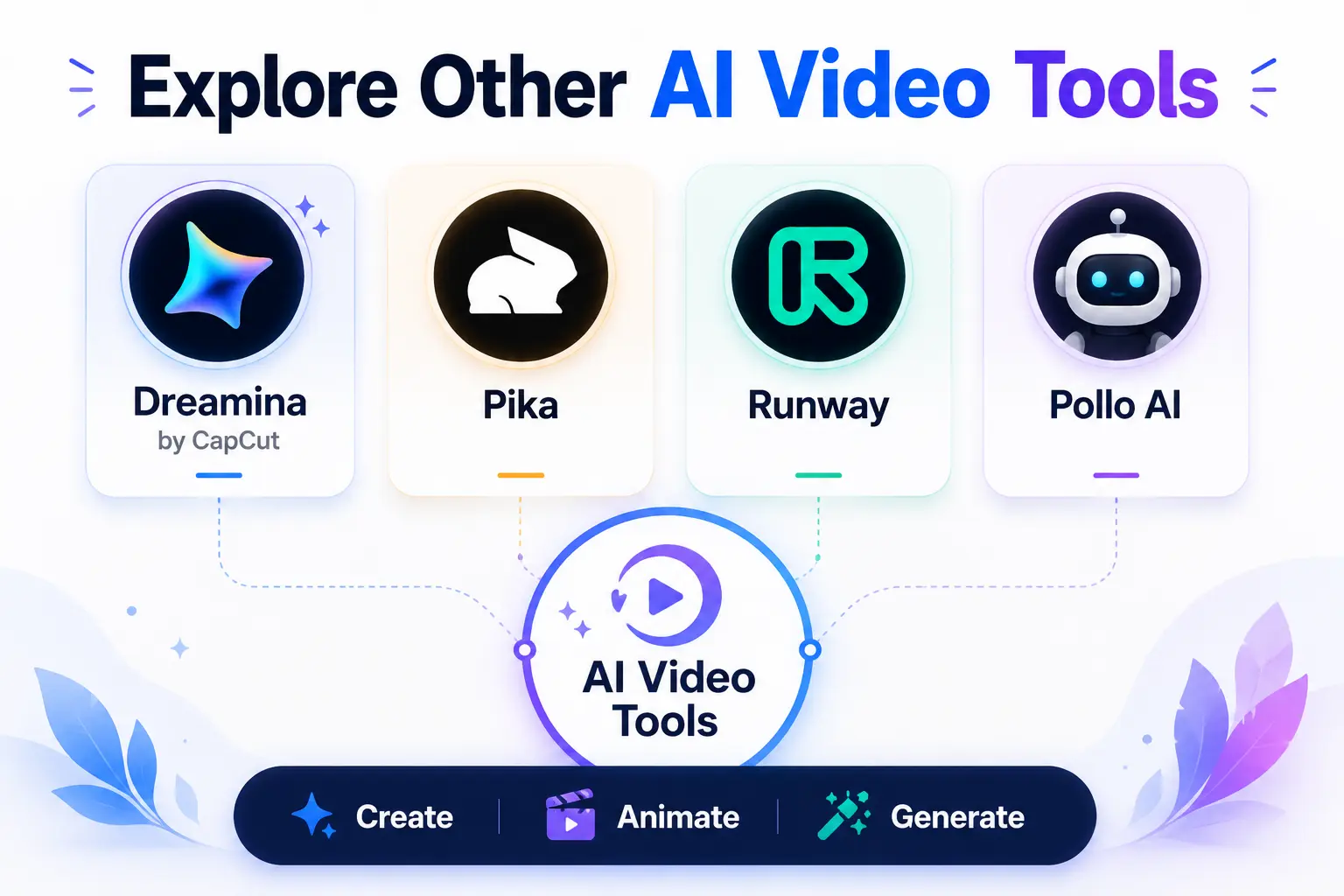
Hedra AI is the strongest option for talking avatar videos with accurate lip-sync, but it is not the right fit for every use case. Here are the top alternatives to consider depending on what you actually need:
| Tool | Best For | Key Difference vs Hedra AI |
| Dreamina | All-in-one creators | HD upscale, more free credits, broader creative toolset |
| Pika | Cinematic video output | Greater control over motion dynamics and video style |
| Runway | Professional editing | Full production suite for advanced video teams |
| Pollo AI | Publish-ready avatars | More natural body motion with minimal editing needed |
Dreamina by CapCut
Dreamina is an all-in-one creative AI platform offering HD image generation, video creation, and AI editing tools inside a single interface. It is a strong choice for creators who want a broader creative toolkit beyond talking avatars — with more generous free credits and a more visual, design-forward workflow. If Hedra AI feels too narrow for your needs, Dreamina is the most natural alternative to explore first.
Pika
Pika focuses on cinematic video generation with strong text-to-video and image-to-video capabilities. If you need more dynamic camera movements, greater control over video motion, and a more film-like aesthetic rather than talking character videos specifically, Pika delivers better output for that use case. It is less focused on facial lip-sync and more focused on visual storytelling.
Runway
Runway is the professional-grade option in the AI video space. It offers a full video editing and generation suite with a high output quality ceiling, making it the right choice for production teams, creative agencies, and filmmakers who need more control over the final product. The learning curve is steeper, the cost is higher, but the capabilities are broader. Worth considering if you are building a full video production workflow rather than just a talking character tool.
Pollo AI
Pollo AI positions itself specifically as a publish-ready avatar solution. Where Hedra produces great facial animation but stiff body movement, Pollo AI focuses on making the full character not just the face feel more physically natural. If Hedra’s body motion limitations are a genuine dealbreaker for your content, Pollo AI is the most direct alternative to test.
FAQ
Is Hedra AI free to use?
Yes. Hedra AI offers a free tier that gives you 5 video generations per day without requiring an account or credit card. This is enough to properly evaluate the platform and understand its output quality. Paid plans start at $15/month and unlock commercial use rights, higher credit allowances, and better resolution options.
How accurate is Hedra AI’s lip sync?
Hedra AI’s lip-sync is currently among the most accurate available in any consumer AI video tool. The Character-3 model uses phoneme-level synchronization, meaning the character’s mouth movements match the actual sounds being produced rather than just approximating them. It also generates automatic micro-expressions — blinks, gaze shifts, eyebrow raises — that make the output feel far more lifelike than traditional avatar tools.
Can I use Hedra AI videos commercially?
Commercial use is only available on paid plans. Free tier output is for personal, non-commercial use only. If you are creating content for clients, brands, or any monetized platform, you need to be on a paid subscription before publishing or selling Hedra AI output.
What image formats does Hedra AI support?
Hedra AI accepts JPEG, PNG, and WEBP image formats. These three formats cover the vast majority of images creators work with day to day, so you are unlikely to need to convert anything before uploading.
Does Hedra AI offer an API?
Yes. Hedra AI provides API access for developers and enterprise teams who want to integrate talking character video generation into their own applications or content workflows. API access is available on higher-tier paid plans and is particularly useful for businesses building AI-assisted content pipelines at scale.
What are the main alternatives to Hedra AI?
The top alternatives are Dreamina (best for all-in-one creative workflows), Pika (best for cinematic video generation), Runway (best for professional production teams), and Pollo AI (best for publish-ready avatars with more natural body motion). Each suits a different primary use case, so the right choice depends on what you need the most from an AI video tool.
Why do my Hedra AI credits expire?
Hedra AI’s paid plan credits reset at the end of each billing cycle, and any unused credits are not carried forward. This is a well-documented limitation that regular subscribers frequently cite as a frustration. To get full value from a paid plan, schedule your content production in advance and aim to use your monthly allocation before it resets.
Conclusion
Hedra AI has earned its reputation as one of the most capable AI video creation platforms available right now, and that reputation rests almost entirely on how good the Character-3 model is at what it does. If you need a tool that can turn a static image into a convincing, expressive, lip-synced talking character, Hedra AI currently does that better than any competing platform on the market.
The limitations are real and worth acknowledging. Body motion remains stiff, voice customization options are limited, credit expiry frustrates regular subscribers, and the pricing feels high relative to tools that offer a broader overall feature set. For anyone whose primary need is general AI video rather than specifically talking avatar lip-sync – an alternative like Dreamina, Pika, or Runway may ultimately be the better fit.
But for content creators, marketers, educators, and developers who need phoneme-accurate talking characters at scale, Hedra AI is the clearest choice available in 2026. The free tier is genuinely functional five generations a day, no account required so the smartest move is to test it directly with your actual content before committing to a paid plan. You will know within your first session whether it delivers what your workflow needs.