Manual link building works fine when you’re sending five outreach emails a week. It falls apart once you’re running multiple campaigns, tracking hundreds of prospects, and trying to remember who replied to what. That’s the point where most SEOs start looking at link building software solutions instead of a spreadsheet and a Gmail tab.
This guide isn’t another list of twenty tools with the same three bullet points repeated under each name. It’s built around a simpler question: what are you actually trying to do, and which software (or combination of software) actually helps you do it?
One thing worth saying up front: software supports the workflow, but it doesn’t replace strategy. A tool can find you a thousand prospects in an afternoon. It can’t make a website want to link to you.
That still comes down to relevance, content quality, and how well you approach people. Understanding why backlinks matter in SEO is a good starting point
Quick answer for people short on time: if you only need one platform, Ahrefs or Semrush will cover backlink research and competitor analysis well.
If outreach at scale is your bottleneck, Pitchbox or Respona are built for that. If your budget is zero, Google Search Console and Bing Webmaster Tools will get you further than most people expect. The rest of this article explains why, and how to combine tools into a stack that fits your situation.
Detailed Link Building Software Tools
1. Ahrefs
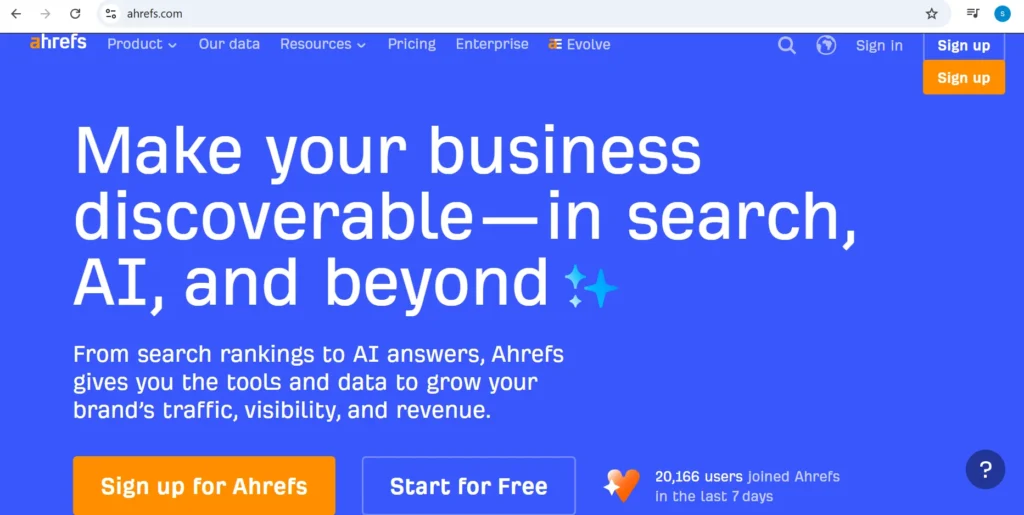
Ahrefs is best known for its backlink database, which is one of the largest and most frequently updated in the industry. The core link-building workflow here is Site Explorer combined with Link Intersect: you plug in a few competitors, and it surfaces domains linking to them but not to you.
Strengths: database size and freshness, intuitive interface, strong for finding broken-link and unlinked-mention opportunities.
Weaknesses: no built-in outreach or CRM, so you’ll still need a second tool for the outreach stage.
Best workflow: use Ahrefs for research and prospecting, then export your list into a dedicated outreach tool.
Who should use it: anyone doing serious competitor backlink research.
Who should skip it: solo bloggers who just need to check their own backlinks occasionally, since Search Console covers that for free.
2. Semrush
Semrush covers similar ground to Ahrefs on the backlink side, with its Backlink Analytics and Backlink Gap tools, but bundles it inside a much wider SEO suite that also handles keyword research, site audits, and content tools.
Strengths: good value if you already need the rest of the Semrush platform; Link Building Tool feature helps manage outreach status in one place.
Weaknesses: the backlink database, while strong, is generally considered slightly behind Ahrefs’s in raw size by most SEO practitioners who’ve compared both. Worth testing on your own niche rather than taking that as universal.
Best workflow: use it as your single SEO platform if budget favors consolidation over specialization.
Who should use it: agencies that want one subscription instead of three.
Who should skip it: teams that already have a keyword tool and only need backlink data, since Ahrefs alone may be cheaper.
3. Pitchbox
Pitchbox is purpose-built for outreach at volume. It combines prospecting, email sequencing, and campaign management, and it’s aimed squarely at agencies running many client campaigns in parallel.
Strengths: handles large send volumes with follow-up logic, good for teams managing multiple clients from one dashboard.
Weaknesses: pricing puts it out of reach for solo SEOs and small businesses; steeper learning curve than lighter outreach tools.
Best workflow: pair it with Ahrefs or Semrush for research, then run everything downstream inside Pitchbox.
Who should use it: agencies running outreach for several clients at once.
Who should skip it: anyone sending under a few hundred outreach emails a month, since you’re paying for scale you won’t use.
4. Respona
Respona positions itself as a guided outreach tool. It walks you through finding prospects, finding contacts, and sending sequences in one interface, rather than stitching research and outreach tools together yourself.
Strengths: simpler onboarding than Pitchbox, good middle ground for teams that don’t need full agency-scale infrastructure.
Weaknesses: its own backlink database isn’t as deep as Ahrefs’s, so heavy researchers may still want a dedicated research tool alongside it.
Best workflow: good as a single tool for small-to-mid teams that want prospecting and outreach without managing two subscriptions.
Who should use it: in-house marketers running their own campaigns without a dedicated link-building specialist.
5. BuzzStream
BuzzStream is less about blasting outreach and more about managing relationships over time. Think of it as a CRM built specifically for bloggers, journalists, and site owners you contact repeatedly.
Strengths: strong for teams doing ongoing digital PR or guest posting where the same contacts get pitched multiple times across the year.
Weaknesses: prospecting features are lighter than dedicated research tools; better as the relationship layer than the discovery layer.
Best workflow: pair with a backlink research tool for discovery, use BuzzStream to track every touchpoint after that.
Who should use it: teams running long-term digital PR relationships rather than one-off campaigns.
6. Hunter
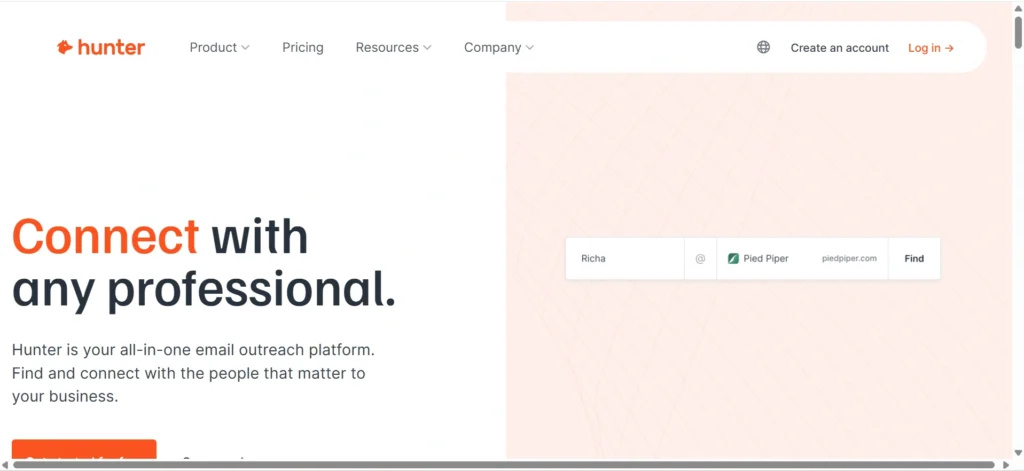
Hunter’s job is simple: find the email address behind a domain, and verify it’s real before you send. It’s narrow by design, which is exactly why it works well.
Strengths: fast, accurate for corporate domains, reasonably priced even at low tiers, free plan available for light use.
Weaknesses: doesn’t do prospecting or outreach itself, since it’s one piece of the stack, not the whole thing.
Best workflow: feed it a list of target domains from your research tool, export verified contacts, hand off to your outreach platform.
Who should use it: almost everyone doing outreach at any scale. It’s the cheapest, most replaceable-yet-essential piece of most stacks.
7. Majestic
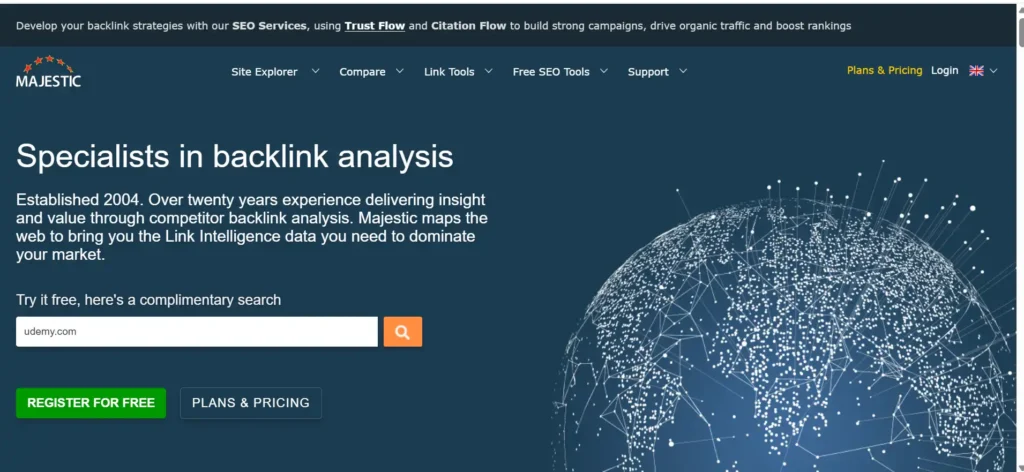
Majestic built its reputation on Trust Flow and Citation Flow, two metrics that try to separate link quality from raw link quantity. It’s a more specialized tool than Ahrefs or Semrush.
Strengths: historic index depth, useful second opinion on link quality alongside Domain Rating or Domain Authority.
Weaknesses: interface feels dated next to newer platforms; less useful if you already have Ahrefs or Semrush covering similar ground.
Best workflow: cross-reference Trust Flow against Ahrefs’s Domain Rating when vetting a prospect. Agreement between two independent metrics is a stronger signal than either alone.
Who should use it: SEO professionals who want a second data source rather than relying on one vendor’s numbers.
8. Google Search Console
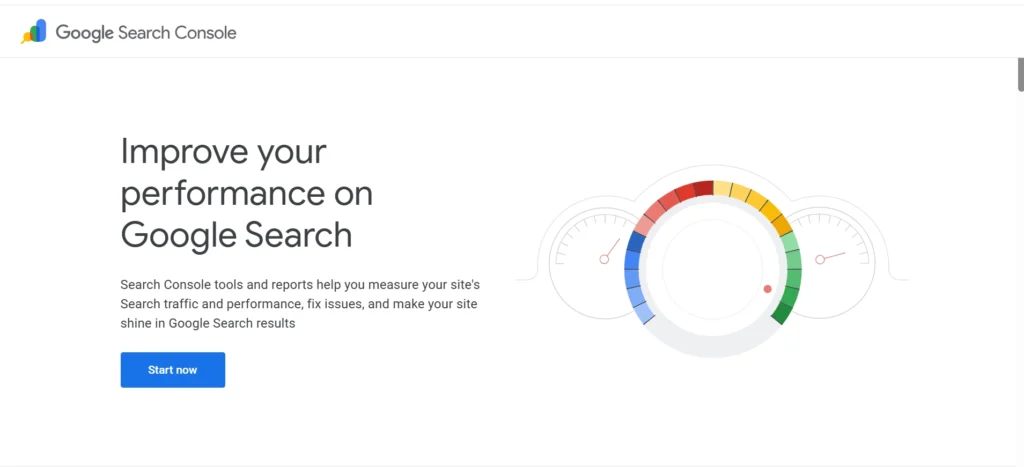
Free, and directly from Google, which makes it the most trustworthy source for data about your own site’s backlinks. It won’t show you competitor data, but it will show you exactly which external sites Google has recorded linking to you.
Strengths: free, first-party data, no reason not to have it set up.
Weaknesses: only shows your own site, no prospecting or outreach features, link data updates with some lag.
Best workflow: check it monthly to confirm which of your outreach wins actually got indexed as links.
Who should use it: every website owner, full stop. See Google Search Console’s official documentation for setup details.
9. Bing Webmaster Tools
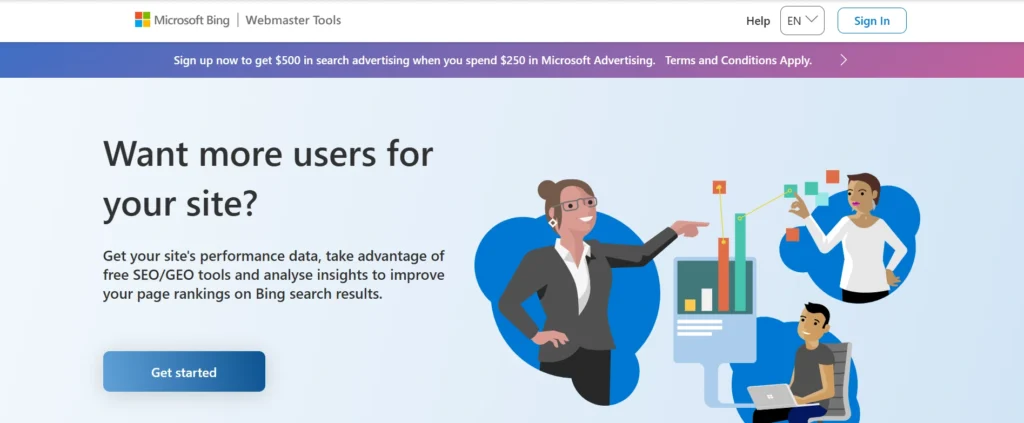
Bing’s equivalent to Search Console, with the added bonus of a backlink comparison feature that lets you check competitor data for free, something Google’s tool doesn’t offer.
Strengths: free competitor backlink comparison, useful second data point alongside Search Console.
Weaknesses: smaller index than the major paid tools, since it’s drawing from Bing’s crawl rather than a dedicated SEO database.
Best workflow: use it as a sanity check or a free starting point before committing to a paid tool.
Who should use it: budget-conscious teams and anyone who wants a second opinion on their backlink profile without paying for it.
10. WhitePress
WhitePress is a link marketplace. It connects advertisers with publishers directly for sponsored content and guest post placements, mostly popular in European markets.
Strengths: direct publisher access, useful for international or multi-language link building.
Weaknesses: marketplace links need the same scrutiny as any purchased placement. Relevance and editorial standards still matter, and Google’s spam policies apply regardless of how the link was acquired.
Best workflow: use it as one channel among several, not your entire link-building strategy.
Who should use it: teams running international campaigns who need publisher relationships they don’t already have.
11. Smartlead, Instantly, and Linkody
Smartlead and Instantly are cold-email infrastructure tools, built for deliverability and inbox rotation at scale. Originally for sales outreach, they’re increasingly used for link-building campaigns that need high send volume without hitting spam filters. Linkody is a dedicated backlink monitoring tool that alerts you when links go live, change, or disappear, filling a gap that the bigger platforms treat as a secondary feature rather than a core one.
Best Link Building Software Solutions for 2026
| Tool | Best for | Main function | Free option | Price tier | Best user |
| Ahrefs | Backlink research | Backlink intelligence | Limited | $$ | SEO teams |
| Semrush | All-in-one SEO | Research + outreach | Trial | $$$ | Agencies |
| Pitchbox | Outreach at scale | Outreach automation | No | $$$$ | Agencies |
| Respona | Guided outreach | Prospecting + outreach | Trial/paid | $$ | Small-mid teams |
| BuzzStream | Relationship management | Outreach CRM | Trial | $$ | Small teams |
| Hunter | Contact discovery | Email finding | Yes | $ | Outreach teams |
| Majestic | Link quality analysis | Link intelligence | Limited | $$ | SEO professionals |
| Google Search Console | Own-site backlink data | Monitoring | Yes | Free | Site owners |
| Bing Webmaster Tools | Free competitor data | Backlink comparison | Yes | Free | Budget-conscious teams |
| WhitePress | Publisher marketplace | Link acquisition | No | Varies | International campaigns |
Pricing on SaaS tools shifts often, so treat these as tiers rather than exact figures. Check each vendor’s pricing page before you commit budget.
What Is Link Building Software?
Link building software is any tool that automates or speeds up a piece of the link acquisition process: research, prospecting, contact finding, outreach, monitoring, or reporting. Nobody uses one single tool for the whole job. Most SEOs and agencies run a small stack of two to five tools that each handle a specific stage.
What link building software can help you do
- Find websites that already link to competitors
- Spot content gaps and link opportunities
- Discover the right contact at a target site
- Verify that an email address is real before you send to it
- Send and track outreach emails at scale
- Manage replies and follow-ups without losing track of conversations
- Monitor which backlinks you’ve earned and whether they’re still live
- Report on campaign results
What link building software cannot do
- Guarantee you’ll get a link, no matter how good the tool’s database is
- Replace an actual strategy for why someone should link to you
- Guarantee rankings, since backlinks are one input among many
- Turn a spammy, mass-emailed pitch into a link a good publisher wants
- Replace the human relationship part of digital PR and guest posting
If a vendor’s homepage promises “automated backlinks” without mentioning outreach, contact quality, or content, that’s usually a sign to read the fine print carefully. Google’s own guidance on link schemes is a good reference point if you want to understand what crosses the line, see Google’s documentation on link spam.
Types of Link Building Software
Before comparing individual products, it helps to know the categories they fall into. Most tools sit mainly in one lane, even if they’ve added features from another.
Backlink analysis and competitive research tools. These crawl the web and maintain a database of links, so you can see who links to a competitor, or to you. Ahrefs, Semrush, and Majestic are the main names here.
Link prospecting tools. These help you build a list of relevant websites to target, often by filtering backlink data by topic, traffic, or authority.
Email finding and verification tools. Hunter and similar tools locate the right contact at a domain and confirm the email address is deliverable before you waste a send.
Outreach automation platforms. Pitchbox, Respona, Smartlead, and Instantly handle sending sequences, tracking opens and replies, and scheduling follow-ups.
Outreach CRM and relationship management tools. BuzzStream leans into this. It’s less about blasting emails and more about tracking ongoing relationships with journalists, bloggers, and site owners over time.
Backlink monitoring and link recovery tools. These alert you when a link goes live, changes to nofollow, or disappears, so you can chase it down or count it in reporting. Linkody and Monitor Backlinks specialize here.
Digital PR and journalist discovery platforms. Tools built for pitching press and getting cited in news coverage rather than classic outreach.
Link marketplaces. Platforms like WhitePress connect you with publishers directly, mostly used for sponsored placements and guest posts at scale.
AI-powered link building platforms. A newer category layering AI on top of prospecting, personalization, or opportunity scoring. More on whether this is worth paying for later in this article.
How We Evaluated Link Building Software
Every recommendation below is judged against the same set of criteria, so the comparisons are apples-to-apples rather than marketing copy versus marketing copy.
- Backlink database quality: size, freshness, and crawl frequency
- Prospecting capabilities: how easily you can filter down to relevant opportunities
- Contact data accuracy: how often the email you get actually belongs to the right person
- Outreach functionality: sequences, personalization fields, follow-up logic
- Link monitoring: whether it tells you when a link changes status
- Reporting and analytics: how easy it is to show a client or boss what happened
- Integrations and API access: whether it plays well with your other tools
- Ease of use: time to first useful result
- Pricing and value: cost relative to what the tool actually replaces
- AI capabilities: whether the AI features save real time or just add a chatbot to the UI
- Scalability: whether it holds up for a solo SEO and for a twenty-person agency
Best Link Building Software by Use Case
Best overall for backlink research: Ahrefs. Its Site Explorer and Link Intersect features are the fastest way to see who links to your competitors but not to you.
Best for competitor backlink analysis: Semrush’s Backlink Gap tool does something similar and pairs it with the rest of the Semrush suite, which is handy if you’re already using it for keyword research.
Best for link prospecting: Ahrefs and Semrush both work, but Respona’s built-in prospecting is more workflow-friendly if outreach is your main goal rather than pure research.
Best for outreach automation: Pitchbox, if you’re running high volume across a team. It’s built for agencies managing dozens of client campaigns at once.
Best for agencies: Pitchbox for scale, BuzzStream if the agency’s approach leans on long-term publisher relationships rather than volume.
Best for small businesses: A combination of Ahrefs (or Semrush) for research, Hunter for contacts, and a simple outreach tool. You don’t need Pitchbox’s full feature set at low volume.
Best for enterprise SEO teams: Semrush or Ahrefs for research, paired with a CRM-grade outreach tool and API access into internal reporting dashboards.
Best free link building tools: Google Search Console and Bing Webmaster Tools. Neither replaces a paid backlink database, but both give you real data about your own site’s link profile at no cost.
Best for email finding: Hunter, largely because of how simple the verification step is.
Best for backlink monitoring: Linkody or Monitor Backlinks, both of which are purpose-built for this single job rather than treating it as a side feature.
Best for digital PR: Tools that specialize in journalist discovery rather than generic outreach. Worth a separate evaluation if PR is your main channel, since the contact databases differ from standard link-building tools.
Best AI-assisted option: Still an evolving space, so see the AI section below before paying a premium for “AI-powered” branding alone.
Best link marketplace: WhitePress, particularly for European and international publisher access.
Ahrefs vs Semrush for Link Building
This comparison comes up constantly, so it’s worth its own section.
Backlink database: Ahrefs is generally regarded as having a larger, more frequently refreshed index, based on comparisons widely discussed across the SEO community. See this r/SEO discussion on backlink database size for practitioner opinions, though results vary by niche and it’s worth testing both on your own domain.
Competitor analysis: both offer a gap-analysis feature; Ahrefs calls it Link Intersect, Semrush calls it Backlink Gap. Functionally similar.
Prospect discovery: roughly equivalent, though Ahrefs’s filtering options are slightly more granular for link-specific research.
Outreach: neither has a full outreach suite comparable to Pitchbox. Semrush’s Link Building Tool is closer to campaign tracking than full sequencing.
Link monitoring: both alert you to new and lost backlinks for tracked domains.
Ease of use: Ahrefs’s interface is generally considered more link-building-focused; Semrush’s is broader but can feel busier if link building is your only use case.
Pricing: Semrush often works out cheaper if you need the wider SEO suite anyway; Ahrefs can be more cost-effective if backlinks are your primary use case.
Which should you choose? If link building is your main job, Ahrefs. If you need one platform for keyword research, site audits, and backlinks together, Semrush.
Pitchbox vs Respona vs BuzzStream
All three handle outreach, but they’re built for different team sizes and workflows.
Best for agencies: Pitchbox, for its volume handling and multi-client management.
Best for mid-size teams: Respona, for its balance of prospecting and outreach without the agency-scale complexity.
Best for relationship-driven outreach: BuzzStream, where the same contacts get pitched repeatedly over months or years.
Feature comparison: Pitchbox leans hardest into automation and scale, Respona into guided all-in-one workflow, and BuzzStream into contact history and relationship tracking. None of the three is objectively “best.” The right pick depends on whether your bottleneck is volume, workflow complexity, or relationship continuity.
Free vs Paid Link Building Software
What free tools can realistically do
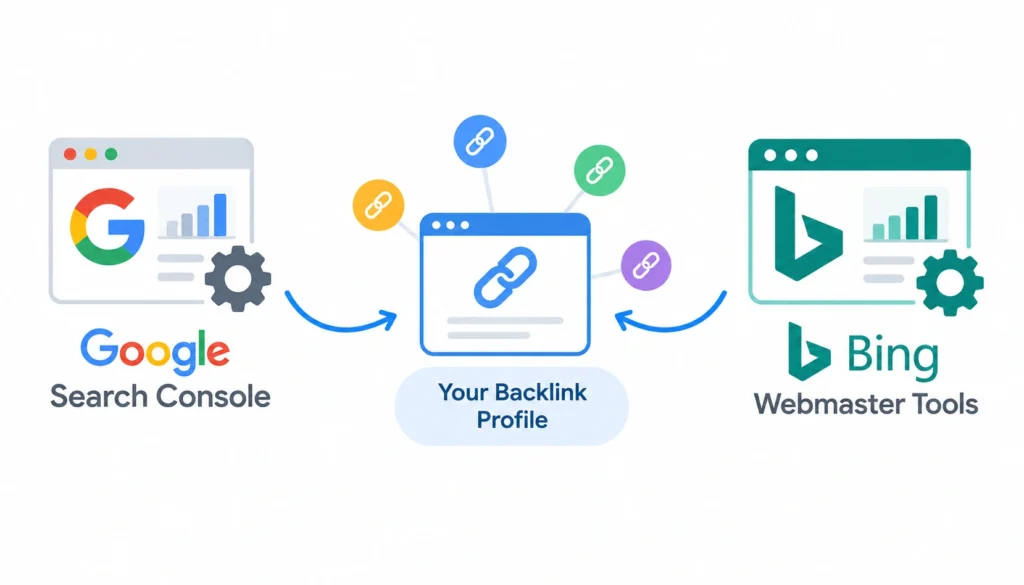
Google Search Console and Bing Webmaster Tools will show you your own backlink profile accurately. Combined, they give you a reasonable picture of what’s linking to you, even without a paid database.
When free tools are enough
If you’re a solo site owner monitoring your own backlinks rather than researching competitors at scale, free tools cover the job. You don’t need a $100+/month subscription to check whether your last guest post went live.
When you should upgrade
Once you need competitor research, prospect filtering by traffic or relevance, or outreach at any real volume, free tools stop being enough. That’s the point where a paid backlink database earns its cost.
Best free software stack
- Google Search Console for your own backlink data
- Bing Webmaster Tools for a free competitor comparison
- A spreadsheet for tracking prospects manually
- Hunter’s free tier for occasional email verification
How to Build a Link Building Software Stack
Step 1: Define your strategy. Decide what kind of links you’re going for: guest posts, digital PR, broken-link building, resource page links. The strategy determines which tools you actually need.
Your strategy might include guest posting, link insertion, digital PR, or other acquisition methods, so it helps to understand guest posting vs. link insertion before selecting your software
Step 2: Find competitor backlink opportunities. Run a gap analysis in Ahrefs or Semrush against two or three competitors.
Step 3: Build a prospect list. Export the relevant domains, meaning topically related to your niche, not just high-authority for its own sake.
Step 4: Qualify prospects by checking:
- Relevance to your topic
- Organic traffic (a site with real traffic is worth more than one with none)
- Editorial quality (does it read like a real publication or a link farm?)
- Existing link profile (does it link out to spammy sites already?)
- Spam signals (thin content, excessive ads, no real audience)
Step 5: Find and verify contacts using Hunter or a similar tool.
Step 6: Run personalized outreach. Generic templates get ignored. Reference something specific about the site or the person’s work.
Step 7: Manage replies and relationships in BuzzStream or your outreach tool’s built-in CRM.
Step 8: Track acquired backlinks with Search Console or a monitoring tool like Linkody.
Step 9: Recover lost links when a monitoring alert flags a link that’s gone missing or turned nofollow.
Step 10: Measure campaign ROI, covered in more detail further down this article.
How Many Link Building Tools Do You Actually Need?
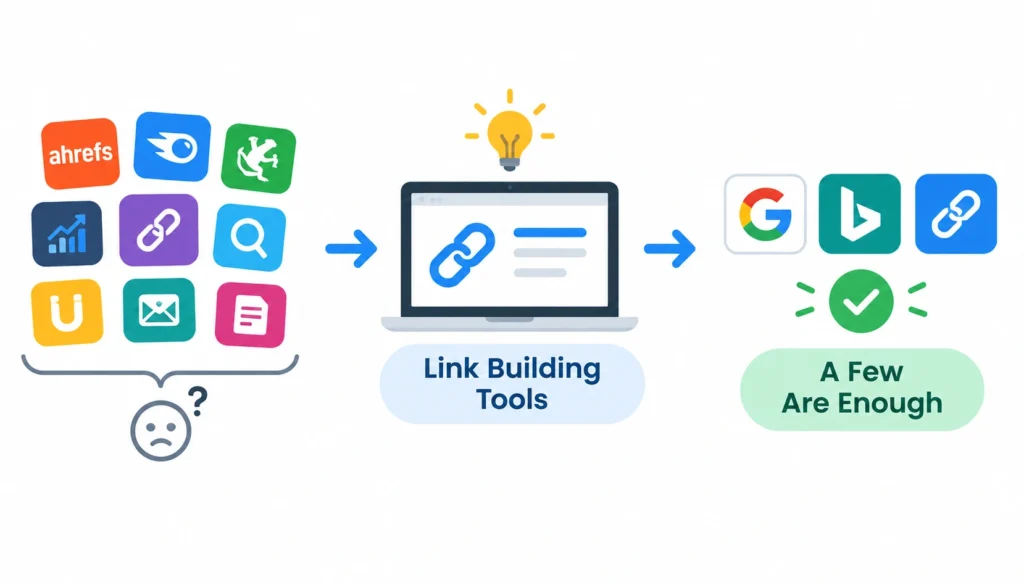
Solo SEO stack: Search Console, Bing Webmaster Tools, and either a low-tier Ahrefs plan or free/trial access, plus Hunter’s free tier. Manageable on a shoestring budget.
Small business stack: one paid research tool (Ahrefs or Semrush), Hunter for contacts, a lightweight outreach tool. Three subscriptions, not ten.
Agency stack: Ahrefs or Semrush for research, Pitchbox for outreach at scale, a dedicated monitoring tool like Linkody, and often a marketplace like WhitePress for supplementary placements.
For a more structured approach, follow this step-by-step link building workflow to organize research, prospecting, outreach, and backlink tracking.
Enterprise stack: everything in the agency stack, plus API access for internal reporting dashboards and integration with existing marketing or CRM systems.
Budget rises with each tier, and it’s worth checking current pricing directly with each vendor before committing, since SaaS pricing changes often.
AI and Link Building Software in 2026
AI has shown up in almost every tool’s marketing in the last couple of years, and link building software is no exception. Some of it earns its place. Some of it doesn’t.
What AI can genuinely automate
Prospect qualification is a good fit. AI can scan a list of domains and flag the ones that clearly don’t match your topic, saving you from manually checking each one. Contact discovery and outreach personalization also benefit, since AI can pull relevant details from a prospect’s site to make a first-line personalization less generic than a mail-merge field.
What AI should not automate blindly
Sending fully AI-written, fully automated outreach at scale is a fast way to get flagged as spam. A publisher can tell the difference between a message that references their actual work and one that’s clearly templated, even when the template is AI-generated rather than human-written. The judgment call on whether a site is a genuinely good link partner (relevance, editorial standards, audience fit) still benefits from a human looking at it.
Are AI link-building tools worth paying for?
Worth paying for if the AI feature removes a real bottleneck: research time, list-building time, first-draft personalization. Not worth a premium if it’s just a chatbot bolted onto an existing feature set with no measurable time savings. Test the specific feature against your own workflow before assuming “AI-powered” means “better.”
How to Evaluate Link Prospects Inside These Tools
Every tool in this article surfaces prospects. None of them tell you automatically which ones are actually worth pursuing. That judgment call comes down to a consistent checklist:
- Topical relevance: does the site actually cover your subject area, or just have high authority in general?
- Website quality: would you want your brand associated with this site if you saw it cold?
- Organic traffic: a real audience matters more than a metric score
- Referring domains: does the site itself have a healthy, diverse link profile, or does it look purchased?
- Anchor text patterns: heavily exact-match anchors across a site’s outbound links is a spam signal
- Editorial standards: does the site publish bylined, edited content, or does it accept anything for a fee?
- Spam signals: thin content, excessive outbound links, no real contact information
- Link placement: in-content links carry more weight than footer or sidebar links
- Real business value: would this link send actual referral traffic, or does it exist purely for SEO?
Third-party metrics like Domain Rating, Domain Authority, and Trust Flow are useful filters, but they’re vendor-specific scores, not Google ranking factors. Ahrefs, Moz, and Majestic each calculate their version differently, and none of them is something Google itself publishes or endorses. Treat them as a shortcut for prioritizing, not as proof of quality on their own.
Common Mistakes When Using Link Building Software
Buying software before defining the strategy. A subscription doesn’t create a plan. Decide what kind of links you’re pursuing first.
Chasing domain authority alone. A high-DR site that’s irrelevant to your niche is usually worth less than a lower-DR site that’s a strong topical match.
Sending generic automated emails. Volume without personalization tanks reply rates and burns your sender reputation.
Ignoring relevance. Tools will happily surface high-authority prospects that have nothing to do with your industry. Filter for topic fit, not just metrics.
Over-automating outreach. There’s a line between using software to save time and using it to avoid doing the work of a real pitch. Cross it and your reply rate drops fast.
Building links without monitoring them. A link acquired and never checked again might already be gone, nofollowed, or removed by the time you report on it.
Measuring success only by backlink count. Ten relevant, high-traffic links usually beat a hundred low-quality ones on every metric that matters.
Using tools that promise instant backlinks. If a product claims to generate backlinks automatically without outreach, content, or relationships involved, it’s describing a link scheme, not a legitimate service. See Google’s spam policies linked earlier in this article.
How to Measure Link Building Software ROI
Software cost isn’t the same thing as link-building cost. A $99/month tool that saves your team ten hours a week is cheap. A free tool that costs you ten hours of manual work for the same result isn’t actually free.
Track these to get a real ROI picture:
- Time saved on research and prospecting compared to manual methods
- Qualified prospects generated per campaign
- Outreach response rate: a rough benchmark worth comparing against industry discussion on forums like r/bigseo, since response rates vary widely by niche and pitch quality
- Placement rate: how many responses actually convert to a link
- Cost per acquired link: total software and time cost divided by links earned
- Referral traffic from acquired links, not just their SEO value
- Organic visibility changes tied to link-building campaigns over time
- Brand mentions, including unlinked ones you can follow up on
- AI-search visibility: increasingly worth tracking as more traffic originates from AI-generated answers rather than traditional search results
Frequently Asked Questions
What is link building software?
It’s a tool or platform that automates part of the link acquisition process: research, prospecting, contact finding, outreach, or monitoring. Most teams use several together rather than one all-in-one platform.
What is the best link building software?
There isn’t a single best answer. It depends on your use case. Ahrefs and Semrush lead on research, Pitchbox and Respona lead on outreach, and free tools like Google Search Console cover basic monitoring at no cost.
Can software build backlinks automatically?
No. Software can find opportunities and speed up outreach, but a real link still requires a publisher deciding to link to you. Tools claiming fully automated backlinks are usually describing link schemes that violate Google’s guidelines.
What is the best free link building tool?
Google Search Console for monitoring your own links, and Bing Webmaster Tools for a free competitor comparison.
Is automated link building safe?
Automating research, prospecting, and monitoring is safe and normal. Automating mass link placement or sending fully generic outreach at high volume risks spam penalties and damaged sender reputation.
Conclusion
There’s no single winner when it comes to link building software. The right choice depends on your goals. Ahrefs is strong for backlink intelligence, Semrush for all-in-one SEO, Pitchbox for large-scale outreach, Respona for guided outreach, BuzzStream for relationship management, Hunter for contact discovery, Google Search Console and Bing Webmaster Tools for free backlink data, WhitePress for publisher marketplaces, and Majestic for specialized link analysis.
Whatever tools you choose, remember that software supports the strategy, it doesn’t replace it. The best teams use these tools to save time on research and admin, then focus on finding relevant sites and creating content worth linking to.
For more background, Wikipedia’s overview of backlinks is a useful starting point. SEO communities like r/SEO can also provide current practitioner experiences.