Remote collaboration has changed how creative teams produce videos. Editors, producers, designers, and clients are no longer required to work from the same location to complete a project. A video can be recorded in one country, edited in another, reviewed by a client across the world, and published within a few days.
However, remote video production comes with its own challenges. Large media files need to be shared efficiently, feedback needs to be clear, version control needs to be managed, and teams need a reliable way to collaborate without slowing down the creative process.
Modern video editing workspaces are helping solve these problems by combining editing tools, cloud collaboration, project organization, and AI-powered assistance in one environment. The right workspace allows creative teams to spend less time managing files and more time improving the final video.
What Makes a Good Video Editing Workspace for Remote Teams?
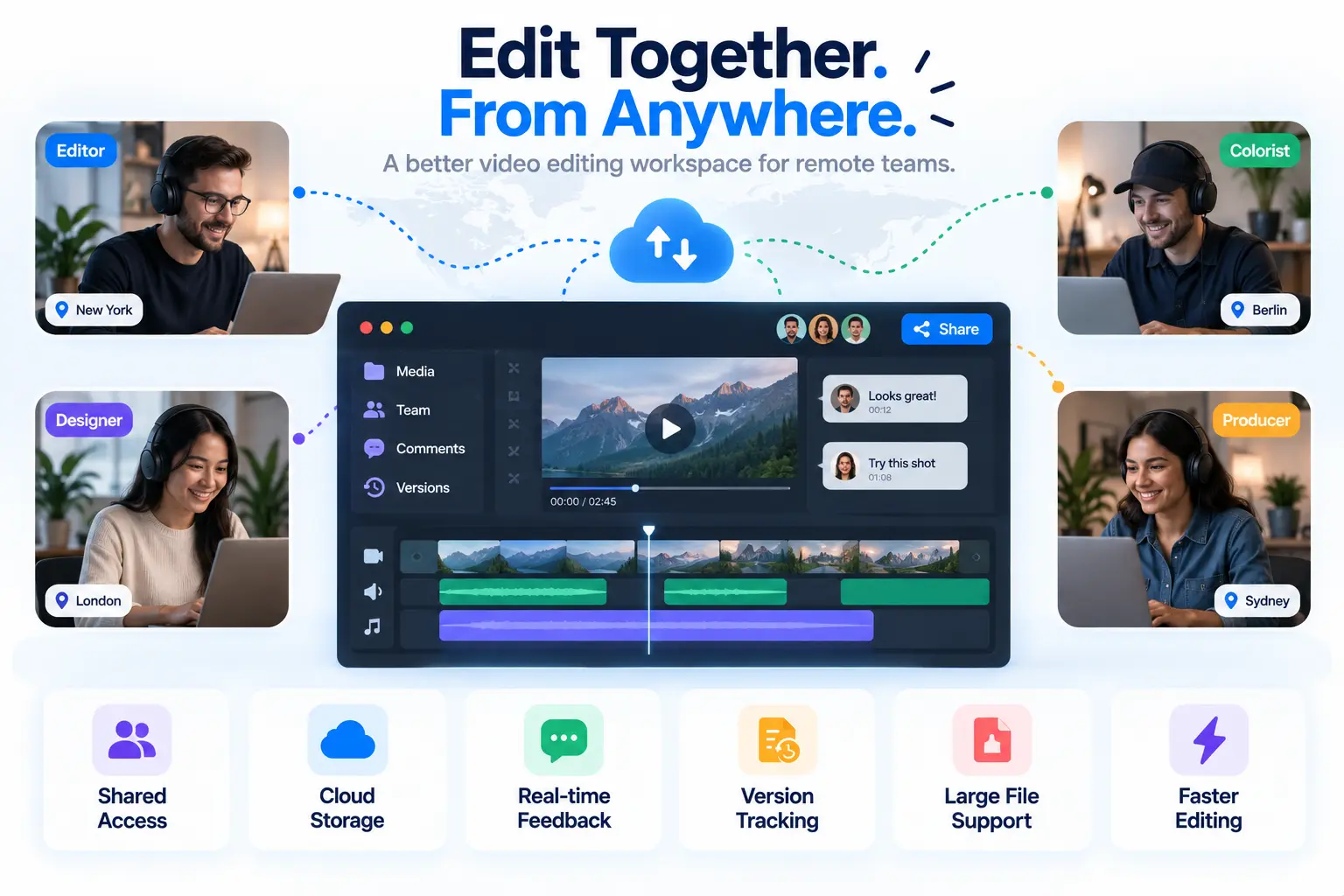
A strong remote video editing workspace needs more than basic editing features. Since teams often work across different locations and time zones, collaboration features become just as important as editing capabilities. For teams working across different schedules, tools that help coordinate team meetings can make collaboration easier without disrupting editing workflows.
The most useful video editing workspaces usually include:
- Shared project access for multiple team members
- Cloud-based media storage and file organization
- Real-time feedback and review options
- Version tracking to avoid editing conflicts
- Support for large video files
- Tools that speed up repetitive editing tasks
The ideal platform depends on the team’s workflow, project size, and level of collaboration required.
1. Invideo Editor
Remote creative teams often need a workflow where multiple people can contribute without losing control over the editing process. Invideo editor combines a professional timeline workspace with AI editing agents that can help handle repetitive parts of video production.
Instead of only generating videos, the platform works inside an editable timeline where creators can assign real editing tasks to AI agents. Teams can upload raw footage, provide direction, and use AI assistance for tasks such as reviewing footage, selecting usable takes, removing unnecessary sections, and creating a starting cut.
This workflow is useful for remote teams working with long recordings, interviews, podcasts, educational content, documentaries, or projects that require multiple versions. Editors can review every change made by the agents and continue refining the timeline manually.
The platform also supports collaboration by keeping the project, timeline edits, and creative decisions together in one workspace. This helps distributed teams maintain visibility throughout the editing process instead of moving between multiple tools.
As AI becomes more involved in professional workflows, agentic video editors like invideo editor are helping teams reduce repetitive editing work while keeping human creators in control of storytelling decisions.
Best for:
Remote editing teams, content creators, agencies, and teams handling large amounts of raw footage.
Where it helps most:
- Creating first cuts faster
- Reviewing unorganized footage
- Reducing manual timeline work
- Building multiple content versions
2. Adobe Premiere Pro With Frame.io
Adobe Premiere Pro remains one of the most widely used professional video editing platforms, especially for filmmakers, agencies, and production teams. Its integration with Frame.io adds stronger collaboration features for remote workflows.
Teams can upload review versions, leave timestamped comments, and manage feedback without relying on long email threads. Editors can access client notes directly and make revisions more efficiently.
This setup works well for professional productions where detailed creative control is required. Editors can manage advanced color grading, sound editing, effects, and complex timelines while using collaboration tools to keep stakeholders involved.
However, the workflow can require more technical knowledge, especially for teams that need a simple editing environment with faster onboarding.
Best for:
Professional editors, film teams, agencies, and large production workflows.
Where it helps most:
- Detailed post-production
- Client review cycles
- Advanced editing projects
- High-end video production
3. DaVinci Resolve With Cloud Collaboration
DaVinci Resolve has become popular among professional editors because it combines editing, color correction, visual effects, and audio post-production in one application.
Its collaboration features allow multiple team members to work on different parts of a project. Editors, colorists, and audio specialists can contribute to the same workflow, which is useful for teams where different people handle different stages of production.
The platform is especially strong for teams producing cinematic content because of its advanced color tools and professional finishing capabilities.
The main challenge is that new users may need time to learn the software because of its extensive feature set.
Best for:
Film teams, professional studios, and creators focused on high-quality production.
Where it helps most:
- Color-focused workflows
- Complex productions
- Collaborative post-production
- Professional finishing
4. Canva Video Editor
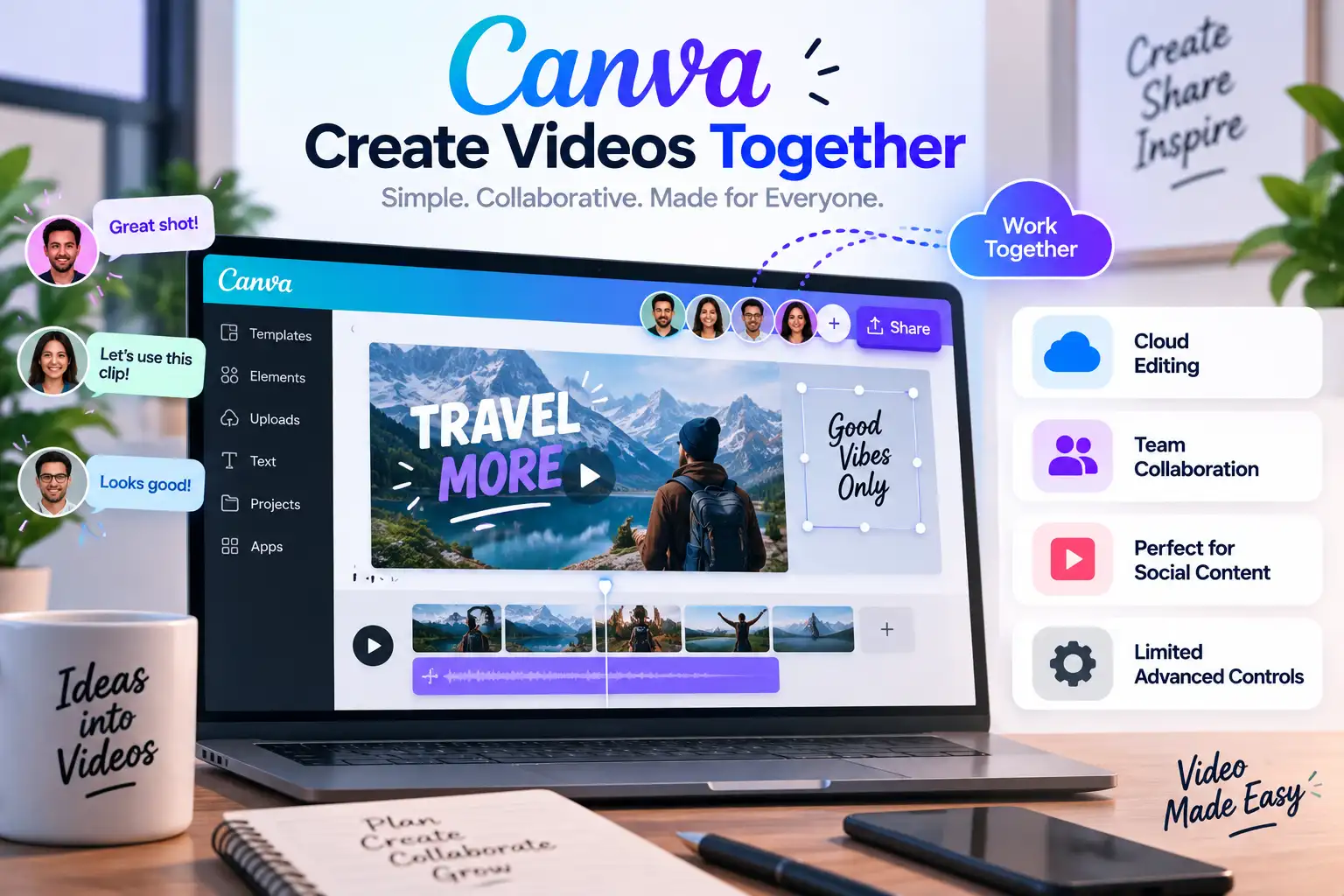
Canva has become a popular choice for marketing teams, social media creators, and businesses that need quick video production without advanced editing requirements.
Its cloud-based workspace allows teams to create, review, and update videos from different locations. Team members can share designs, add comments, and maintain brand consistency across multiple projects.
For remote marketing teams creating social videos, presentations, advertisements, or simple promotional content, Canva provides an accessible editing environment.
However, it may not offer the same level of timeline control and advanced editing features required for complex video projects.
Best for:
Marketing teams, social media creators, and businesses creating frequent short-form content.
Where it helps most:
- Quick content creation
- Brand-based videos
- Social media assets
- Team-based design workflows
5. Descript
Descript takes a different approach to video editing by making text-based editing the center of the workflow. Instead of editing only through a traditional timeline, creators can edit videos by modifying the transcript.
This is particularly useful for podcasts, interviews, webinars, and educational content. Remote teams can quickly review transcripts, remove unwanted sections, and create edited versions without manually searching through hours of footage.
Its collaboration features also make it easier for teams to review content and make changes before final production.
The platform is less focused on advanced cinematic editing, but it works well for teams producing dialogue-heavy content.
Best for:
Podcast teams, educators, interview creators, and content teams.
Where it helps most:
- Transcript-based editing
- Interview workflows
- Quick content repurposing
- Collaborative reviews
How Should Remote Teams Choose a Video Editing Workspace?
The best video editing workspace depends on the type of content a team produces and how people collaborate.
Teams creating long-form videos, interviews, or content requiring repeated edits should look for platforms that simplify footage management and timeline organization. AI-assisted workflows can be especially valuable when teams regularly handle large amounts of raw footage.
For agencies and professional production houses, advanced editing control and client review systems may be more important. These teams often need detailed timelines, color workflows, and approval processes.
For marketing teams and social creators, ease of use and speed may matter more than advanced editing features. A workspace that allows quick collaboration and fast publishing can improve productivity.
Before choosing a platform, teams should consider:
- How many people need access to projects
- The size and type of video files being handled
- Whether clients need review access
- How often videos need revisions or multiple versions
- Whether AI assistance can reduce repetitive work
The Future of Remote Video Editing Workspaces
Remote video production is moving toward more connected and intelligent workflows. Instead of using separate tools for editing, reviewing, file sharing, and communication, teams are increasingly looking for platforms that bring these processes together.
AI will continue playing a larger role by helping teams organize footage, speed up editing tasks, and create stronger starting points for creative work. The future of video editing is not about removing editors from the process. It is about giving them better tools to manage complex projects and focus on creative decisions.
For remote creative teams, the best editing workspace will be the one that balances collaboration, flexibility, and creative control. As video production becomes more distributed, these tools will become essential for turning ideas into polished content faster.