A few years ago, making a decent video meant a camera, lighting, editing software, and usually a few hours you didn’t have. That’s no longer true. Today, an AI video generator can turn a short text prompt into a polished, near-cinematic clip in under a minute. The technology has moved fast: what used to produce blurry, three-second clips now delivers realistic motion, synced audio, and consistent characters across scenes.
The problem isn’t whether AI video works anymore it clearly does. The problem is that there are now dozens of tools, and they’re not interchangeable. Some are built for cinematic realism, some for fast social clips, some for talking-head avatars, and some for e-commerce product videos. Picking the wrong AI video generator for your use case usually means wasted credits and a result that doesn’t fit the job.
This guide ranks the tools that are actually worth your time in 2026, based on output quality, speed, audio and lip-sync support, pricing fairness, and how each one performs for a specific type of creator. Whether you’re a marketer, a filmmaker, or someone just trying to make a few decent social clips, there’s a clear best fit below.
What Is an AI Video Generator?
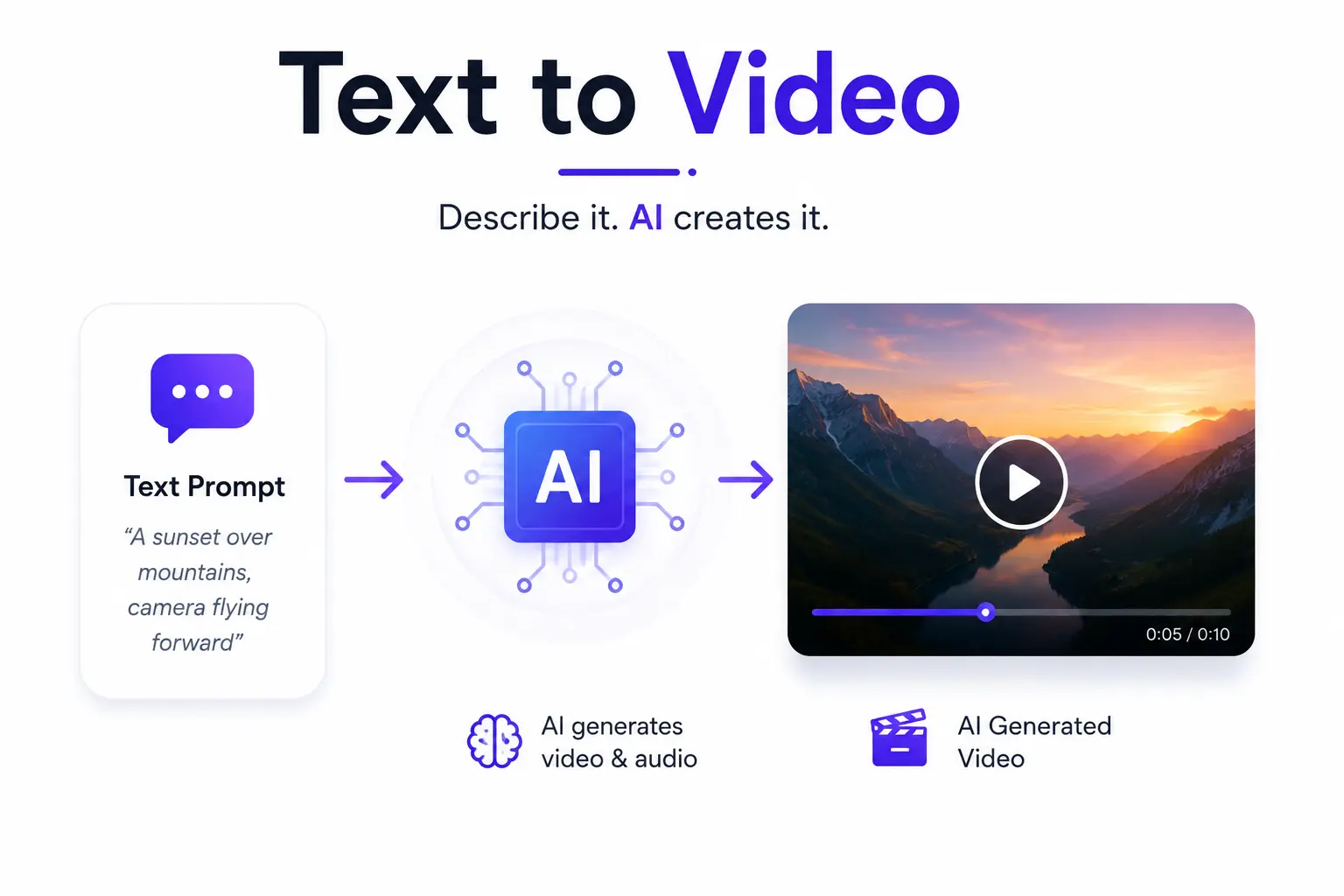
An AI video generator is a tool that converts text prompts, images, or short clips into new video footage using machine learning models trained on massive video datasets. Instead of filming and editing manually, you describe what you want to see – a camera angle, a setting, an action – and the model generates the motion, lighting, and often the audio to match.
This is different from traditional video editing software. Video editing tools like Premiere Pro or CapCut work with footage you already have, allowing editors to cut, arrange, enhance, and refine existing video content.Generative AI video tools create footage that never existed, frame by frame, based on your prompt. Many of these capabilities are made possible through Generative AI Development Services that build and optimize advanced video generation models.
How We Evaluated These Tools
Every tool below was assessed against the same practical criteria, rather than marketing claims:
- Output quality and realism – resolution, motion accuracy, and physical consistency
- Generation speed – how long it takes to go from prompt to finished clip
- Audio and lip-sync – whether sound and dialogue are generated natively
- Pricing fairness – what a free plan actually gets you versus paid tiers
- Ease of use – the learning curve for a first-time user
- Commercial usage rights – whether output can legally be used in ads or client work
The Best AI Video Generators in 2026 (Ranked)
1. Veo 3.1 (Google) – Best for Realism and Native Audio
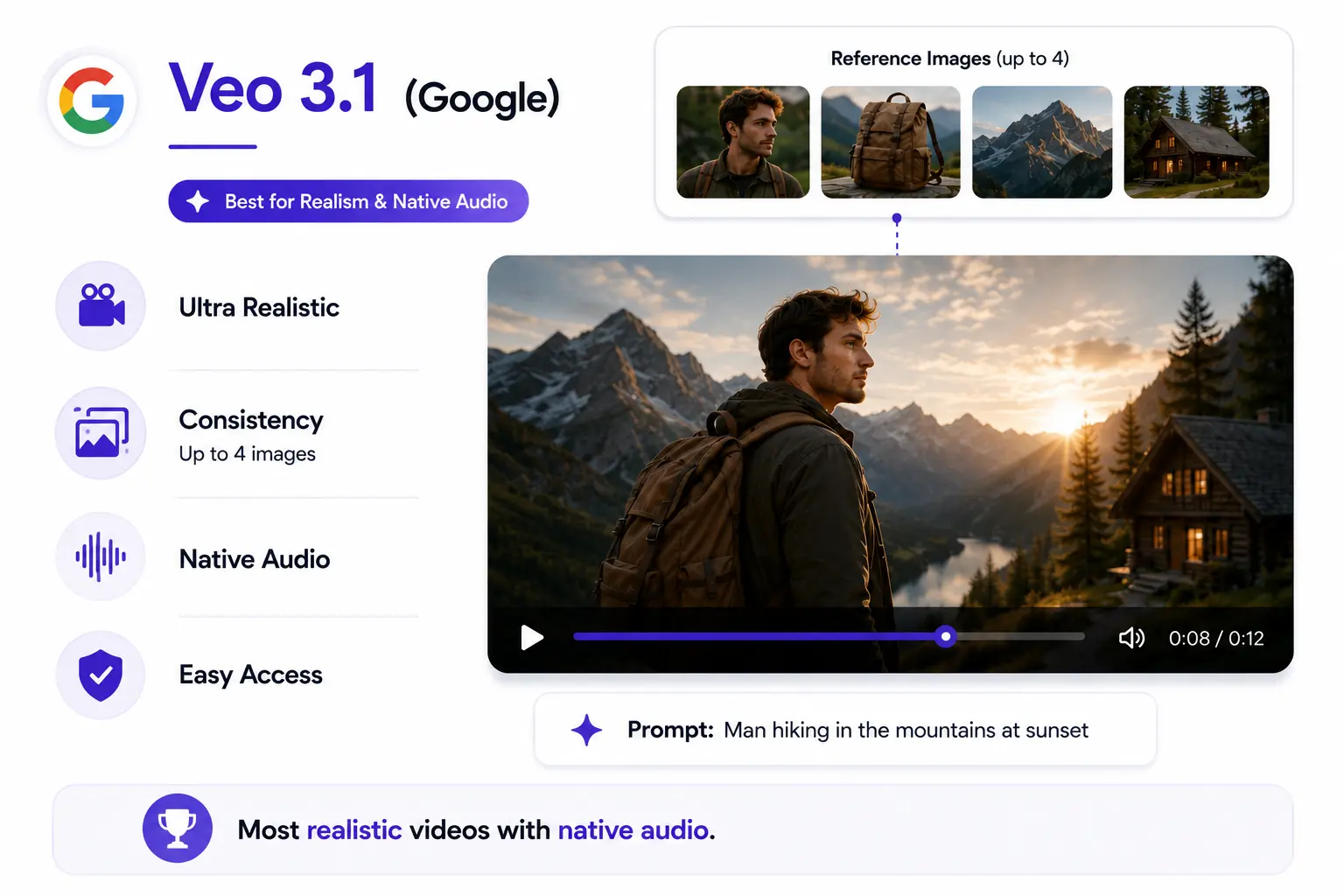
Veo 3.1 is currently the strongest all-around performer for raw visual quality. It renders natural physics, believable lighting, and camera movement that doesn’t look artificial. Its standout feature is ‘Ingredients to Video,’ which lets you feed in up to four reference images so a character or product keeps the same appearance across multiple generations.
It also generates native audio – dialogue, ambient sound, and effects – directly from the prompt, which removes the need for a separate audio tool. Access runs through Google’s AI Premium plan, and enterprise pricing is available via Vertex AI.
| Best for:Marketers and creators who need photorealistic output with synced sound, and don’t mind paying for it. |
2. Seedance 2.0 – Best for Commercial and Cinematic Work
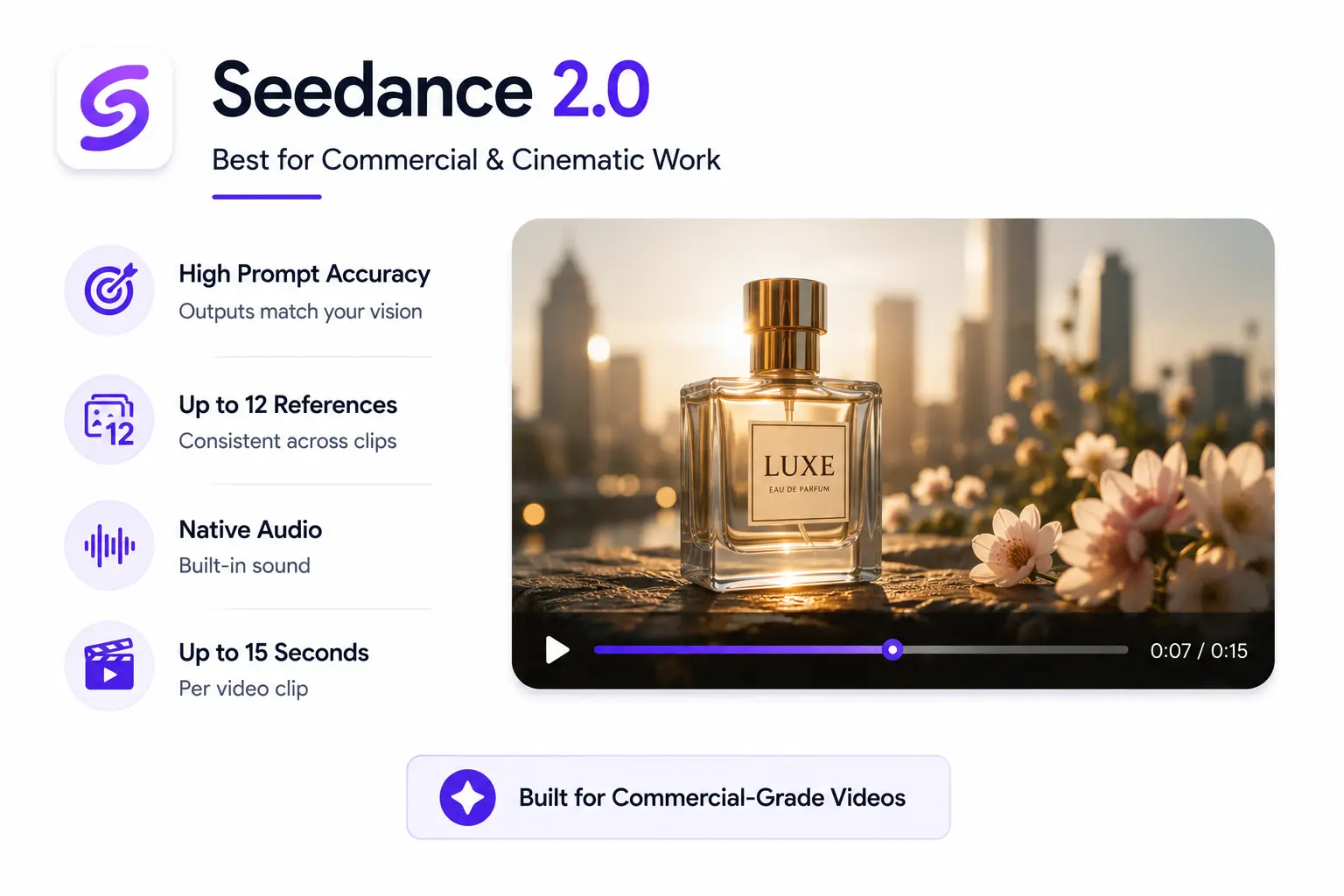
Seedance 2.0 has become a go-to for commercial-grade content in 2026. It offers strong prompt adherence, meaning the output closely matches what you actually asked for, along with up to 12 reference inputs for maintaining consistency across a campaign’s worth of clips. It supports native audio and clips up to 15 seconds.
Access can be more limited than some competitors, and it’s often used through multi-model platforms rather than as a standalone product.
| Best for:Brands and agencies producing ad-ready video where consistency across multiple clips matters. |
3. Kling 3.0 – Best for Stylized, Multi-Shot Storytelling
Kling 3.0 stands out for cinematic, stylized output rather than strict realism. It supports multi-shot sequences of up to six connected scenes and up to 4K resolution, with a distinctive, composed visual style that suits narrative or concept-driven projects.
A free plan exists (around 66 daily credits) but is restricted to non-commercial use, so serious creators will need a paid tier.
| Best for:Storytellers and concept artists who want dramatic, composed shots over strict photorealism. |
4. Invideo – Best for Script-to-Social Video at Scale
Invideo takes a different approach: Rather than stitching together a script tool, stock library, voiceover app, and editor, Invideo Agent is an AI video generator that selects the most suitable model for your shot. All you have to do is gives the brief or simply describe the topic, length, platform, tone, and it writes the script, generates visuals (with access to over 200 models like Gemini Omni Flash, Seedance 2.0, Veo 3.1, and Kling), and adds voiceover, subtitles, and music. Revisions happen through plain-text commands like “delete scene two” or “change the accent,” which is why 50+ creators and marketing teams use it for publish-ready video.
| Best for: Serious creators, filmmakers, marketers, agencies |
5. Predis AI – Best for Social Media Video Creation
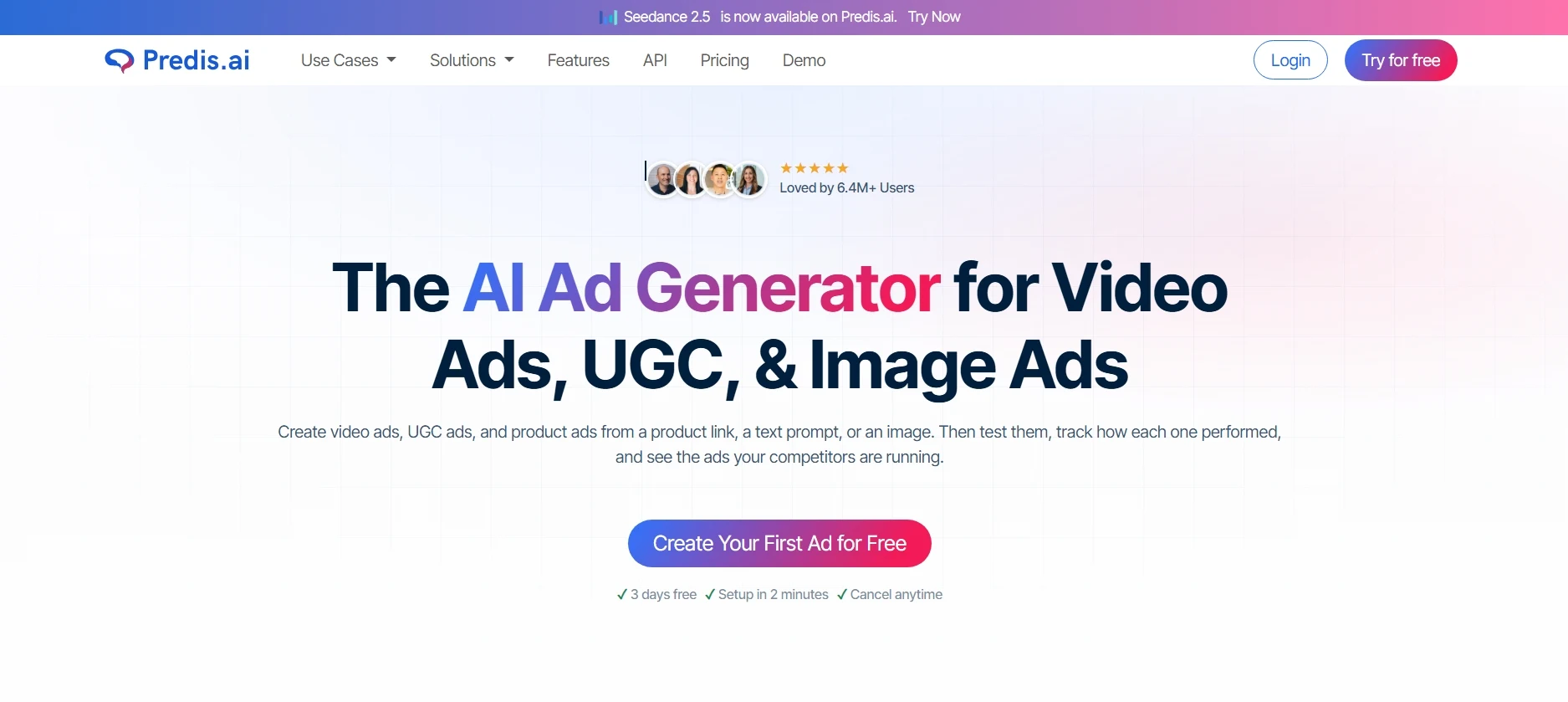
Predis AI takes a broader approach to AI video generation, turning a simple text prompt, image, or product link into a complete video draft. It can write the script, select scenes and B-roll, add music and subtitles, and then open everything in an editor where you can customize individual scenes without rebuilding the entire video.
Its biggest advantage is the workflow around the generated video. This tool also supports AI-generated videos for Instagram Reels, TikTok, YouTube Shorts, Facebook, and other social formats, while also providing branded templates, captions, hashtags, voiceovers, and social media scheduling. It also gives users access to multiple AI video models, including Veo 3, Sora 2, Kling AI, and Seedance 2.5, from within the platform.
| Best for: Marketers, brands, and creators who want to generate, edit, brand, and schedule social media videos from one platform. |
6. Runway Gen-4 – Best for Camera Control and Pro Editing Workflows
Runway is less a single generator and more a creative suite. Its motion brushes let you animate specific parts of an image independently, and its camera controls (pan, tilt, zoom) are some of the most precise available. Inpainting and style transfer add post-production flexibility most pure generators don’t offer.
The free plan gives 125 one-time, non-refreshing credits — enough for two or three short tests, not ongoing use. Paid plans start at $15/month.
| Best for:Filmmakers and designers who want generation and editing control in the same tool. |
7. HeyGen – Best for AI Avatars and Presenter-Led Video
HeyGen leads the avatar and talking-head category, with over 700 avatars, support for 175-plus languages, and voice cloning. You can turn a script, URL, or PDF into a narrated video without recording anything yourself. Lip-sync accuracy is a genuine strength here, ahead of most competitors.
Pricing starts around $24 to $29/month depending on the plan, with a fairly complete free tier for evaluation.
| Best for:Corporate training, product explainers, and localized content at scale. |
8. OpusClip – Best for Faceless, Publish-Ready Video With No Filming or Editing
OpusClip’s faceless video tool is built for creators and founders who want a finished, ready-to-publish video without ever picking up a camera or opening an editing timeline. The workflow starts with a script, blog link, or short prompt. From there, you can upload your own brand assets or let the platform pull stock visuals automatically, pick a voice from its library or clone your own, and it outputs a complete video with motion graphics, voiceover, captions, and music, formatted for YouTube, TikTok, and Reels.
It’s a strong fit for volume and consistency, but it isn’t built for shot-by-shot creative control or swapping between different AI video models mid-project — that trade-off is intentional, since the whole point is removing decisions, not adding them.
| Best for:Founders and creators who want a hands-off, script-to-published-video pipeline with zero filming or editing. |
9. OpenArt – Best for Character-Consistent Videos and AI Influencer Content
OpenArt bundles access to several popular video models — including Kling, Hailuo, Seedance, and Veo — inside one creator studio alongside image and audio tools. Its biggest strength is character consistency: it’s built specifically for creators who want to maintain the same AI character or influencer across multiple scenes and clips, with lip-sync options powered by more than one underlying engine.
The trade-off is complexity. The feature set is broad enough that first-time users often need real ramp-up time, and some of its more advanced tools, like scene compositing, can require troubleshooting to get a reliable result.
| Best for:Creators building recurring AI characters or influencer-style content across multiple videos. |
10. Freepik AI Suite – Best for Teams Already Using Freepik’s Design Ecosystem
Freepik’s video generator sits inside its broader AI Suite, so it’s a natural fit for designers and marketers who already use Freepik for stock assets. Beyond text- and image-to-video generation, it includes upscaling, video extension, AI voiceover, and a full editor, plus support for consistent characters via LoRA training — useful for brands that need a recognizable look across campaigns.
Because it’s one piece of a much larger suite, the interface and credit system aren’t optimized purely for fast, iterative video generation, so creators focused only on quick prompt-to-clip work may find it more layered than they need.
| Best for:Design and marketing teams already inside the Freepik ecosystem who want video as an add-on, not a standalone tool. |
11. Leonardo.ai – Best for Developers and Teams Needing Pipeline Integration
Leonardo.ai offers its own Motion models alongside access to Veo and Kling through one platform that also covers image generation and editing. Its Blueprints feature bundles pre-set combinations of models, prompts, and settings so teams can produce consistent output without manually configuring every parameter, and its API is a genuinely solid option for developers building video generation directly into a product.
The interface reflects its roots serving artists and developers rather than everyday marketers, so the token-based credit system and manual model selection can feel like more overhead than platforms that auto-select the best model for you.
| Best for:Developers and technical teams who need API access and production-pipeline integration, not just a standalone generator. |
12. Krea – Best for Multi-Model Experimentation
Krea gives you access to multiple image and video models from one workspace, including real-time generation tools. Its free plan includes 100 compute units per day, covering limited access to image, video, 3D, lip-sync, and upscaling features — a genuinely useful way to test different engines before committing to a paid subscription.
Because it aggregates several models, output quality varies depending on which engine you select for a given clip.
| Best for:Creators who want to compare multiple AI models without juggling separate accounts. |
13. Luma Ray3 – Best for Fast, Polished Short Clips
Luma’s Dream Machine is built for speed. Generation is close to instant, and the interface includes a helpful library of camera angles, lighting styles, and shot references for anyone unsure how to prompt. A key-frame feature lets you set a start and end image and let the model fill in the motion between them.
The free tier is limited to 5-second, watermarked draft-quality clips, with paid plans starting around $9.99/month.
| Best for:Quick social content and idea-to-clip turnaround without a steep learning curve. |
14. getimg.ai – Best for All-in-One Model Access
getimg.ai’s advantage isn’t a proprietary model — it’s giving you the same frontier models available elsewhere, but in a cleaner, less cluttered interface. For creators who don’t want to learn a new tool for every model, this streamlined access is genuinely useful.
It’s a generation-first platform, so trimming clips or stitching sequences together still requires a separate editing tool.
| Best for:Marketers and designers who want the fastest path from image to finished clip. |
15. Magic Hour – Best for AI Character Replacement in Videos
Magic Hour makes video character swap AI simple by allowing creators to replace people or characters in videos while preserving natural movement, lighting, facial expressions, and scene consistency.
Instead of relying on complex VFX software, users can upload a video, select the replacement character, and let AI handle the transformation automatically.
The platform also includes face swap, lip sync, image-to-video, AI talking photos, AI video generation, and image editing tools, making it an all-in-one solution for creative video production. Everything runs in the browser, making it accessible to both beginners and professionals.
Pricing: Free plan available. Paid plans start at $15/month (or $10/month billed annually), with Pro and Business plans offering additional AI credits and advanced features.
| Best for: Content creators, marketers, agencies, filmmakers, and social media teams creating personalized videos, branded campaigns, entertainment content, and digital storytelling. |
AI Video Generator Comparison Table
| Tool | Best For | Starting Price | Max Resolution | Native Audio | Free Plan |
|---|---|---|---|---|---|
| Veo 3.1 (Google) | Realism & native audio | $19.99/mo | 4K | Yes | Limited (AI Studio) |
| Seedance 2.0 | Commercial/cinematic work | Varies by platform | 1080p+ | Yes | Limited |
| Kling 3.0 | Stylized, multi-shot storytelling | ~$8/mo | 4K | Partial | Yes (66 credits/day) |
| Invideo | AI script-to-video creation, social media & marketing videos | $20/mo | Up to 4K | Yes (AI voices & voice cloning) | Yes, limited |
| Runway Gen-4 | Camera control & pro editing | $15/mo | 1080p | No (native) | 125 one-time credits |
| HeyGen | AI avatars & presenter videos | $24/mo | 1080p | Yes (voice) | Yes, limited |
| OpusClip | Faceless, script-to-video pipeline | Varies by plan | 1080p | Yes (voiceover) | Yes, limited |
| OpenArt | Character-consistent AI influencers | Varies by plan | 1080p | Yes (lip-sync) | Yes, limited |
| Freepik AI Suite | Design teams already on Freepik | Varies by plan | 1080p | Yes (voiceover) | Yes, limited |
| Leonardo.ai | Developers & API/pipeline integration | Varies by plan | 1080p | Yes (via Veo) | Yes, limited |
| Krea | Multi-model experimentation | Free tier + paid | 1080p | Varies by model | 100 units/day |
| Luma Ray3 | Fast, polished short clips | $9.99/mo | 1080p | No (native) | Yes, watermarked |
| getimg.ai | All-in-one model access | Varies | Varies by model | Varies by model | Limited |
How to Choose the Right AI Video Generator
With this many options, the decision usually comes down to two questions: how much creative control do you need, and how fast do you need results? A filmmaker prototyping a scene wants precision and editing tools, even if it takes longer. A social media manager posting daily wants speed above all else. Matching the tool to that priority – rather than chasing whichever model scored best in a benchmark — is what actually determines whether an AI video generator earns its subscription fee.
- Marketers and brand teams: Veo 3.1 or Seedance 2.0 for polished, on-brand output
- Filmmakers and designers: Runway Gen-4 for camera control and post-production flexibility
- Social media creators: Predis.ai for AI videos, Luma Ray3 or InVideo AI for speed and volume
- E-commerce sellers: InVideo AI or a product-focused generator for marketplace-ready clips
- Corporate and training content: HeyGen for avatars, voice cloning, and multilingual support
Free vs. Paid AI Video Generators — What You Actually Get
Most ‘free’ plans are built for evaluation, not production. Runway’s 125 one-time credits, for example, cover roughly two or three short clips before they run out for good. Kling’s free daily credits are restricted to non-commercial use. Luma’s free tier caps out at 5-second, watermarked drafts.
If you’re testing which AI video generator fits your workflow, free tiers are genuinely useful for that. If you’re planning to publish or run ads with the output, budget for a paid plan from the start — most creators using two or three tools together end up spending $30 to $50 a month total.
FAQ
What is the best AI video generator overall in 2026?
There isn’t a single best tool for everyone. Veo 3.1 leads on realism and native audio, Seedance 2.0 is strongest for commercial consistency, and Kling 3.0 wins for stylized storytelling. The right choice depends on your use case.
Is there a completely free AI video generator?
Several tools offer free tiers, but most are limited by credits, resolution, watermarks, or commercial-use restrictions. Krea’s daily compute units and HeyGen’s evaluation plan are among the more usable free options.
Can AI video generators create videos with sound?
Yes. Native audio generation, including sound effects and dialogue, has become standard on newer models like Veo 3.1, Seedance 2.0, and HeyGen, removing the need for separate audio tools.
Are AI-generated videos good enough for commercial or ad use?
Many are, but always check the license. Free plans are frequently restricted to personal or non-commercial use, while paid tiers typically include commercial usage rights.
What happened to Sora?
OpenAI closed the Sora app in 2026 and later ended API access. Most former users have shifted to Seedance 2.0 for commercial work and Veo 3.1 for realism.
Conclusion
There’s no single winner in the AI video generator space right now – and that’s actually good news. It means there’s a tool built specifically for whatever you’re trying to make, whether that’s a cinematic brand film, a fast batch of social clips, or a fully narrated training video. Start with your use case, not the hype around any one model, and the right tool becomes an easy call.