Most outreach falls apart in the gaps. A prospect replies on Tuesday, you forget to follow up on Friday, and the spreadsheet that was supposed to track it all has three versions floating around your team.
That is the problem an outreach CRM solves. It keeps your contacts, conversations, and next steps in one place, and it automates the repetitive parts. This guide covers the top 10 tools for outreach CRMs, what each one does well, where it falls short, and who should pick it.
One thing to know before you read on. Some tools here are full CRMs with outreach features added. Others are outreach tools with light contact management. I label which is which, because that difference decides whether a tool fits your workflow.
Top 10 Tools for Outreach CRMs
1. HubSpot: Best for CRM-Centered Outreach
HubSpot is a full CRM first. Its free CRM covers contacts, companies, deals, and basic email tracking. Outreach features like sequences, calling, and deeper automation sit in paid Sales Hub tiers.
What works well. Everything lives in one record: emails, calls, notes, deals, and marketing activity. Reporting is strong, and the integration list is long. If your marketing and sales teams already share HubSpot, outreach fits in without another login.
Where it falls short. Costs climb as you add seats and move to higher tiers. It also has no built-in prospect database as large as the dedicated prospecting tools, so you may still need a data source.
Pricing. There is a free CRM, and paid Sales Hub plans are priced per seat. Check which tier includes sequences before you plan your budget.
Who should use it? Teams that want one system of record and expect to grow into marketing automation and reporting.
2. Apollo.io: Best for Prospecting and Outbound Sales
Apollo pairs a large searchable contact database with email sequences, call tasks, and basic deal tracking. You can find a prospect, add them to a sequence, and log the result without leaving the app.
What works well. Finding and contacting people in one place saves time. It also connects with CRMs like Salesforce and HubSpot, so you can use it as the prospecting layer on top of a bigger system.
Where it falls short. Its CRM features are lighter than a dedicated CRM. Contact data from any database can be out of date, so verify emails before sending to protect your sender reputation.
Pricing. Apollo has a free plan with limits, and paid plans are priced per user with credit allowances. Read the credit rules closely, since they affect real cost.
Who should use it? Small to mid-size sales teams that want prospecting and sequencing together.
3. Pipedrive: Best for Pipeline-Focused Sales
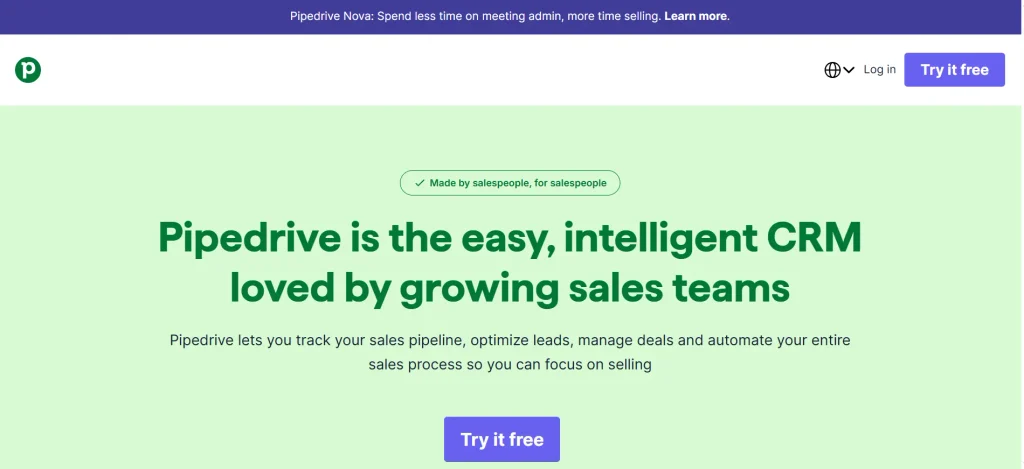
Pipedrive is built around a visual pipeline. Deals move across stages, and activities like calls and follow-ups are tied to each deal. Email sync and templates are included, and automation helps with routine steps.
What works well. It is easy to learn. A new rep can understand the board in an afternoon, which matters when you need a team to actually use the system.
Where it falls short. Heavy outbound sequencing and prospect data usually mean add-ons or integrations. It suits managing deals better than running high-volume cold campaigns.
Pricing. Priced per user on tiered plans. Confirm which automation and email features each tier includes.
Who should use it? Sales teams that care most about seeing every deal and stage clearly.
4. Close: Best for Calling and Fast Follow-Ups
Close is a CRM designed around communication. Email, calling, and SMS happen inside the app, and every interaction is logged on the lead record. Automated workflows handle follow-ups.
What works well. Inside sales teams that spend the day on the phone and in the inbox get a tight loop: contact, log, follow up. There is little setup friction.
Where it falls short. It is not a prospect database, so you bring your own leads. It also costs more than basic CRMs for small budgets.
Pricing. Per-user subscription tiers. Check which tier includes sequences and advanced automation.
Who should use it? Small and mid-size sales teams that sell by phone and email.
5. Zoho CRM: Best for Customizable Workflows
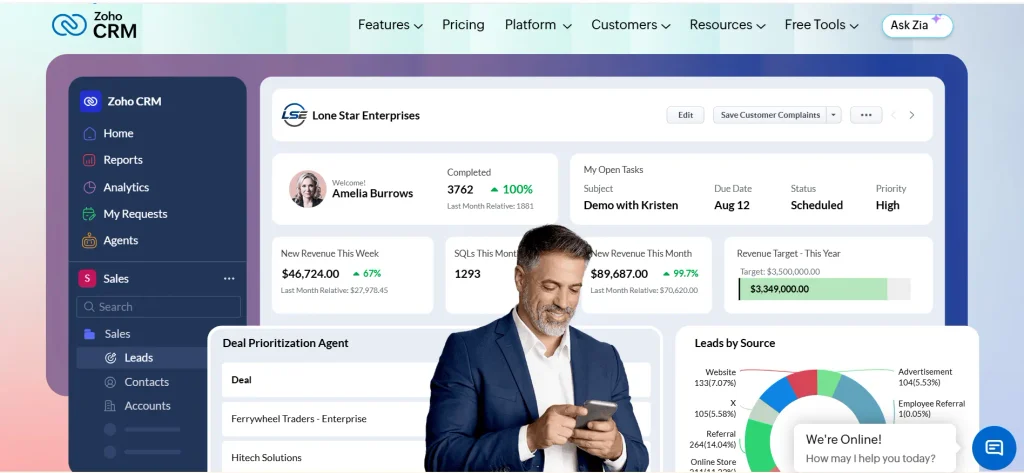
Zoho CRM is a full CRM with strong customization: custom fields, lead assignment rules, workflow automation, and reporting. Higher tiers add cadences for multi-step outreach, and it connects with the wider Zoho product family.
What works well. You can shape it to fit an unusual sales process. It also tends to cost less than some larger CRMs, and a free edition has been offered for very small teams.
Where it falls short. Flexibility means more setup. Teams without someone to configure it can end up with a messy system.
Pricing. Per-user plans plus a limited free edition. Features differ a lot between tiers, so compare them side by side.
Who should use it? Businesses with a specific process who have time to set it up properly, or a person who can.
6. Snov.io: Best for Small Teams Combining Prospecting and Email
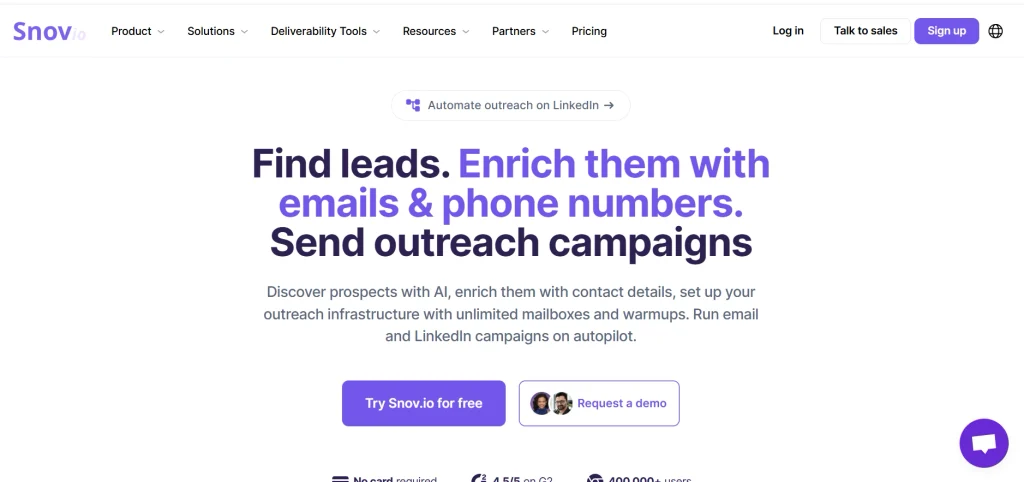
Snov.io bundles an email finder, an email verifier, drip campaigns, and a lightweight CRM. It is one of the few tools in the cold-email category that includes pipeline-style tracking in the same product.
What works well. A solo marketer or small team can find contacts, verify them, send campaigns, and track deals without paying for four tools.
Where it falls short. The CRM is simple. If you need advanced permissions, forecasting, or complex reporting, you will outgrow it.
Pricing. Credit-based plans, with credits used for finding and verifying emails. A trial or free tier has been available, but check the current limits.
Who should use it? Freelancers, startups, and small agencies on a modest budget.
7. Overloop: Best for Email and LinkedIn Outreach
Overloop focuses on multichannel prospecting. You can combine email steps with LinkedIn actions in one sequence and manage leads inside the platform. It also syncs with outside CRMs.
What works well. If your buyers respond on LinkedIn as often as email, having both in one flow keeps follow-ups consistent.
Where it falls short. Its contact management is lighter than a full CRM. LinkedIn automation also carries platform risk. LinkedIn restricts certain automation tools in its official help documentation, so read the rules before you automate anything on your account.
Pricing. Per-seat plans. Check what each plan includes for LinkedIn and integrations.
Who should use it? B2B teams that want one sequence across email and LinkedIn.
8. Saleshandy: Best for Cold Email Campaigns
Saleshandy is built for sending cold emails at volume. It handles sequences, personalization, follow-ups, multiple sending accounts, and campaign reporting.
What works well. It is a good fit for agencies and outbound teams that run many campaigns and care about sending controls.
Where it falls short. It works best next to a separate CRM, since its contact management is not meant to replace one. If you need pipeline stages and deal tracking, plan to connect it to another system.
Pricing. Plan-based, with limits tied to sending volume and contacts. Confirm what happens when you hit those limits.
Who should use it? Teams whose main job is sending outbound email and who already have a CRM.
9. BuzzStream: Best for Link Building and Digital PR
BuzzStream is a relationship CRM for people who pitch websites and journalists. You can save prospects with a browser extension, track outreach history, set follow-up reminders, and keep notes on each publisher.
What works well. Link-building relationships last months or years. Seeing every past email, link placed, and contact name on one record stops two teammates from pitching the same editor twice.
Where it falls short. It is not designed for sales pipelines, quotas, or revenue forecasting. If you sell software, a sales CRM is a better base.
Pricing. Subscription plans based on users and records. Check the current limits.
Who should use it? SEO agencies, in-house link builders, and PR teams.
10. Pitchbox: Best for Large Link-Building Programs
Pitchbox combines prospect discovery, outreach automation, follow-ups, and reporting for link building and digital PR. It is built for teams running many campaigns at once.
What works well. Large agencies get centralized campaign management and reporting across clients.
Where it falls short. It is priced and designed for bigger operations. A freelancer or small team may find it more than they need. It is also not a conventional sales CRM.
Pricing. Pitchbox has historically sold on a quote basis. Contact the vendor for current numbers.
Who should use it? Agencies and teams running link-building at scale.
Which Outreach CRM Is Best for Your Business?
No single tool wins across the board. Match the tool to your actual job.
- Small businesses: Snov.io or Zoho CRM’s free edition if you need low cost, or HubSpot’s free CRM if you want a path to grow.
- Sales teams: HubSpot, Pipedrive, or Close for pipeline and activity tracking. Add Apollo.io if you need a prospect database.
- Cold email campaigns: Saleshandy or Apollo.io, paired with a CRM if you need deal tracking.
- Link-building agencies: BuzzStream for relationship tracking, or Pitchbox for scale. For agencies managing multiple backlink campaigns, exploring different link building software solutions can help identify tools for prospect research, outreach automation, and campaign tracking.
- Larger teams: HubSpot or Zoho CRM, depending on how much customization and reporting you need.
- Free options: HubSpot, Apollo.io, and Zoho CRM all have free tiers. Free plans usually limit contacts, credits, or features, so test them against your real workflow.
What a Five-Person Team Might Actually Pay
Advertised prices are usually per user, per month, on annual billing. Picture a five-person agency. You multiply the seat price by five, then add extras: more sending accounts, contact credits, LinkedIn add-ons, and an integration or two.
Build a small spreadsheet for your top three tools using the same assumptions. Include billing frequency and the usage you expect. That comparison is far more honest than the “starting at” price on a pricing page.
Essential Features to Look for in Outreach CRM Software
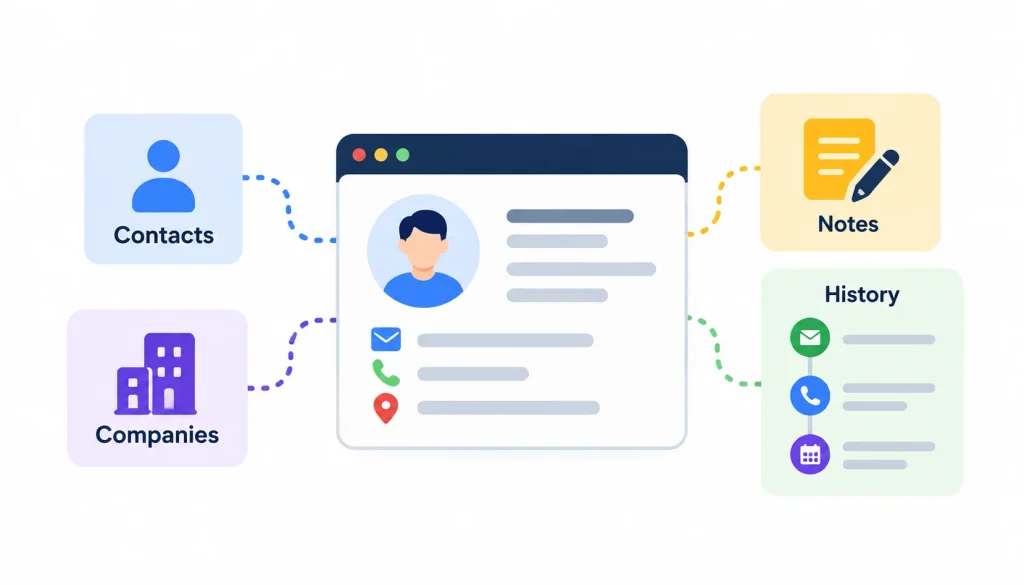
Use this list to judge any tool, including ones not covered here.
Contact and company records. You want searchable profiles with notes, history, and custom fields. Without them you are just sending email.
Sequences with reply detection. Follow-ups should stop automatically when someone responds. Sending a “just checking in” to a person who already replied is a quick way to look careless.
Channel support. Decide whether you need email only or also calls and LinkedIn. Note which channels are built in and which depend on integrations or manual tasks.
CRM sync. Duplicate records and conflicting field updates cause real damage. Test the sync with a small batch before you connect your whole database.
Reporting. Look for delivered emails, bounces, replies, meetings booked, and pipeline created.
Data quality tools. Email verification and bounce tracking protect your sending reputation. Before contacting website owners, use reliable backlink research tools to analyze competitor backlinks, discover relevant websites, and identify promising link-building opportunities.
Privacy and permissions. Check user roles, data export, deletion, and unsubscribe handling.
What Is an Outreach CRM?
An outreach CRM is software that stores your prospect and contact data, runs your outreach (usually email, sometimes calls and LinkedIn), tracks every reply, and reminds you when to follow up. Some versions also include prospect databases, pipeline stages, and reporting.
It starts with the basic idea of customer relationship management, which is tracking interactions with people over time. The outreach part adds sequences, templates, and scheduling so you can contact many prospects without losing track of any of them.
How Does Outreach CRM Software Work?
The workflow is similar across most tools:
- You import prospects or find them with a built-in database.
- You group contacts and companies into lists or segments.
- You build a sequence: a first message plus timed follow-ups.
- The tool sends messages and stops the sequence when someone replies.
- Replies and activity get logged on the contact record.
- You move promising contacts to a pipeline stage, such as “in conversation” or “meeting booked.”
- Reports show what worked.
Outreach CRM vs. Traditional CRM vs. Outreach Tool
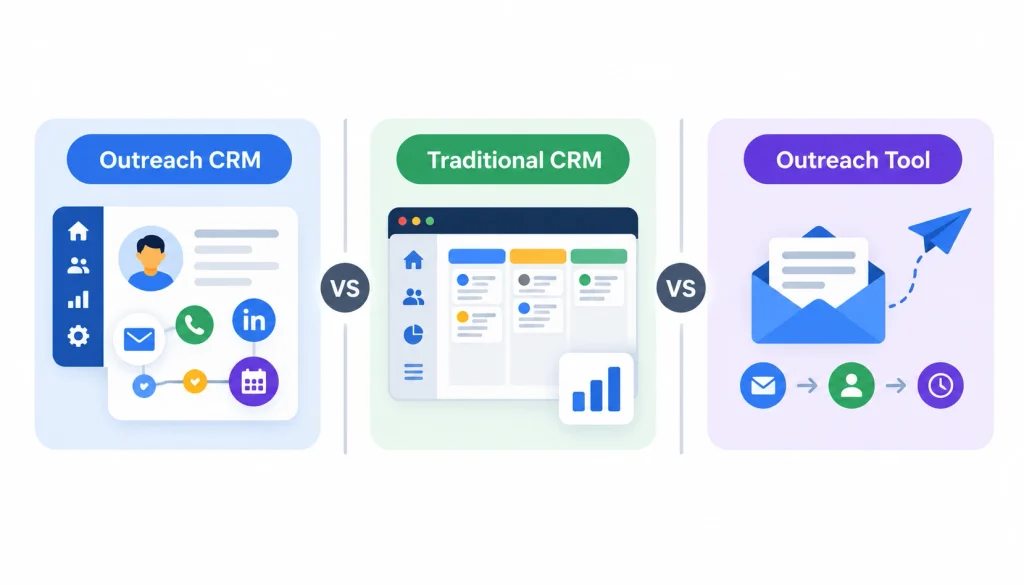
These three labels overlap, and vendors use them loosely. Here is a practical way to separate them.
| Outreach CRM | Traditional CRM | Cold email / outreach tool | |
| Main job | Contact records plus outreach and follow-ups | Manage customers and deals | Send sequences at scale |
| Contact records | Core feature | Core feature | Often basic |
| Sequences | Usually built in | Depends on plan or add-on | Core feature |
| Pipeline stages | Varies | Core feature | Often missing |
| Prospect discovery | Varies | Usually via integrations | Varies |
The label matters less than the actual feature list. A “cold email tool” with a good contact database can act like an outreach CRM for a small team. A big CRM with no sequences cannot.
Who Should Use an Outreach CRM?
Sales reps and business development teams use them to run outbound prospecting. Lead-generation agencies use them to manage several client campaigns. Link builders and digital PR specialists use them to track publishers and journalists over months, not days.
Small business owners who send a few dozen personal emails a week can also benefit. They just need a simpler tool than an enterprise sales team does.
Quick Comparison of the Top 10 Tools for Outreach CRMs
The table below gives you a fast read. “Light” means the tool has contact records and activity tracking but not a full sales pipeline suite. Plan limits shift often, so treat this as a starting point and check current details.
| Tool | Best for | Native CRM | Outreach channels | Pricing model |
| HubSpot | CRM-first teams | Full | Email, calling (paid tiers) | Free CRM, then per seat |
| Apollo.io | Prospecting plus outbound | Light | Email, calls, LinkedIn tasks | Free plan, then per user with credits |
| Pipedrive | Pipeline-focused sales | Full | Email sync, add-ons | Per user |
| Close | Calling and follow-ups | Full | Email, calls, SMS | Per user |
| Zoho CRM | Customizable workflows | Full | Email, calls, cadences (higher tiers) | Per user, with a free edition |
| Snov.io | Small teams doing prospecting and email | Light | Email, plus LinkedIn options | Credit-based plans |
| Overloop | Email plus LinkedIn outreach | Light | Email, LinkedIn | Per seat |
| Saleshandy | Cold email campaigns | Light, relies on integrations | Plan-based | |
| BuzzStream | Link building and PR | Relationship CRM | Subscription by users and records | |
| Pitchbox | Large link-building programs | Relationship CRM | Custom quote |
How to Choose the Right Outreach CRM
- Define your workflow. Are you doing B2B sales, cold email, link building, or PR? The answer rules out half the list.
- Separate must-haves from nice-to-haves. Decide what has to be built in and what an integration can handle.
- Estimate your data needs. Count contacts, companies, and the lists you will import.
- Check integrations. Confirm it connects to your email provider, your existing CRM, and any automation tools.
- Calculate total cost. Include seats, credits, add-ons, and setup time.
- Run a small test. Send a limited campaign and see how setup, tracking, and reporting behave.
- Review security and compliance. Confirm the tool supports how you handle personal data.
Common Mistakes to Avoid
Picking on price alone. A cheap plan with tight limits can cost more once you hit them.
Mistaking an email sender for a CRM. Sending messages is not the same as keeping useful relationship records.
Skipping data checks. Old contact data leads to bounces. Too many bounces hurt your sender reputation.
Automating without personalizing. Generic messages get ignored. Use automation for timing and tracking, and write the message like a person.
Judging by opens. Apple’s Mail Privacy Protection can inflate open counts, so opens are a weak signal on their own. Replies and meetings booked tell you more.
Deliverability, Privacy, and Responsible Outreach
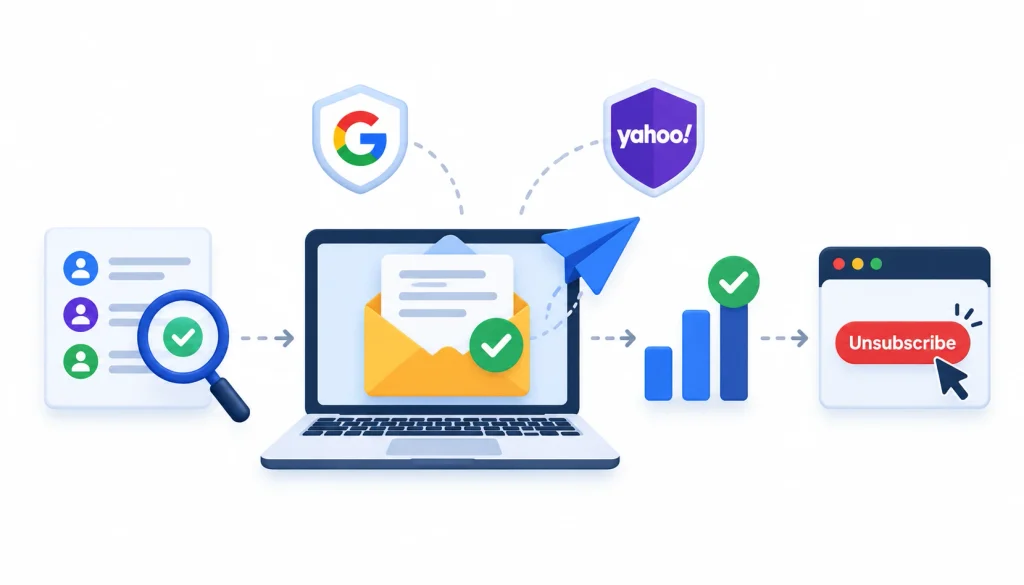
Tools help, but they do not fix bad sending habits. Verify addresses, keep volume reasonable, and give people an easy way to opt out. Google and Yahoo tightened their bulk-sender rules in 2024, including requirements around easy unsubscribes and low spam complaint rates. Google’s email sender guidelines explain the details.
Legal rules vary by location. In the United States, the FTC’s CAN-SPAM compliance guide is a plain-language starting point, and the CAN-SPAM Act overview on Wikipedia gives background. If you contact people in the EU or UK, read up on the GDPR. Talk to a lawyer for anything specific to your situation.
No warm-up routine or sending volume guarantees inbox placement. Treat any vendor that promises that with suspicion.
How to Set Up Your Outreach CRM
- Clean your data first. Map fields, remove duplicates, and verify emails before importing.
- Build one sequence. Write a short first message and two or three follow-ups spaced a few days apart.
- Test the sync. Send yourself and a colleague a test, then confirm replies and activity land on the right record.
- Pick a few metrics. Reply rate, positive reply rate, meetings booked, and bounce rate are enough to start. Once your outreach CRM is configured, follow a structured link building workflow to identify relevant prospects, personalize your pitches, manage follow-ups, and track backlink opportunities.
- Review weekly. Adjust targeting and messages based on what people actually answer.
Want peer opinions before you buy? Practitioners swap tool experiences in communities like coldemail, sales, and linkbuilding. Treat individual posts as anecdotes, and check anything that matters against the vendor’s own documentation.
Frequently Asked Questions
What is an outreach CRM?
An outreach CRM is software that stores prospect and contact data, runs outreach sequences, logs replies, and schedules follow-ups. Many also include pipeline tracking and reporting. It combines contact management with the communication tools you need to reach people at scale.
What are the best tools for outreach CRM?
The best choice depends on your use case. HubSpot, Pipedrive, Close, and Zoho CRM suit CRM-first sales teams. Apollo.io, Snov.io, Overloop, and Saleshandy suit prospecting and cold email. BuzzStream and Pitchbox suit link building and PR.
What is the difference between an outreach CRM and a traditional CRM?
A traditional CRM manages customers and deals over the whole relationship. An outreach CRM puts more weight on prospect communication, sequences, and follow-ups. Many modern products do both, so compare features, not labels.
Which outreach CRM is best for small businesses?
Look for clear pricing, easy setup, and the few features you will actually use. Snov.io, Zoho CRM, and HubSpot’s free CRM are common starting points. Calculate the full cost, including add-ons and usage limits.
Are there free outreach CRM tools?
Yes, but free plans are limited. HubSpot, Apollo.io, and Zoho CRM offer free tiers with caps on contacts, credits, users, or features. Free trials are different, since they expire. Test whether the free plan covers your real workflow.
Can an outreach CRM automate follow-up emails?
Yes. You set a sequence with timed steps, and the tool sends each one until the prospect replies or the sequence ends. Check that reply detection works properly, so people do not get follow-ups after they have already answered.
What is the best CRM for link-building outreach?
BuzzStream and Pitchbox are built for it. They track publishers, past conversations, and follow-ups over time. BuzzStream suits smaller teams, while Pitchbox is aimed at agencies running many campaigns.
How much does outreach CRM software cost?
Costs range from free plans to custom enterprise quotes. Most tools charge per user per month, with extra limits on contacts, credits, or sending volume. Always compare plans using the same team size and usage assumptions.
Final Verdict
The top 10 tools for outreach CRMs cover three different needs. Full CRMs like HubSpot, Pipedrive, Close, and Zoho CRM give you strong record-keeping. Prospecting and email tools like Apollo.io, Snov.io, Overloop, and Saleshandy give you reach. BuzzStream and Pitchbox serve link builders and PR teams.
Pick the one that matches how you actually work, connects with the systems you already use, and costs what you can sustain. Then run a small test campaign before you roll it out to the whole team.